Generate stunning AI-powered 3D animations in minutes with Krikey AI. Read our in-depth Krikey AI review to create high-quality animated videos with perfect lip sync and AI voiceovers:
As far as AI animation makers go, we now have a long list of tools and solutions that just keep growing with each passing day. It is difficult now for a platform to truly stand out, given how saturated the AI market has become. Yet, Krikey AI manages to do just that.
An AI animation maker that claims to create compelling 3D animations within seconds is worth one’s time and attention. So, I put all of my errands aside to put Krikey AI to the test.
Krikey AI Animation Maker: In-Depth Review
Having used both the paid and free tiers for an entire month to try almost all of its functions, I have now concluded whether Krikey AI is worth the price of admission.
Consider this article as my hands-on review of Krikey AI Animation Maker, wherein I’ll discuss its features, how it works, what I liked about it, and what I didn’t.
Key Takeaways:
- Krikey AI is a 3D animation maker launched in 2023.
- Its core features entail AI text-to-3D animation, video-to-3D animation, a 3D character library, AI character customization, and an editor.
- It serves its purpose best when used by creators, educators, marketers, and enterprises.
- The platform offers a free tier and a paid tier, which operate on a credit-based system.
Here is the video guide on Krikey AI: A full product tutorial for AI animation:
What is Krikey AI
Krikey AI is a generative AI animation maker. It can help you generate 3D animations with the help of video and text prompts. Therein lies its biggest appeal. You don’t need to be a professional animator or have the slightest knowledge about rigging, keyframing, drawing, or composition.
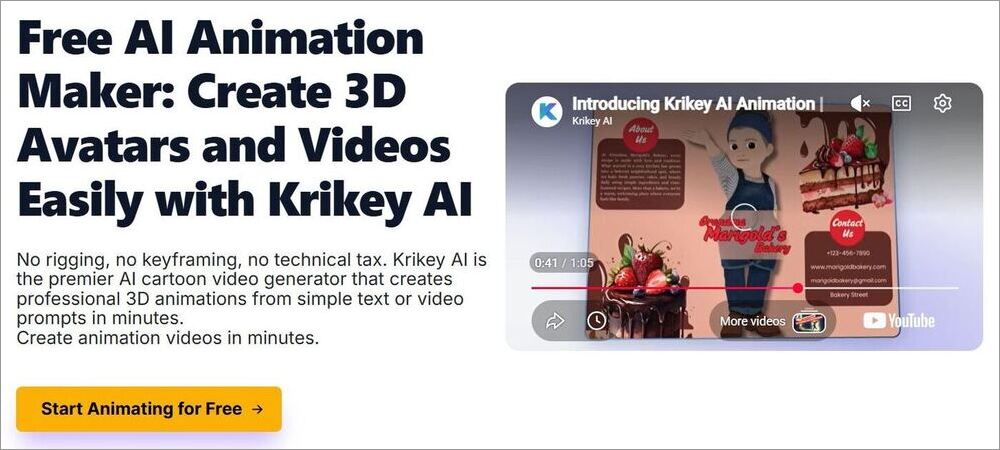
Upload a video clip or describe what you want your animation to look like in plain English text. Krikey AI will do the rest. Launched in 2023, the platform has garnered a solid reputation in a short span of time.
Today, the platform caters to over 100,000 users while also being trusted by prominent names in the tech and AI industry such as OpenAI, NVIDIA, Canva, ElevenLabs, and AWS.
Who is it for?
Now, this isn’t a platform that’ll turn you into a pro animator who can create feature-length films. However, it can help the following professionals and enterprises create compelling content:
- Independent Creators
- Educators
- Marketing Professionals
- Healthcare
- Small Businesses
- Gaming and Film
- Real Estate
Krikey AI Features (What is Krikey AI Used For)
Krikey AI really stands among the bunch of AI animation makers crowding the market today in two key departments, which are:
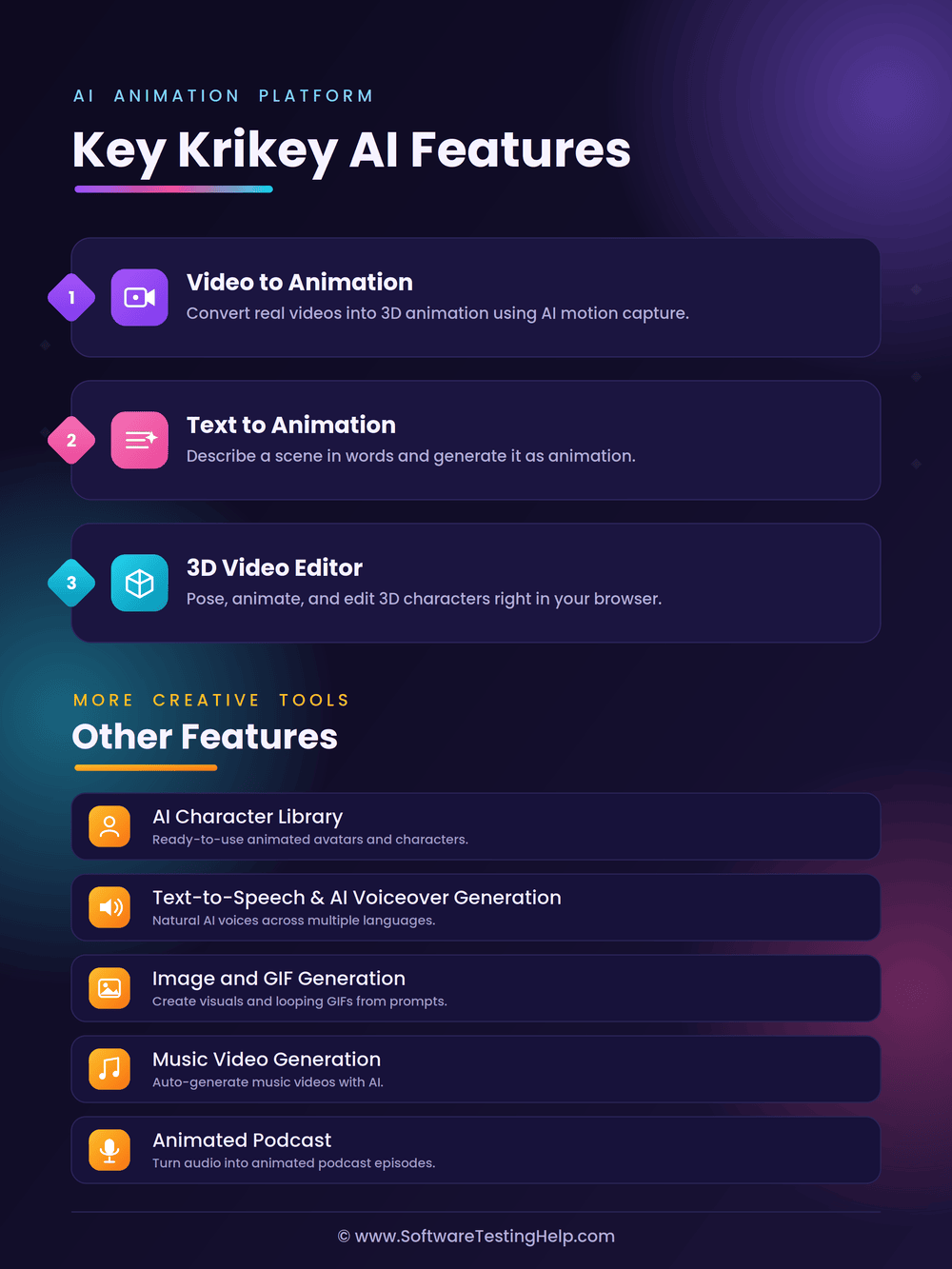
#1) Video to Animation
The platform’s video-to-animation feature impressed me to no end because of its motion-capturing capabilities. It can be difficult even for professional animators to have a 3D character move in a certain manner. Krikey AI takes that complexity out of the equation almost entirely.
You basically upload a video clip of the movements you want a 3D character to mimic. Once Krikey AI has your clip, it will map its movements and apply them to your chosen or created 3D character.
How does Krikey AI’s Video to Animation feature work?
- Sign in to Krikey AI
- Choose your 3D character or upload a photo to have a custom 3D model created for you.
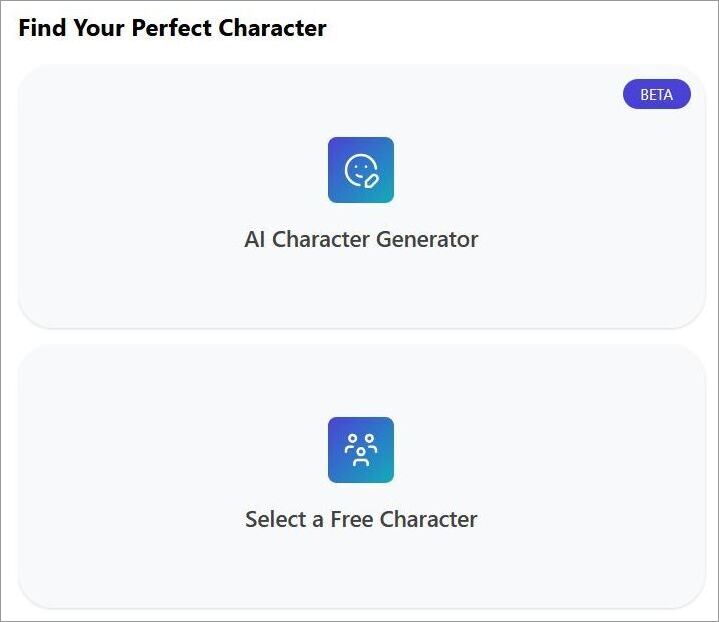
- Upload a video clip you want the 3D model to map.
Here is an example of the dance clip generated:
- Hit the generate button.
For the best results, my advice would be to upload a clip with fewer obstructions, simple movements, and stable framing.
#2) Text to Animation
In addition to a video prompt, you can simply instruct Krikey AI in plain English about the kind of video you want generated. For instance, I wanted to create an animation that involved a skeleton dancing.
Here’s how it works:
- Sign in to Krikey AI.
- Choose your 3D character or upload a photo to have a custom 3D model created for you.
- Describe your video using a text prompt. For instance, here’s a prompt I used: Make the skeleton perform hip-hop dance moves.
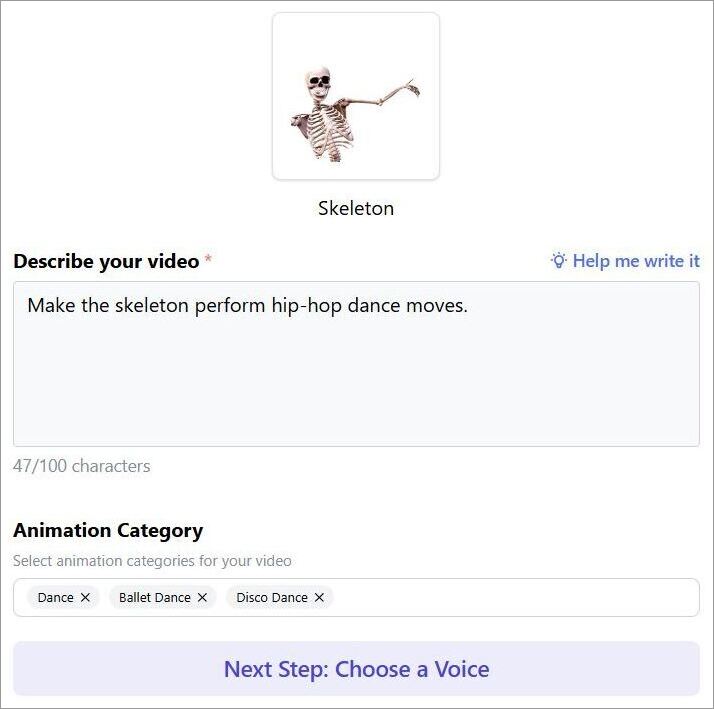
- Choose a Voice to add to the video.
- Hit the generate button.
It is important to keep your prompts simple but descriptive nonetheless to get the desired result in one go. The text-based generation makes creating animations even simpler on the platform.
As long as you have a strong enough command of the English language, you’ll be able to create 3D animations that perfectly match your imagination.
Here is the video guide to create the animation from text with Krikey AI:
#3) 3D Video Editor
Once you have the animation, Krikey AI grants you some critical editing privileges to fine-tune the result. You can choose to keep the editor in “Smart Mode” wherein the edits will be handled by the AI, or switch to “Manual Mode” for more control.
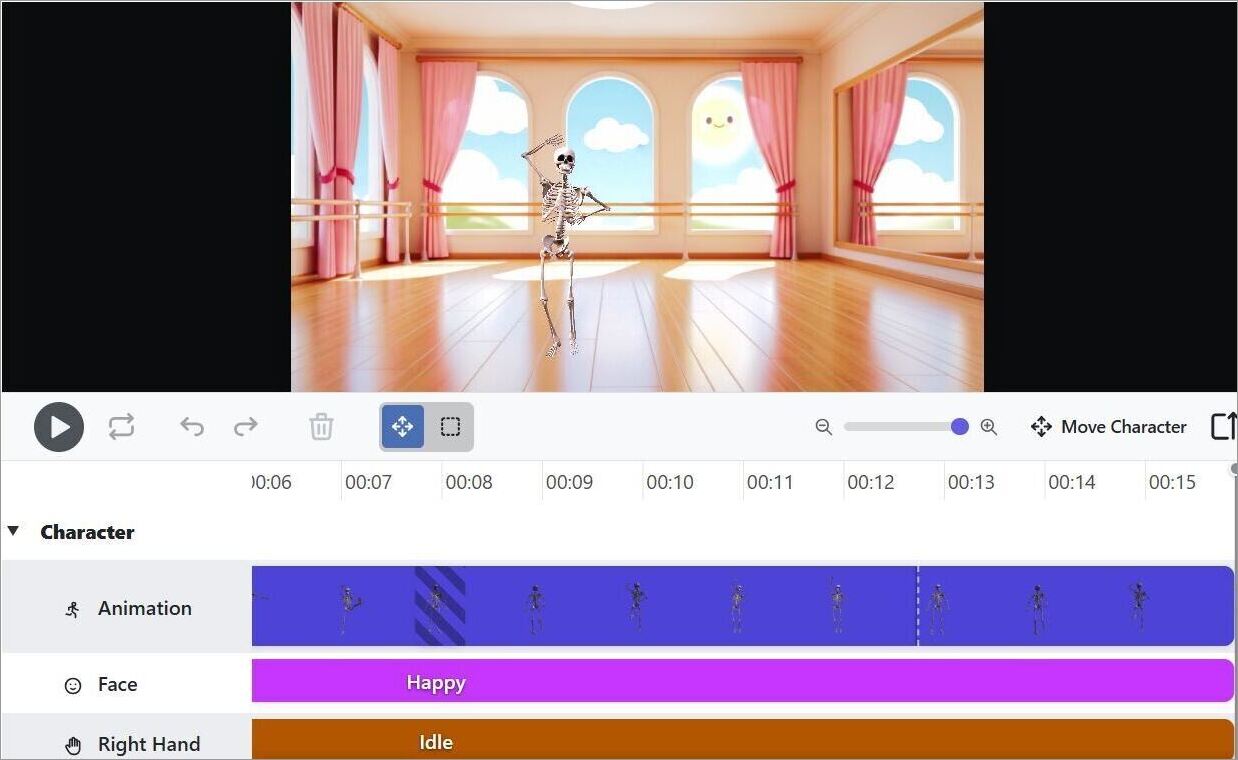
You can use the editor to change character movements, add lip-synced voice, adjust facial expressions, and switch dance moves with a single click.
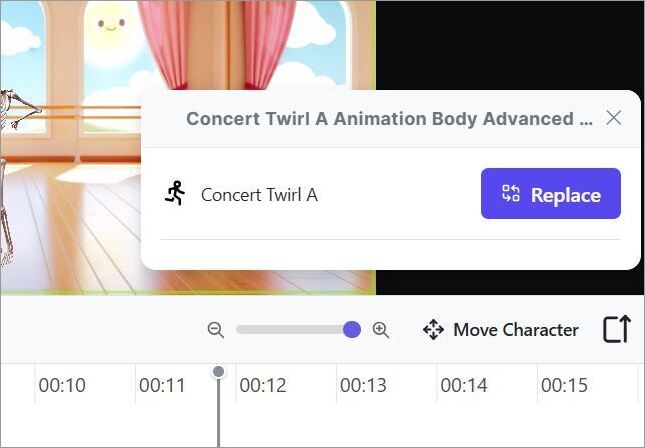
For instance, my character performed a twirling motion beyond the 11-second mark. I simply clicked on that frame and replaced the movement with another motion. It was that easy.

You can experiment with camera angles, switch backgrounds, and adjust lighting through the editor to get a more satisfying result.
Few Other Prominent Features of Krikey AI
Here are some of the other noteworthy features of Krikey AI:
#1) AI Character Library
As you know by now, Krikey AI thrives on helping its users create 3D animations. It does so conveniently by offering a stacked library of 3D characters to choose from. From cartoons and animals to popular anime and video game characters, Krikey AI offers hundreds of characters for you to animate.
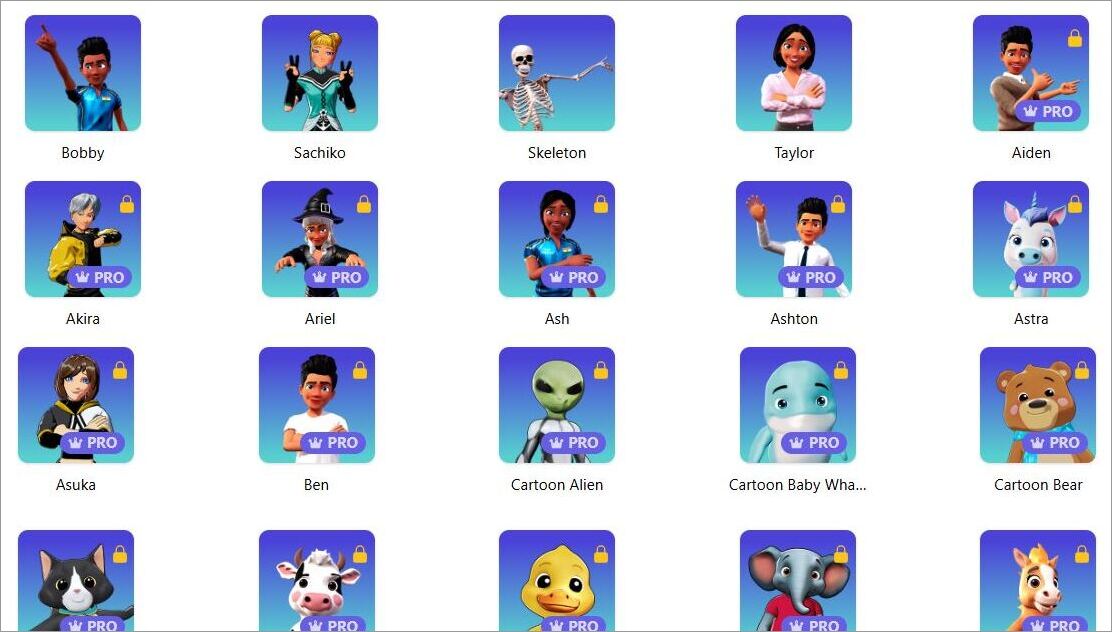
If you don’t like the characters already available, you can create your own characters and customize them with the help of AI.
#2) Text-to-Speech and AI Voiceover Generation
Another great feature that really adds some depth to this platform. You can create speech from text input or have the AI generate a voiceover for your video or 3D character.
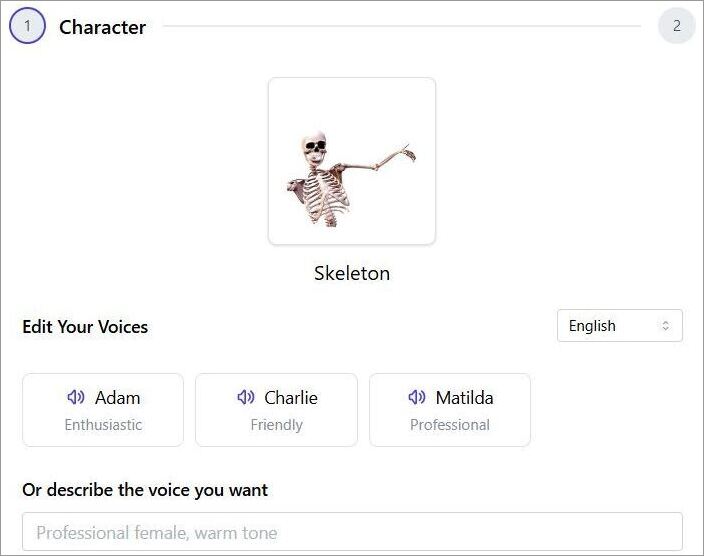
You can pick from pre-made voice models or have the AI customize the voice for you. You can have the voiceover or speech generated in 20+ languages.
#3) Image and GIF Generation
Videos aren’t the only thing you can generate with this platform. Krikey AI also does a good job of helping you generate images and transparent GIFs from text input or photo uploads.
Choose a style or upload a photo, describe what you want the image or GIF to look like, and hit the generate button. It is that simple.
#4) Music Video Generation
Here’s a feature that marketers, educators, and enterprises will adore. You can basically create short music videos with 3D characters via a simple prompt.
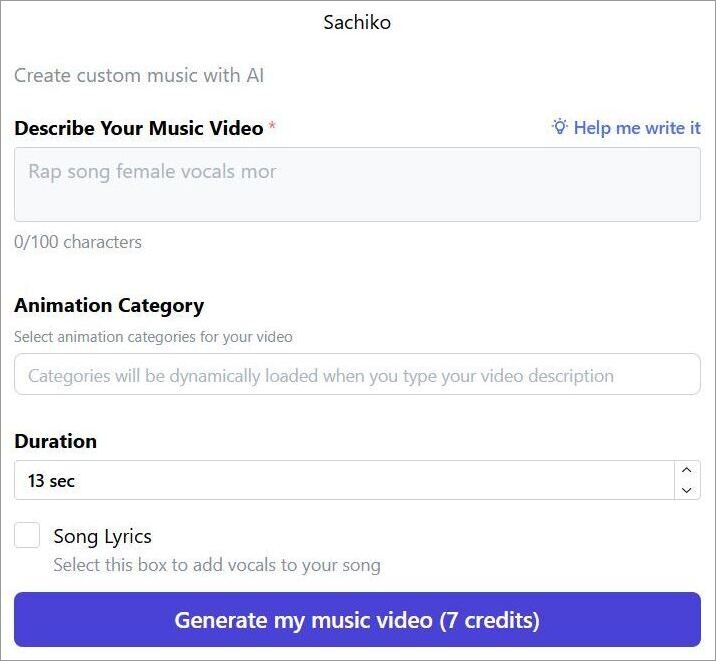
You choose a character, describe your music video in plain English, select an animation category, select your video’s duration, and hit the generate button.
#5) Animated Podcast
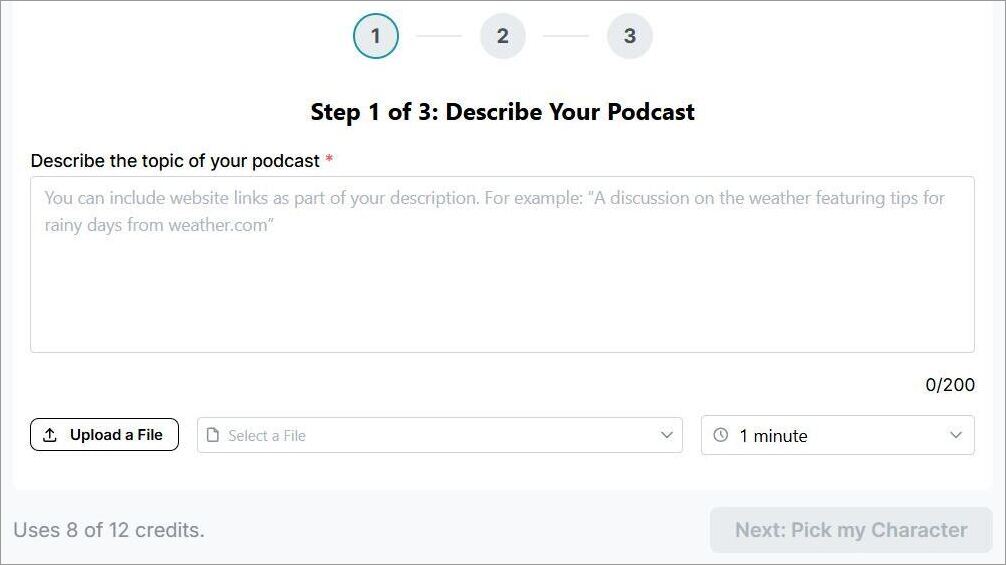
This feature is exclusive to Pro plan subscribers of the platform and is one that caters to creators. You can create 1 to 3-minute-long podcast clips with an uploaded or typed script.
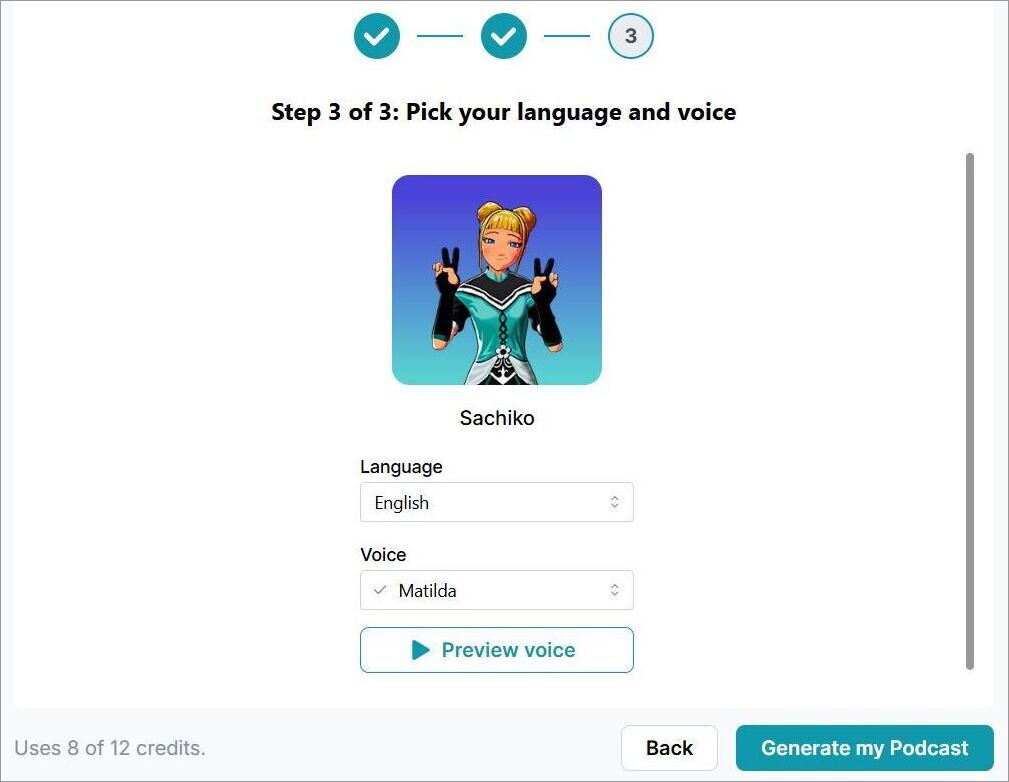
You start by describing the topic the podcast will discuss, select a duration, pick a character, choose an AI voice and language, preview the voice, and hit the generate button.
Krikey AI Pricing
Krikey AI offers free and paid tiers to its users. The free plan serves as a great entry point for new users who want to get familiar with the tool and its functionality. The free plan serves its purpose well for testing the various 3D characters the platform offers or its basic generative and editing capabilities.
That said, you’ll only realize the actual potential of this platform with the paid plan. The premium plans offer you better output resolution, watermark removal, and the ability to export files in other formats beyond MP4. For instance, you’ll be able to export files in FBX format, which proves useful if you wish to reuse your animations outside the Krikey platform.
The premium plans are:
- Pro: Around $7/person per month (165 monthly credits)
- Teams: Around $5/person per month (200 monthly credits)
A custom enterprise plan is also offered.
Teachers and students can get unlimited access to Krikey AI features that emphasize classroom content creation. To get this discount or privilege, eligible candidates will have to verify their EDU status.
So, if you want to just experiment with the tool or employ it for a one-off purpose, then the free tier is fine. However, if the scope of your work is vast, then opt for the premium plans, as they will offer you more credits to work with.
Krikey AI Performance and Animation Quality: Hands-On Testing
I tested Krikey AI via the Chrome browser on my Windows 11-operated laptop. Two things stood out to me immediately as soon as I generated my first animation with this platform. They were speed and user-friendliness. The simple interface doesn’t stretch itself thin. It just makes the platform easy to operate and highly accessible.
You are required to perform a few critical functions, like selecting a 3D character, entering a text prompt, hitting the generate button, and exporting the file. Krikey AI does all the heavy lifting for creating animations or videos.
In my testing, I found the platform to be considerably fast. It could generate a minute-long animation for me within seconds.
As for the output quality, the results vary and depend on the video clip or text prompt you feed it. I had to keep my descriptions simple for the best results.
With respect to video clips, you’ll get better results if the clip features simple motions like waving, walking, or shorter dance loops. You’ll notice the quality drops drastically when the clip features complicated dance moves with faster movements, shaky frames, motion blur, and obstructions.
My advice would be to keep things simple, whether it is with your text input or video clip, and you’ll get satisfying results.
Pros & Cons of Krikey AI
| Pros | Cons |
|---|---|
| Vast 3D Character and template library. | The credit-based system makes the free tier very restrictive |
| Free trial | Significant quality drops on animations that use video clips with unstable framing, motion blur, complex movements, and obstructions. |
| Captures motion from a video clip to animate characters | |
| User-friendly interface | |
| 20+ Languages supported for speech and voiceover generation | |
| Fast processing | |
| Good editor for quick edits |
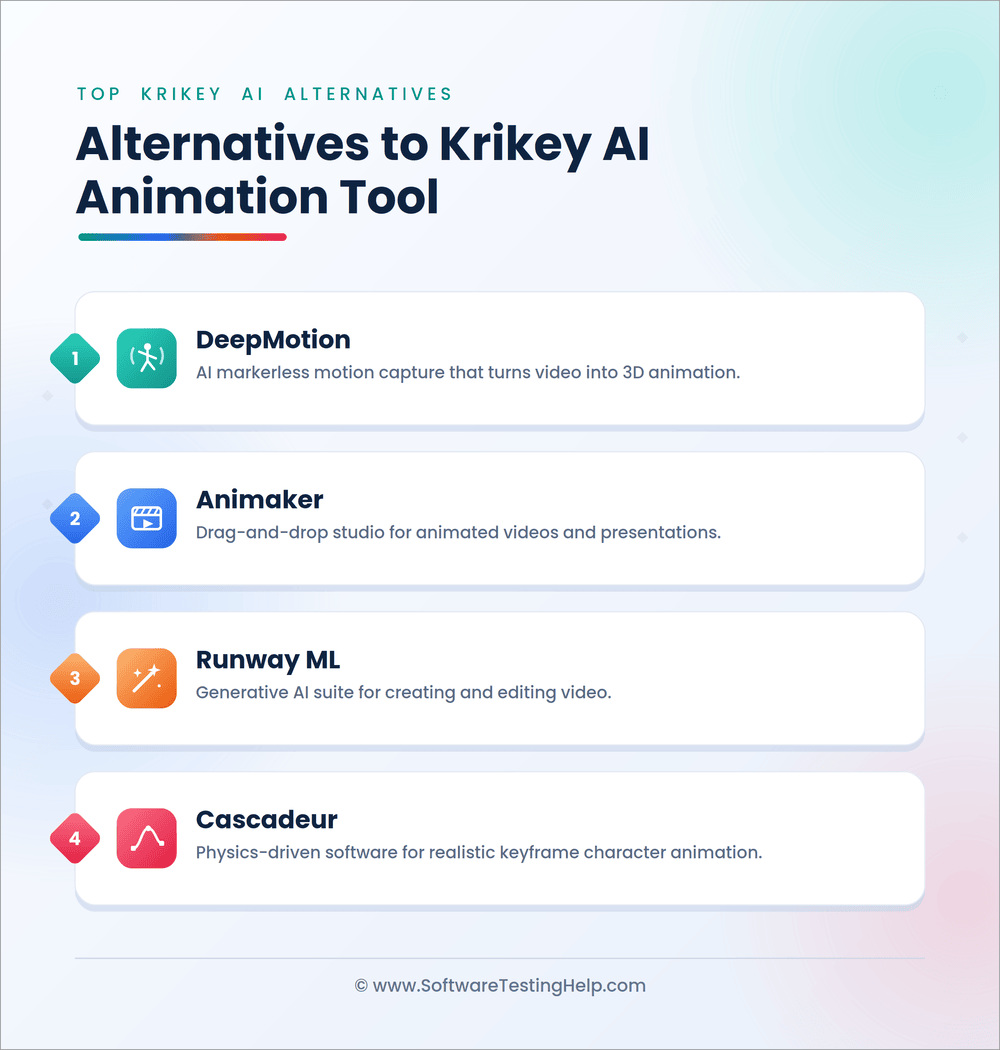
List of the Best Krikey AI Alternatives
Let’s understand how Krikey AI compares to some of its top competitors in the market.
- DeepMotion
- Animaker
- Runway ML
- Cascadeur
Comparing the Top Alternatives to Krikey AI
| Name | Best for | Top Feature | Price |
|---|---|---|---|
| Krikey AI | Creators, Enterprises, and Marketers | Video to 3D Animation, 3D Character Library, AI Voiceover, 3D Editor | Starts at $7/person/month |
| DeepMotion | Creators, Animators, and Enterprises | Text to Animation and Video to Animation | Contact for quote |
| Animaker | Marketers, Trainers, and Enterprises | Generate videos, infographics, characters, and subtitles. | Starts at $25/month |
| Runway ML | Enterprise Users | Creating high-fidelity cinematic videos and custom conversational character generation | Custom quote |
| Cascadeur | Professional filmmakers and editors | Keyframe animation, Auto-posing, Auto-rigging. | Custom quote |
Detailed Reviews:
#1) DeepMotion
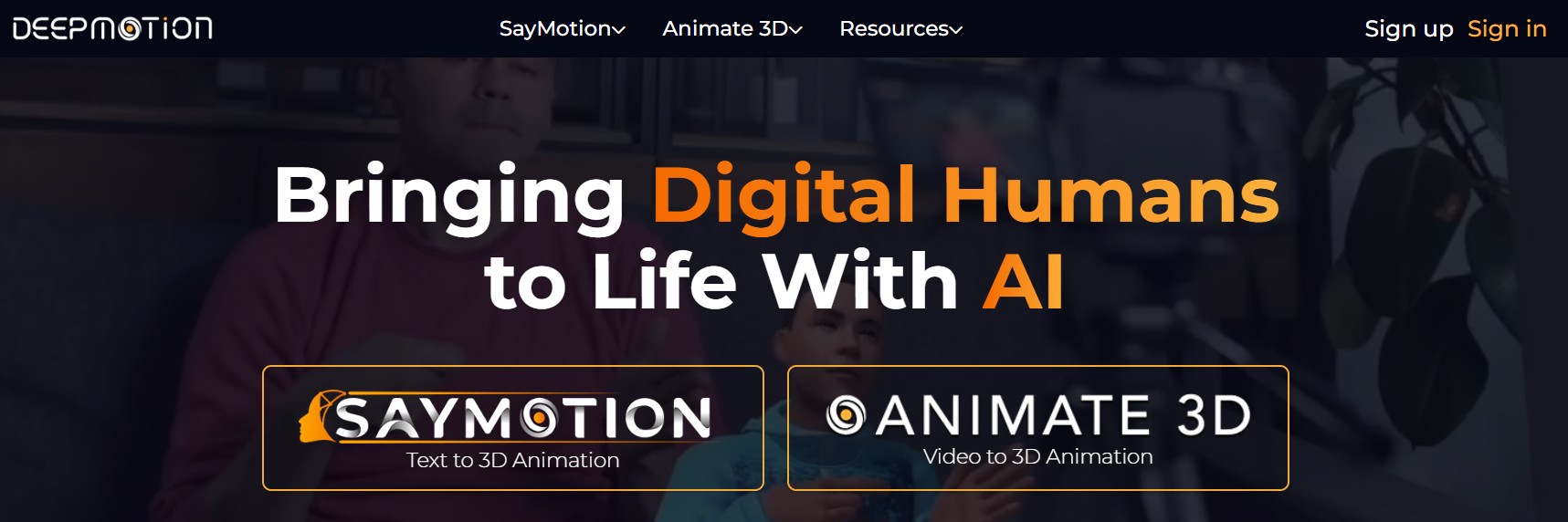
DeepMotion is best for text-to-animation and video-to-3D animation AI generative capabilities.
It works in the same way Krikey does. Its AI can track up to 8 people in the video to animate characters accurately. Like Krikey AI, DeepMotion also features built-in Ready Player Me for seamless character customization.
Price: Starts at $9/month
Website: https://www.deepmotion.com/
#2) Animaker
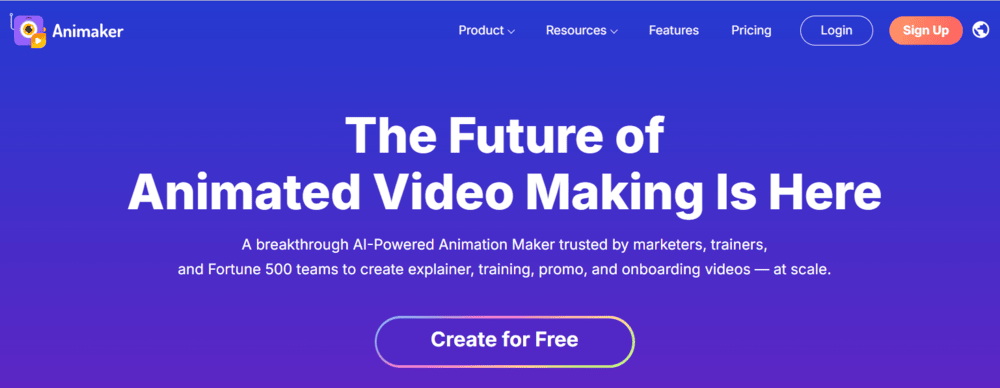
Animaker is an AI-powered animation maker that largely caters to marketers, trainers, and enterprises.
Like Krikey AI, you can use the platform to create professional animated videos from scratch using simple text prompts. The platform can also help you generate characters, infographics, subtitles, and more.
Price: Starts at $25/month
Website: https://www.animaker.com/
#3) Runway ML
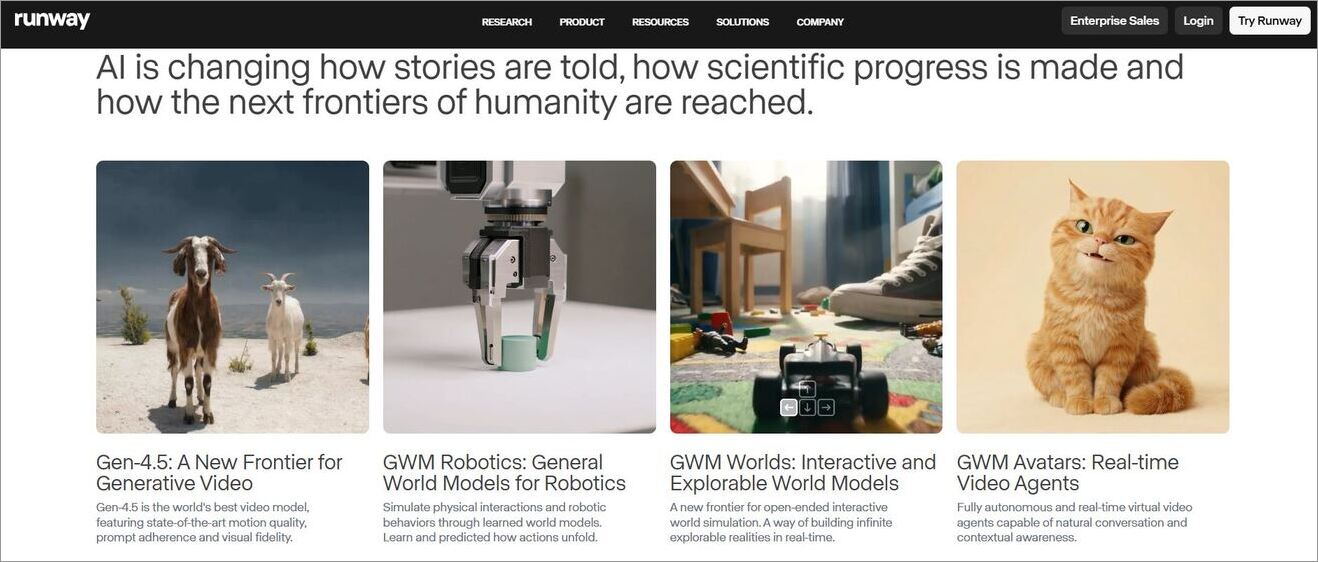
Unlike Krikey AI, Runway ML is an enterprise tool that offers advanced models for generating state-of-the-art visuals and projects.
This tool is best used by professional filmmakers and editors who want to achieve cinematic, highly realistic outputs. It becomes a top alternative to Krikey AI, thanks to its real-time video agent API.
Price: Contact for a quote
Website: https://runwayml.com/
#4) Cascadeur
Cascadeur is an AI-assisted 3D software that can help you create keyframe animations.
Unlike Krikey AI, Cascadeur is more suitable for professional animators and folks working in the industry because of its advanced capabilities. It works best with .FBX, .USD, and .DAE files.
Price: Custom quote
Website: https://cascadeur.com/
Frequently Asked Questions
With an infrastructure hosted on AWS, Krikey AI is both safe and reliable. It can help enterprises using the platform achieve SOC II compliance. It also has stringent security measures in place to ensure excellent data and user privacy.
Yes, Krikey AI offers a free tier with limited credits for generating videos, creating 3 characters, or exploring the interface. You can export in MP4, and the exported file will feature a watermark. You can bypass these restrictions by opting for its premium subscription.
If you are subscribed to Krikey AI’s premium plan, you can use it to export files in the following formats:
• MP4
• GIF
• PNG
• FBX
Yes, there are no explicit restrictions mentioned on the use of AI animations generated via Krikey AI.
However, it is advisable to use the premium version of the platform if you want the results to be commercially viable. Animations generated via the free tier contain watermarks, thus making them ineligible for commercial use.
Krikey AI can be used for a variety of reasons. Creators can use it for their own personal branding. Educators can use it to create engaging lessons via 3D animations.
Marketers and enterprises can use it to create jingles and promotional material. The gaming and film industry can use Krikey AI for storyboarding and character prototyping.
Conclusion
Krikey AI represents an evolution in AI technology, especially for animation and filmmaking. Don’t get me wrong. It will not help you create a feature-length film that can compete with Hollywood studios like Disney and DreamWorks.
However, it does do a good job of helping you create basic or professional-quality mini-animations with high-quality 3D characters. All you need is a video clip or a text prompt to create animations within seconds.
It has a great free plan that’s bogged down by the credit-based system. My advice is to take the platform for a test drive by signing up for the free plan. If you like how Krikey AI works, do not hesitate to purchase its premium subscription.
Research Process: The total time involved to complete and publish this article is approximately 35 hours. A structured research method was used to guarantee the accuracy and reliability of this content.
For more quick-related guides, you can explore our range of tutorials below:
- Viggle AI Video Generator Use Cases and Alternatives
- Akool AI: Image to Video Generator Review With Alternatives
- Vozo AI Video Animator Review with Alternatives
- Tested Pippit AI Video Generator Review With Alternatives
- Vheer AI Image to Video Generator Review And Alternatives
- Clipfly AI Video Generator Review and Alternatives
- MagicLight AI Long Video Maker Review And Alternatives
- Adobe Express to Animate Your Voice for Free
Was this helpful?
Recommended Reading
-

This tutorial is a complete guide to AVCLabs Video Enhancer AI. Understand the features and implement them to upscale your videos: The visual enhancement market is an ever-expanding space, with new apps and services cropping up every day. Notably, many of these services are AI-powered software that promises to make…
-
Dive deep into the capabilities and alternatives of getimg.ai's image generation platform. Effortlessly edit photos, and create stunning images or custom AI models after reading this getimage.ai review: Art isn't for everyone, but AI has revolutionized the game. Today’s reality is that anyone can create stunning visuals and modify them…
-

Discover all about the unique features and character creation capabilities of Janitor AI along with its alternatives. Converse with the fictional AI characters of your choice and customize as per your needs: Conversational AI tools are finding varied applications in offering automated customer support, supporting online searches by providing relevant…
-
The Magic Light AI review provides insight into all aspects of this AI Long Video Maker and includes hands on expertise that offers, features, costs, pros, cons and its alternatives. Magic Light AI has proven to be a highly sought-after tool for generating animated storylines, instructional videos, and YouTube videos…