Convert any image into an excellent AI-Powered video with talking avatars, face swaps, and perfect voiceovers with Akool AI. Read our honest Akool AI review to quickly unveil its powerful features:
The AI video generation market has come a long way since making its presence felt just a few years ago. Throw a stone, and you’ll find thousands of solutions, each promising the finest user experience. Only a few are even worth your attention or create a lasting impression.
Akool AI may very well be one of those solutions. It isn’t your typical AI video generator, and perhaps that is why it has managed to stand apart from a long list of its competitors.
I’ve been on a binge diet for the past few months, trying one AI tool after another in pursuit of that one solution that I can call the very best.
Tested Akool AI Review: Is It The Best AI Video Generator?
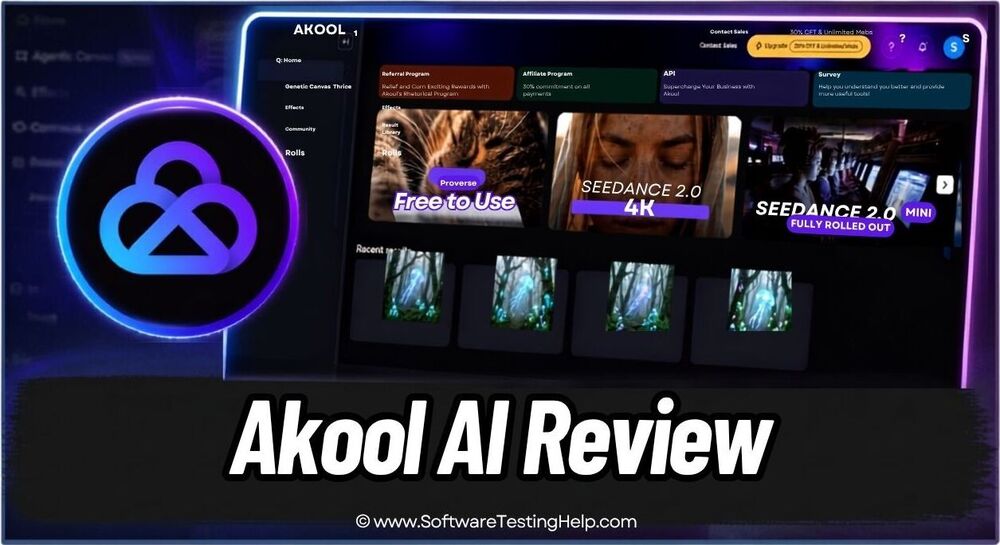
Among the many platforms I’ve tried recently, Akool AI impressed me enough to warrant a hands-on review.
So, without much further ado, let’s dive in.
Here is the masterclass on Akool AI:
Quick Summary of Akool AI
Akool AI is an exceptional multi-modal AI content generator. Marketers, creators, and enterprises can use it to create high-quality videos, images, audio, and talking avatars with some of today’s most advanced AI models.
It serves its purpose best when used to create short videos and visual assets or to perform simple edits. It is not suitable for generating cinematic videos.
What is Akool AI?
Akool AI can best be described as a multi-modal video generation suite. You basically get access to multiple advanced AI models on one platform to generate high-fidelity videos and images within minutes. Simple video and image generation isn’t where the platform’s capabilities stop, though.
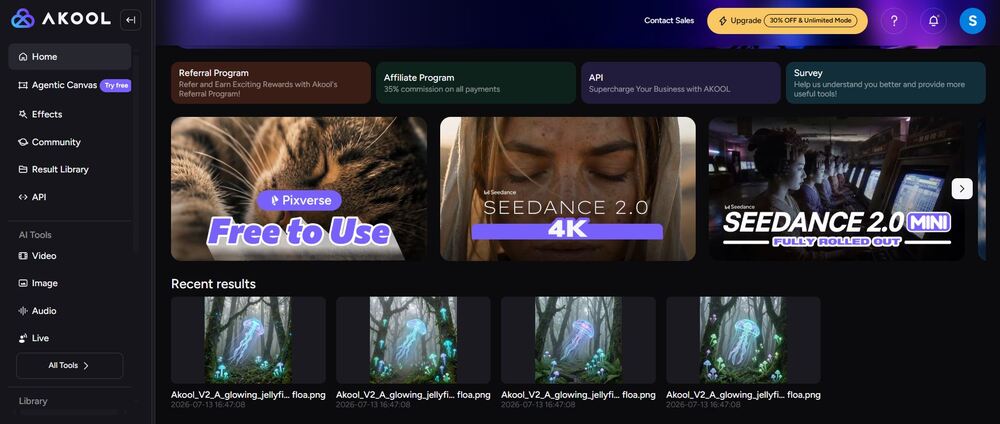
The platform positions itself as a video generator that goes above and beyond. Having put it to the test, I couldn’t agree more. Besides letting you generate high-quality visuals via simple prompts, Akool AI can also be used for face swapping, generating talking avatars, speech generation, and real-time AI studio capabilities.
Launched in 2022, the platform has already garnered a solid reputation. It has already served over 70,000 companies in a short span of time. This includes big Fortune 500 companies as well. Among the prominent companies it has served are Coca-Cola, Amazon, GMX, Naver, and BMW, to name a few.
Akool AI’s Key Features
Enough about what Akool AI actually is. The only way you understand any platform’s true worth is by assessing its features. That is exactly what we’ll be doing now.
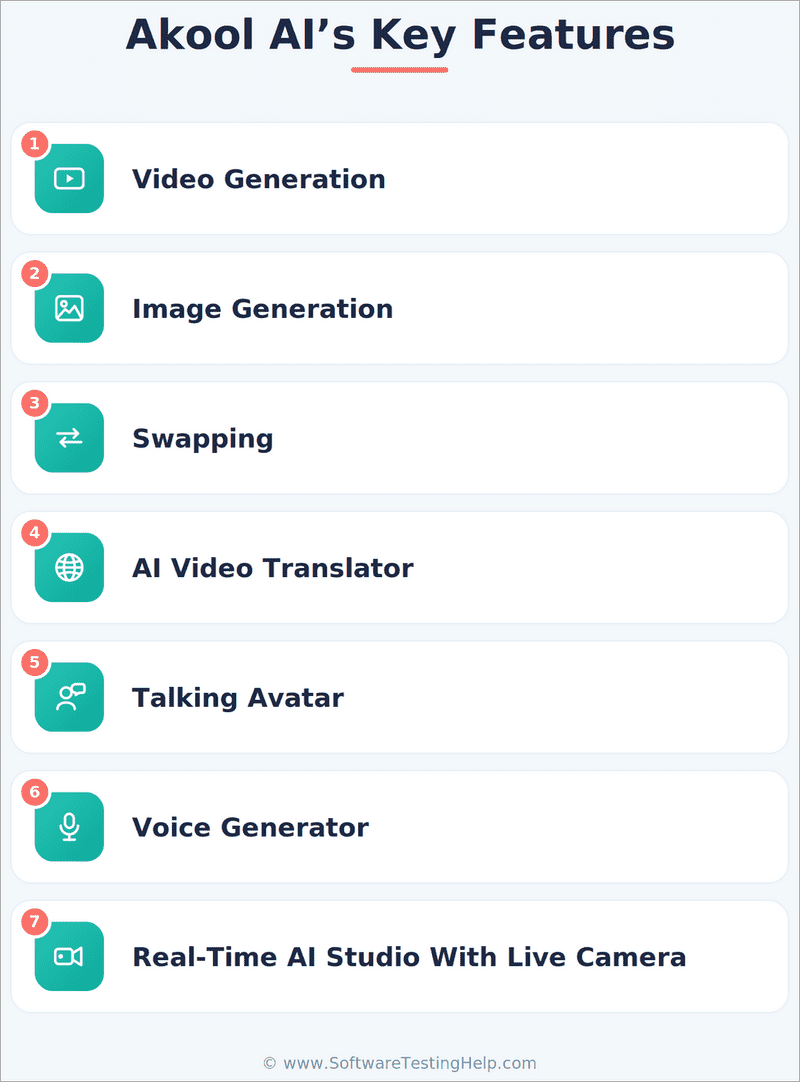
#1) Video Generation
Super-fast video generation is just one of Akool AI’s strongest aspects. You can create videos from simple text prompts, images, or another video. The way this works is also very simple.
Let me show you how easy it was to create a video from a simple text prompt written in plain English.
- Start by choosing an AI model. I went with Akool’s proprietary model because it costs fewer credits. You could opt for Seedance 2.0. There are both paid and free models at your disposal. Choose wisely.
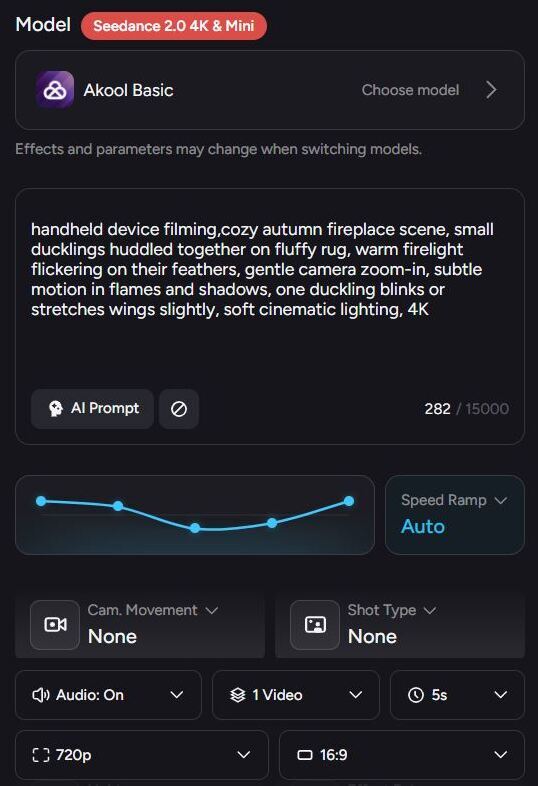
- With the AI model chosen, enter your prompt. This is what my prompt sounded like: (A White cat playing in A Blue band. She is lead vocals, rhythm, and lead guitar. She’s at the mic. She’s playing A Fender Telecaster. Metallic Min green with A black pickguard. Her band behind her. An orange cat on A red SG guitar. A black cat on bass. A gray cat on drums. Make them all A realistic animal look but playing instruments. The white cat sings and plays guitar).
- Proceed to making other adjustments regarding camera movement, lighting, audio, expression, effects, etc.
- Define the resolution, aspect ratio, and duration of the video.
- Once you are done, hit the generate button.
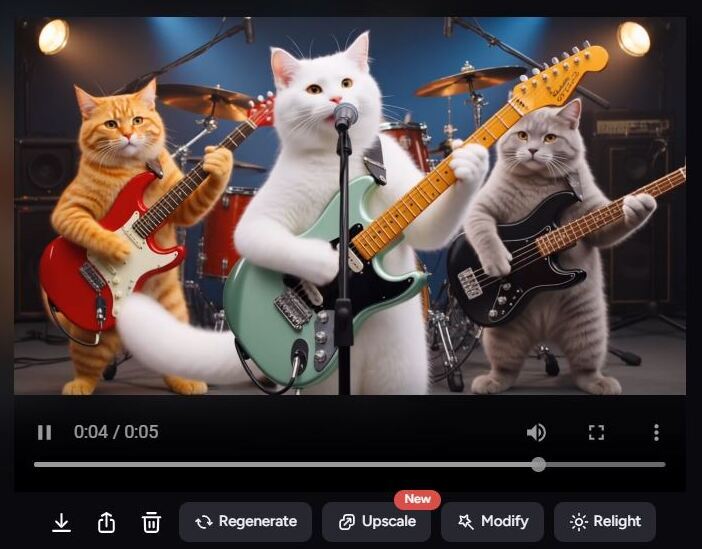
You wait for the AI to do its job. If you are using a free model, then you’ll have to wait a while until the result finally pops. You can speed Akool’s processing by buying its Pro subscription.
Similarly, you can also animate a still image or modify an already existing video.
Another very interesting thing you can do with this platform is make a photo talk. It is quite simple.
- Select Talking Photo
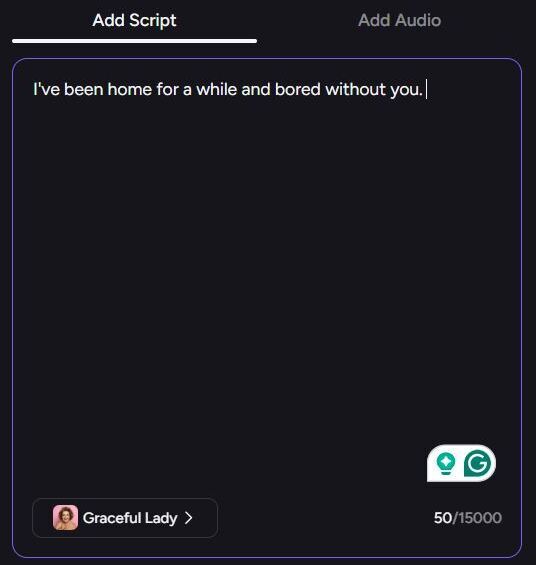
- Upload the image of the person you wish to animate.
- Upload a script or type one out. This will be the lines your talking photo speaks.
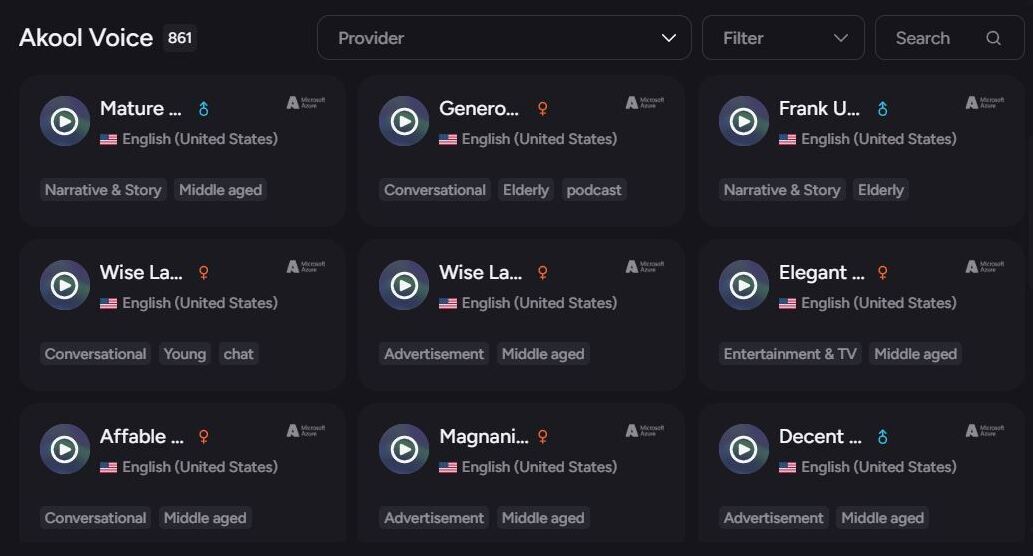
- Select a suitable voice.
- Hit the generate button.
That is how simple using the Akool image-to-video AI generator is.
#2) Image Generation
Akool AI is just as effective and creative in its approach to image generation as it is with video creation. Similar to the latter, the platform lets you generate high-quality images from text and image prompts.
The way it works is also very simple. Allow me to demonstrate how I used the Akool AI image generator using plain English text.
- Select the Text-to-Image generator
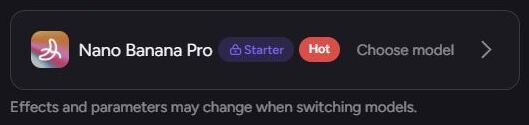
- Select an AI model. I went with Nano Banana Pro.
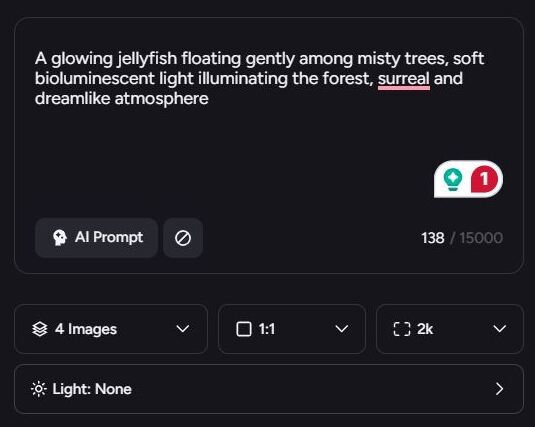
- Enter your text prompt. Mine looked something like this: (A glowing jellyfish floating gently among misty trees, soft bioluminescent light illuminating the forest, surreal and dreamlike atmosphere).
- Choose the resolution, the number of images you want generated, and the aspect ratio.
- Hit the generate button.

I got all 4 image variants within minutes. You can see for yourself how realistic the visuals looked. Of course, the result will depend on the model you choose.
#3) Swapping
One of the things AI does very well, besides creating visuals out of thin air, is the way it edits or modifies existing media. I was glad that Akool AI offered dedicated face, motion, character, and head-swapping capabilities.
If you want to replace a face in your video or image, or perhaps want to switch one person in the photo with another, Akool AI makes things simpler.
Here’s how you can utilize Akool AI’s face-swap feature:
- First, upload an image or video with the face you wish to swap. Make sure this face is clearly visible for better results.
- Next, upload a photo of the face that’ll serve as the replacement.

- Choose a model and make adjustments, like modifying the face’s age.
- Hit the generate button.
It is that simple.
Similarly, you can follow the above steps to swap characters, heads, or hairstyles in your image or video.
The most interesting aspect of this feature has to do with motion-swapping. You simply upload a video with clearly visible body movements and have the platform generate another video with a character mimicking those body movements.
Here’s how motion swapping works:
- First, upload a video with clear body movements
- Upload a target photo or video.
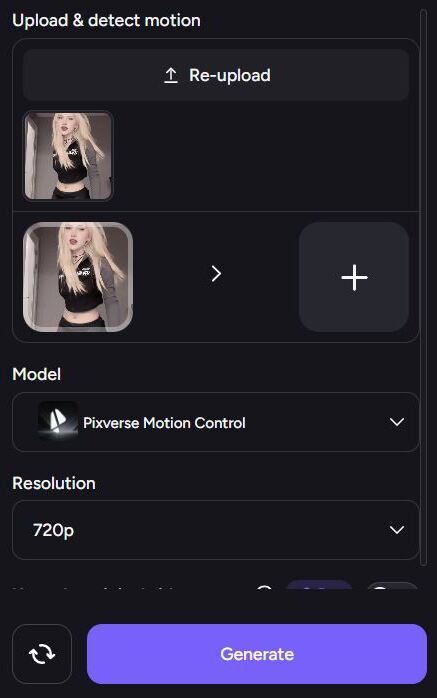
- Choose an AI model and video resolution.
- Hit the generate button.
#4) AI Video Translator
This is another great feature that I am sure creators and companies with a global client base will love. Akool AI facilitates AI-powered translation. You can use it to auto-detect a language in any video and have it translated in over 155 languages.
Let me show you how this works:
- You first upload the video you want translated. Upon upload, the platform will automatically detect the language it is in.
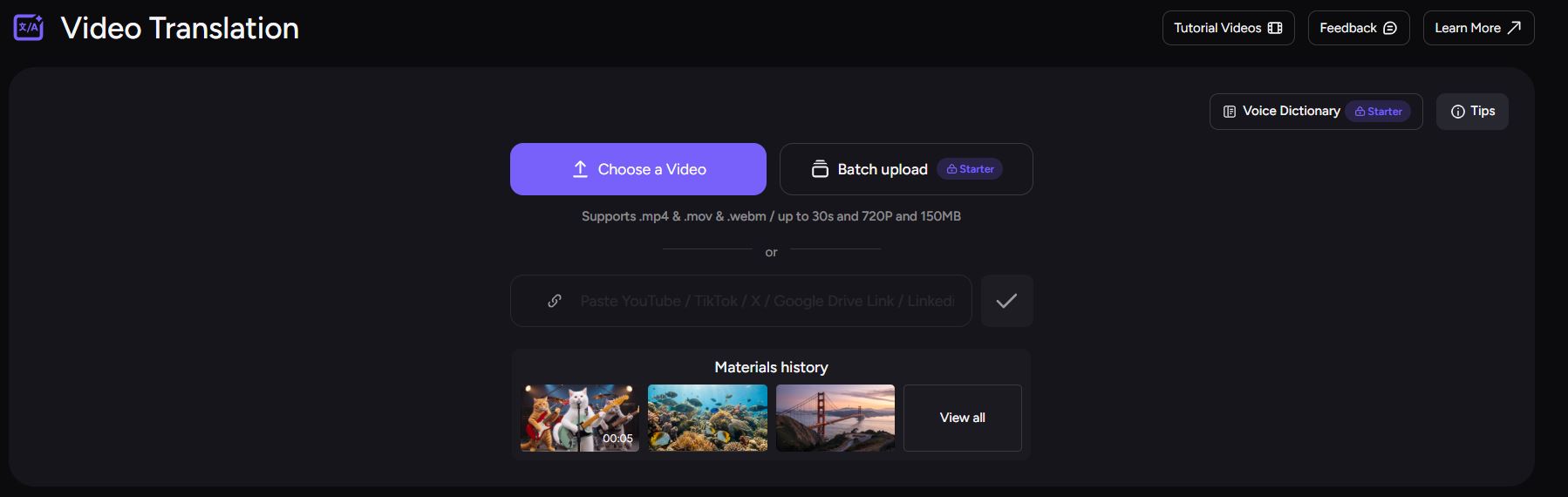
- Choose the target language. I’ve chosen Chinese.
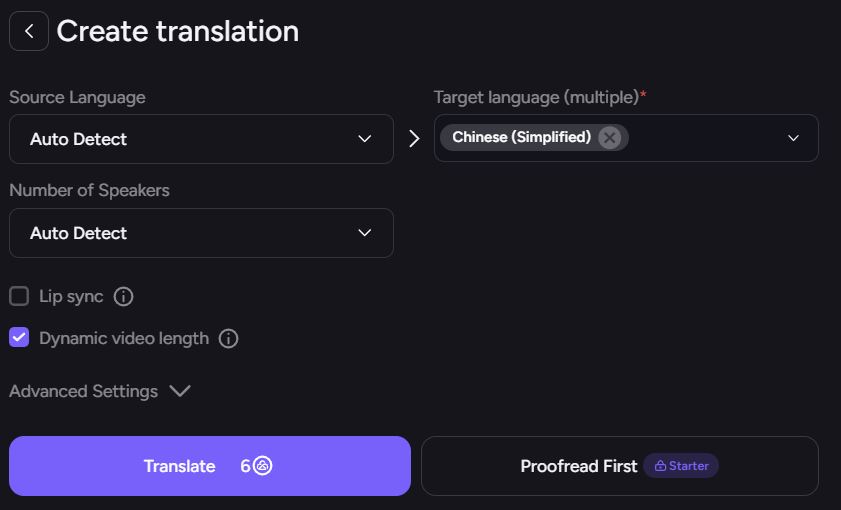
- You can select the number of speakers to translate or let the platform auto-detect.
- Hit the translate button.
Your translated video will be delivered within minutes. I also appreciate the lip-syncing feature here. This ensures the subject’s lips sync to the new language being spoken in the video. You can proofread the original or translated language as well for a more professional touch.
#5) Talking Avatar
This is a feature that marketers, sales, and project teams will truly appreciate. The platform lets you create talking avatars that look and sound like real people, more or less.
Here’s how you use the Akool AI avatar generator:
- First, choose an Avatar from the platform’s character library. You can choose to create one yourself from scratch.
- Then you give it the text to talk about. The avatar will use the words you give as its speech.
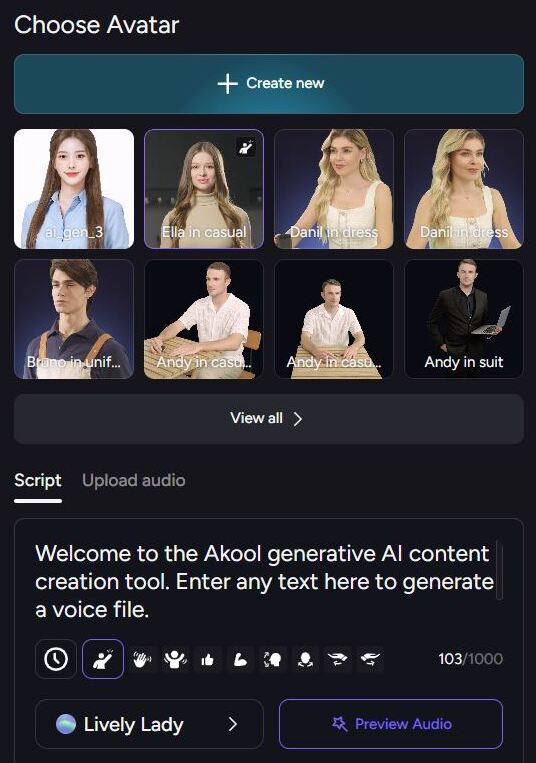
- You can also add gestures like waving and a thumbs-up to add some personality to this avatar.
- Choose a voice from the options given to you.
- Choose an emotion. I chose to keep my Avatar’s emotions neutral.
- Hit the generate button.
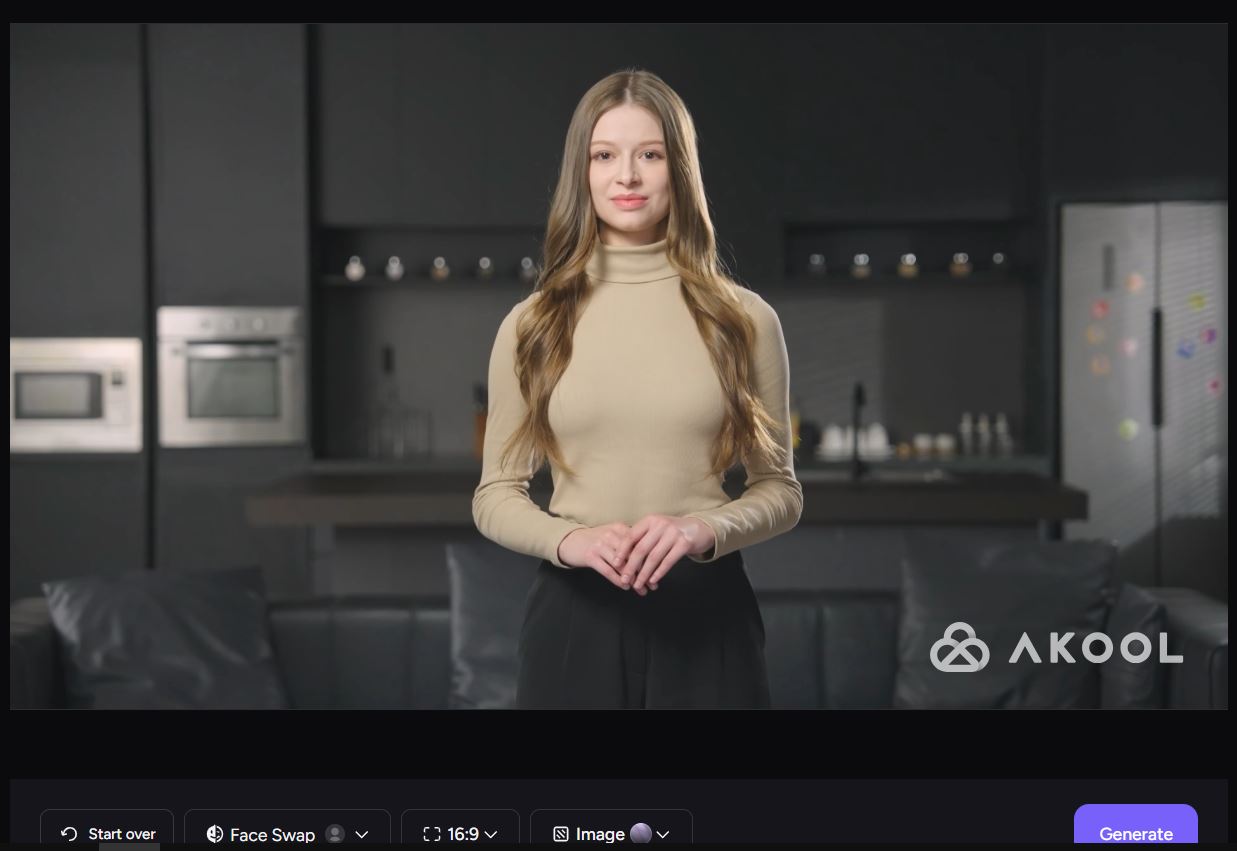
Once the avatar is generated, you can face-swap, edit the image, or perform further modifications to the video. You can preview the audio before you hit the generate button to make sure everything sounds okay.
#6) Voice Generator
The fact that Akool AI lets you generate voices besides creating visuals speaks more to just how ahead of its time this tool is. You can generate voices with text prompts, create a clone of an existing voice, or change how a voice sounds with this platform.
Let me show you how to use the Akool AI voice generator to change voices.
- Upload or record an audio file you wish to modify.
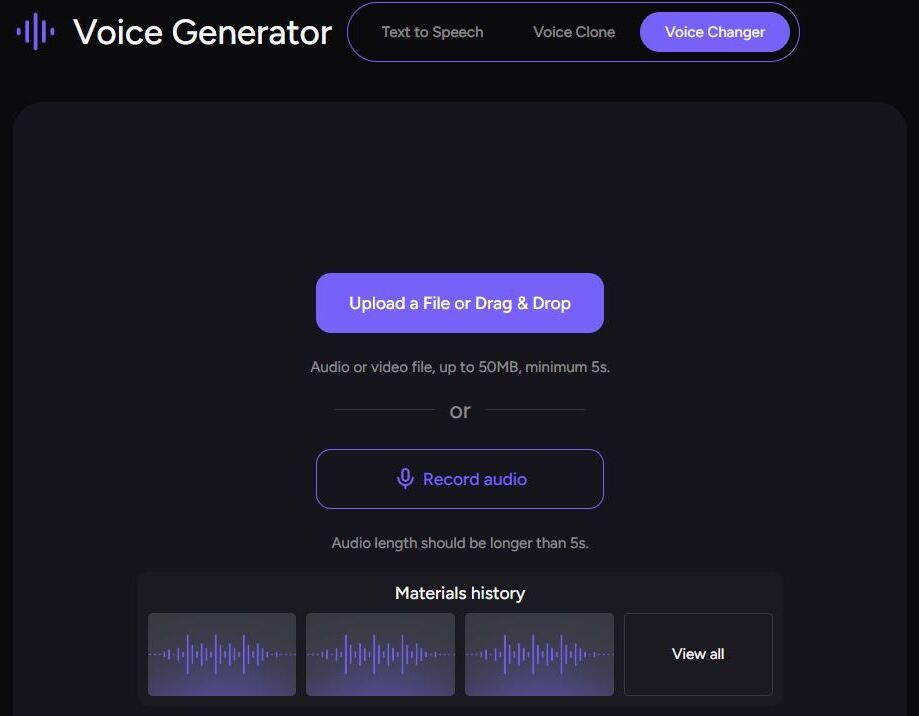
- Select the output voice from the library.
- Change the voice’s stability and style.
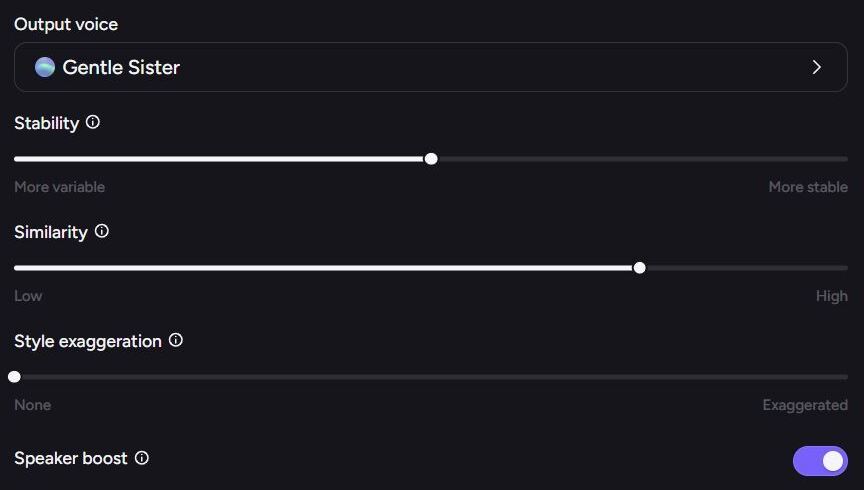
- Hit the generate button.
The platform already features a library of realistic and natural-sounding voices for you to experiment with.
#7) Real-Time AI Studio with Live Camera
This is arguably one of the most exciting features I’ve tried in an AI video generator. Akool AI real-time AI studio basically lets you edit and transform a live stream. This tool works across popular video-conferencing platforms like Zoom and Google Meet.
Once you install the tool on your system and have it integrated, you can have an AI avatar replace you in a live stream. Moreover, you can have that live stream translated, lip-sync it, add subtitles, or change your voice in real-time. An excellent tool, if you ask me, for marketing, presentations, and content creation.
Akool AI Pricing
As is the case with most AI video generators, Akool AI also adheres to a credit-based system. You can use the platform for free with limited credits. These limited credits can help you generate one or two outputs using basic AI models.
The free plan also affects the speed and output resolution. You’ll have to tolerate snail-paced generation and very low image or video quality. Plus, you can export the results without the Akool AI watermark.
All of these issues get resolved if you subscribe to Akool AI’s paid plans, which are:
- Starter: $12/seat/month for 200 credits
- Pro: Starts at $30/seat/month for 600 credits
- Pro Max: Starts at $59/seat/month for 1200 credits
- Business: Starts at $249/seat/month for 6000 credits
A custom enterprise plan is also available. How many credits you spend on generation will largely depend on the AI model being used. For instance, it cost me 15 credits to generate a video using Akool’s basic proprietary model, whereas the same video would’ve cost me 200 credits if generated via Seedance 2.0.
As you can also tell, you’ll be charged per seat. This means a fee will be charged for every individual authorized to access the platform.
In hindsight, I think Akool AI is fair with its pricing. Although the free plan limits some capabilities, it effectively lets you sample the tool’s functions without any cost. You can also upgrade the plan anytime and get more credits to spend.
Many people have also complained about refunds, on how they are not issued when requested. It is important to note that Akool AI has a refund policy in place that states very clearly that no refunds will be issued for accidental purchases or failure to cancel in time.
You must have a valid grievance and demonstrate eligibility for a refund. If qualified, a refund will be issued within 5-10 business days, albeit such cases are rare.
Is Akool AI Safe?
Having spent a lot of time on the platform, I have yet to notice a stumbling block when it comes to privacy or security violations. The platform, at least in my honest opinion, is legitimate and safe to use. It ensures compliance with notable regulatory bodies like SOC 2 and HIPAA.
It also has strict content moderation policies in place to prevent the use of harmful content like non-consensual deepfakes or pornographic material. That said, I would also recommend practicing caution, especially when using the platform’s face-swapping feature.
There have been many instances of people exploiting such tools to face-swap somebody’s image without their consent. This could land you in serious legal trouble.
I would also warn you against fraudulent websites that seem to share Akool’s name but are in no way associated with it. Always use the official website to purchase or download the tool.
Pros and Cons of Akool AI
| Pros | Cons |
|---|---|
| Neat and user-friendly interface. | Some users may find the tool expensive because of the credit-based system. |
| A good free tier for testing. | The results may sometimes lack consistency. |
| Dozens of advanced AI models for speech, image, and video generation. | Noticeable lag or performance issues when processing longer videos. |
| Motion and face-swapping | Rendering time can be slow sometimes. |
| Talking Avatar generation | Content once generated cannot be natively re-edited. |
| Supports translation in 155+ languages. | |
| Great customer support | |
| Adheres to a strict content moderation policy. |
Real User Reviews of Akool AI
Akool AI has only been around for a few years. So, I am impressed at just how much of a solid reputation it has earned for itself in such a short span of time. The platform enjoys a remarkable score of 4.8/5 on G2 and a 5/5 on Capterra, granted the number of reviews on the latter platform isn’t that many.
Most users seem to rave about the platform’s user-friendliness and video-generation capabilities. Those who don’t favor the tool cite its expensive plans and slow rendering speed as the main issues.
List of the Best Akool AI Alternatives
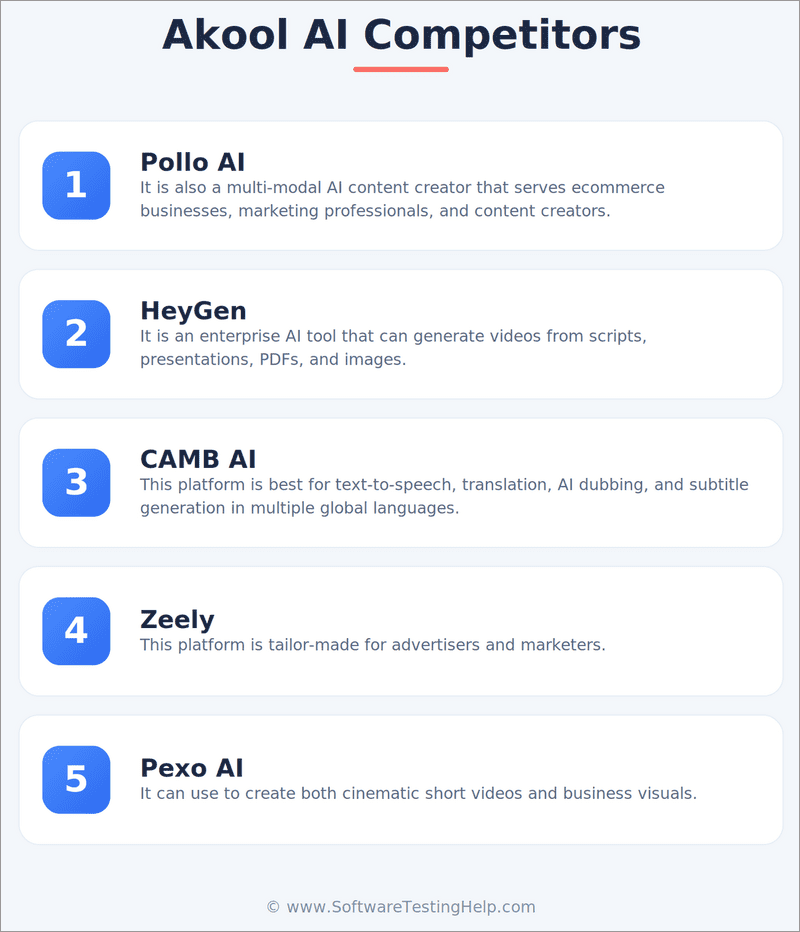
Enlisted below are some of the top alternatives to Akool AI:
- Pollo AI
- HeyGen
- CAMB AI
- Zeely
- Pexo AI
Comparing the Top Akool AI Competitors
| Name | Best for | Mobile | AI Models | Price |
|---|---|---|---|---|
| Akool AI | Video, Image, Voice, and Talking Avatar generation | iOS App Available | 26+ | Starts at $12/seat/month |
| Pollo AI | Video and Image generation/editing | iOS and Android App available | 8+ | Starts at $15/month |
| HeyGen | Video generation and face-swapping | iOS and Android App Available | 2 | Starts at $29/month |
| CAMB AI | Speech generation | NA | 1 | Starts at $5/month |
| Zeely | Ads generation | Android and iOS app available | Multiple models used | Starts at $29.95/month |
| Pexo AI | Video, Image, and Music generation | NA | 5 | Starts at $30/month |
Detailed Reviews:
#1) Pollo AI
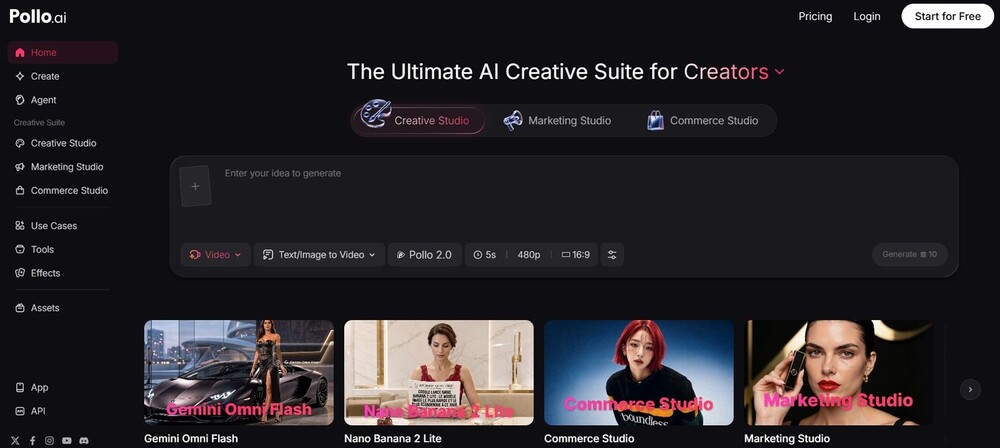
Pollo AI works in a similar vein to Akool AI. It is also a multimodal AI content creator that serves e-commerce businesses, marketing professionals, and content creators.
You choose an AI model and generate videos or images with simple text or image prompts. It is sleek to look at and considerably fast in its processing capabilities.
Price: Starts at $15/month
Website: https://pollo.ai/
#2) HeyGen
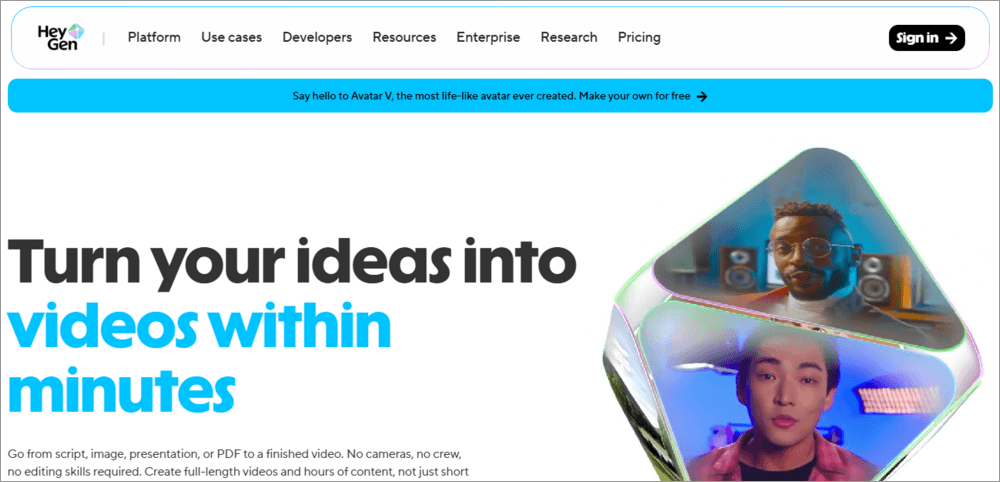
With HeyGen, you’ve got an enterprise AI tool that can generate videos from scripts, presentations, PDFs, and images.
Some of the same features that make Akool AI special can also be found here. You can use it for the generation of talking avatars, face-swapping, translation, etc.
Price: Starts at $29/month
Website: https://www.heygen.com/
#3) CAMB AI
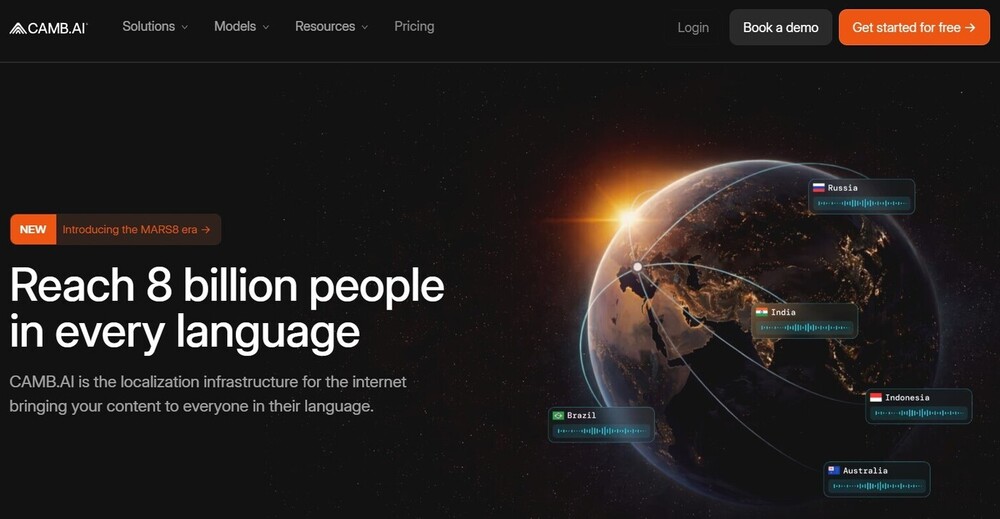
CAMB AI is a different tool on this list, precisely because of its emphasis on language.
The platform is best for text-to-speech, translation, AI dubbing, and subtitle generation in multiple global languages. The platform uses a purpose-built model for speech generation and translation.
Price: Starts at $5/month
Website: https://www.camb.ai/
#4) Zeely
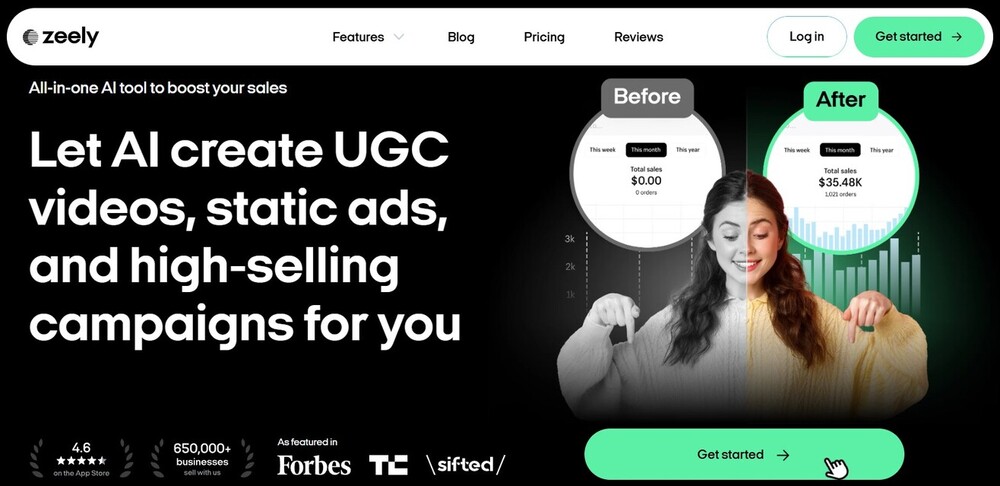
Zeely is a platform tailor-made for advertisers and marketers. You can rely on it for AI-generated UGC videos, ads, and campaign management.
You can create full-fledged marketing videos and display ads with this tool. It is also best for niche advertising or for creating social media-specific ads.
Price: Starts at $29.95/month
Website: https://zeely.ai/
#5) Pexo AI
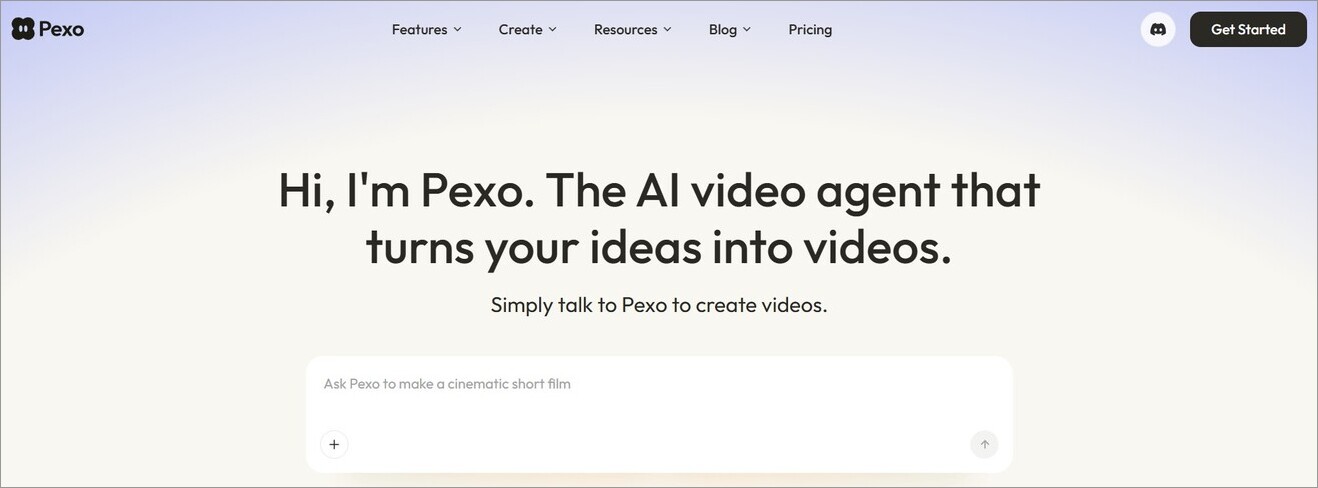
Pexo AI is another platform that one can use to create both cinematic short videos and business visuals.
It uses some of the top AI models in the world to power its generative capabilities. Besides video generation, you can also use it to generate music, talking avatars, and images.
Price: Starts at $30/month
Website: https://pexo.ai/
Frequently Asked Questions
1. Is Akool AI free to use?
Yes, Akool AI is free to use in a very limited capacity. You get very few credits to spend, which are only good for generating one or two images and videos.
Plus, the processing speed of this free tier is very slow. You’ll also have to tolerate the watermark on all exported files, and the resolution of your generated media files will also be poor.
2. Who owns Akool AI?
Akool AI was launched in 2022 by Jiajun Lu, who had worked as a technical lead at Google and Apple before this venture.
3. Who are Akool’s main competitors?
The AI-generative market is vast. As such, Akool has several competitors. If you ask me who its top competitors are, then I would cite the following names:
• Pollo AI
• HeyGen
• CAMB AI
• Zeely
• Pexo AI
4. How does Akool AI work?
Akool AI consolidates multiple advanced AI models in one platform. As a user, you get to pick from several image and video-generating models to bring your creations to life.
You first pick the AI model, then use a text- or image-based prompt to describe what kind of video you want Akool AI to generate.
5. How realistic are Akool face swaps?
I would say the face swaps look really natural and realistic, provided your input file is proper. For the best results, I would suggest uploading a high-quality photo with a face whose features are clearly visible.
6. Does Akool AI have a mobile app?
You’ll find a dedicated iOS app on the Apple Store for Akool AI. Be wary of fake apps that brand themselves as Akool on both the Google Play Store and the Apple Store. Look for the Akool logo on the app’s listing to know which one’s authentic and which is fake.
7. Does Akool AI offer an API?
Yes, Akool AI offers robust API options for almost all of its core capabilities, thus facilitating seamless workflow and application integrations. You are provided with detailed documentation to assist with the integration. The documentation features a complete guide, SDKs, and endpoint references.
You can also use the Akool Open API Integrations on Zapier to integrate the platform with tools like Gmail, Google Sheets, etc.
Conclusion
Let me cut straight to the chase and declare that Akool AI is one of, if not the best, AI video generators I’ve used in recent times. It is beginner-friendly and lets you leverage some of the top AI models to create high-resolution, high-fidelity images and videos. I think it works best when creating shorter videos or when you are swapping faces or characters.
Its shortcomings do become apparent when processing longer videos, as the rendering speed slows down and performance issues pop up. Some users may also not appreciate the credit-based pricing system. Personally, I don’t mind the price.
I would suggest signing up for free to create one or two videos. If you like the experience, by all means, subscribe to one of its plans to get more work done.
Needless to say, Akool AI has my recommendation.
Research Process: The total time involved to complete and publish this article is approximately 42 hours. This content was created through a structured research approach to ensure accuracy and reliability.
For more related guides, check our range of tutorials below:
- Vheer AI Image to Video Generator Review And Alternatives
- Clipfly AI Video Generator Review and Alternatives
- Pippit AI Video Generator – Ultimate Review
- Viggle AI Video Generator Use Cases and Alternatives
- MagicLight AI Long Video Maker Review And Alternatives
- Vozo AI Review: Pricing, Talking Photo & Test Results
- Krikey AI 3D Animation Maker Review and Alternatives
- Top AI Startups in the World – Complete List
- Beautiful.AI Best AI Presentation Maker Review and Alternatives
Was this helpful?
Recommended Reading
-

Wondering how to make a video with special effects & animations. Read this review of the top Video Maker Tools to pick the best Video Maker App to create splendid jaw-dropping videos: Now, since businesses have digitalized, they have transformed their promotion techniques as well. They now require eye-catching images…
-

Want to know how to improve video quality? Read this review to find out about the best Video Quality Enhancer Software for optimizing image and audio quality: Video enhancer software can increase the quality of the videos. You can use the video quality enhancer app to increase the quality of…
-
List of Top FREE Video Editing Software with Features and Comparison. Select the BEST Video Editing Software Based on Your Requirements: Video editing software can be used to create professional-quality videos. With this software tool, you can edit wedding movies, birthday party videos, travel clips, game videos, and much more.…
-
This tutorial is a complete guide to AVCLabs Video Enhancer AI. Understand the features and implement them to upscale your videos: The visual enhancement market is an ever-expanding space, with new apps and services cropping up every day. Notably, many of these services are AI-powered software that promises to make…