Quick guide on What is Leaf Browser Alpha? Learn about its features, present state of development, security issues, reasons it is not secure and most suitable Leaf Browser alternatives
The distinctive feature of Leaf Browser is Leaf Browser Alpha – experimental user interface of the web browser based on a non-standard concept of tabs management. While all other browsers organize tabs in a row, Leaf Browser Alpha arranged them hierarchically in a form of a tree structure.
Alas! Development on the Leaf Browser was discontinued a long time ago. What’s left of this browser is a base version that cannot hold a candle to the many advanced browsers that came afterwards.
However, This article describes what is Leaf Browser Alpha, how does it function and is it safe to use it now? and most preferable Leaf Browser alternatives in 2026.
Leaf Browser: Features, Pros, Cons & Best Alternatives in 2026
The Leaf Browser did leave a void behind. In this article, I would like to introduce alternatives that not only fill this void but also deliver relatively better features, performance, and user experience.
What Is Leaf Browser? A Complete Overview

The Leaf Browser is an open-source, free browser extension that was designed to help developers and testers manage multiple tabs with ease. This Chromium-based extension was quite popular for its lightweight architecture and, therefore, was used by many for data scraping on low-security websites and front-end testing.
What Is Leaf Browser Alpha?
The Leaf Browser Alpha is a very minimalistic and experimental browser developed by SwagOS (or swag_yolo). This browser became popular around 2014–2015 among ChromeOS, Android, and Windows users who were searching for a minimalist and distraction-free browser.
Main Features & Design
- Material Design Style: Created during the initial period when Google was shifting to Material Design style, the interface includes a flat and colored design with a dynamic header depending on the website being visited.
- Minimalist Design: Designed in such a way as to make good use of screen real estate, including hiding of extra navigation tools, sidebars, and toolbar.
- The Tab Overhead Panel: It is used instead of top tabs as a panel which appears either at the top or at the side, allowing web pages to look like a native app.
- Based on WebKit/Blink: Used as a thin wrapper around Chromium/WebKit engine.
Current Status: Leaf Browser is essentially discontinued.
The project stayed in an early “Alpha” stage of development and never went on to become an officially supported browser. The project was last active about 2015, with the source code removed from its repository and Chrome Web Store pages taken offline.
Security Alert: As Leaf Browser Alpha hasn’t had any security fixes, updates, or bug fixes for close to a decade, it should not be used for any online activity.
Why Look For Alternatives to Leaf Browser?
As I said before, development on the Leaf Browser stopped in 2018. Efforts have been made ever since to extend the browser’s capabilities through community-driven projects like the Leaf Browser Alpha and Leaf Browser Pro.
However, these platforms still fall short of advanced browser-manipulation features that you can experience in other modern browsers today.
Key Features of Leaf Browser
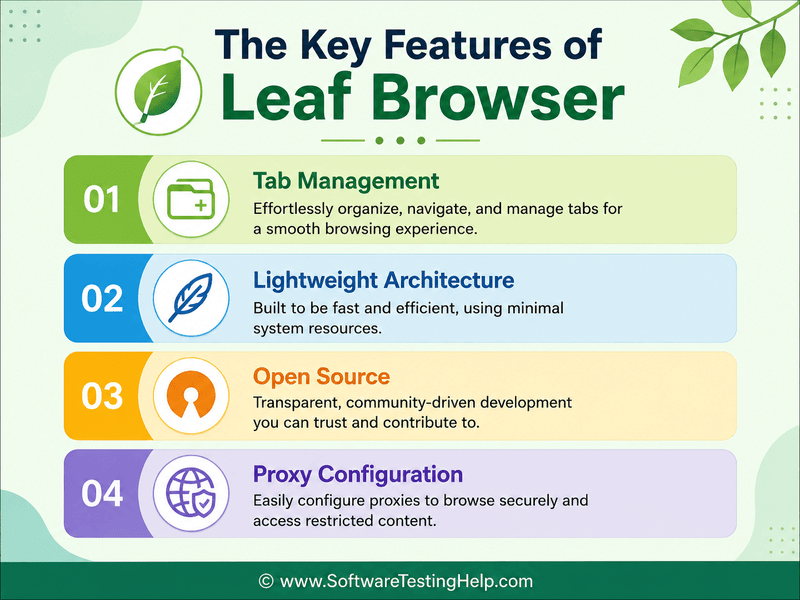
1. Tab Management: This is one of Leaf Browser’s prominent features. It allows you to open isolated tab sessions. Although isolated, the tabs aren’t fully sandboxed.
2. Lightweight Architecture: Leaf Browser was revered for its lightweight architecture. This means using the browser didn’t result in heavy resource consumption. The browser was tailor-made to run smoothly on low-spec devices.
3. Open Source: Open-source and highly customizable, Leaf Browser is developer-friendly. It is very simple to modify its core if a developer does so. That said, most updates to the browser were community-driven.
4. Proxy Configuration: Another highlight of the Leaf Browser was the fact that it allowed manual setup of proxies. It supports basic SOCKS5 and HTTP network protocols for internet routing.
Leaf Browser Drawbacks & Limitations
Despite all of Leaf Browser’s capabilities, it remains a discontinued browser extension. As such, it has fallen behind the times and cannot compare to the more advanced browsers being introduced almost every day.
Here are just a few of its major limitations:
- Leaf Browser’s anti-detect capabilities are very limited. It does not offer imperative features like canvas spoofing, WebRTC protection, or fingerprint masking.
- Although tab sessions are isolated, they aren’t fully sandboxed. This means your session data can still be tracked.
- It is very basic when it comes to proxy configuration, with no automation and no rotation to boast. As such, IP switching on the browser can feel tedious.
- Last, Leaf Browser is an open-source platform that hasn’t received an update since 2018. The lack of patches and software updates has made the browser vulnerable to a variety of online threats.
How to Choose the Best Leaf Browser Alternatives
| Purpose | Best Option |
|---|---|
| Tab Management | Horse |
| Customization | Vivaldi |
| Speed and Privacy Only | Brave |
| Built-in Utility Tools | Opera |
| Bird’s-eye Tab View | Tabs Outliner |
| Drag-and-drop Tabs Organization | Sessions Paw |
Best Leaf Browser Alternatives in 2026
Although Leaf Browser was great for its time, we’ve seen a pool of browsers offering a much better experience ever since.
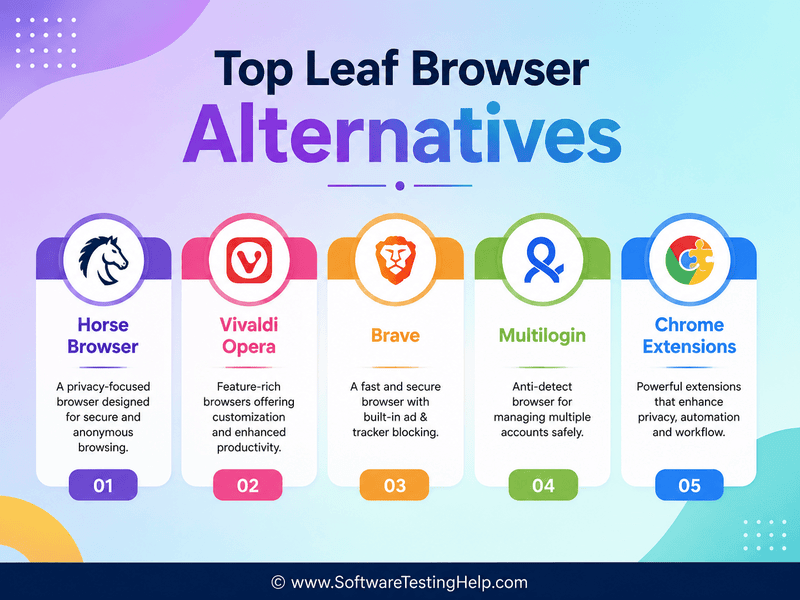
There are 5 browsers like Leaf Browser that I would like to recommend here.
- Horse Browser
- Vivaldi
- Opera
- Brave
- Multilogin
- Chrome Extensions
Leaf Browser Alternatives Compared
| Tools/Features | VPN | Resource Management | Tab Management | Hierarchical Tabs | Sidebar Navigation | Privacy and Security |
|---|---|---|---|---|---|---|
| Leaf | No | No | Basic | Yes | Yes | Basic |
| Horse Browser | No | Yes | Advanced | Yes | Yes | Advanced |
| Vivaldi | No | Yes | Advanced | Yes | Yes | Advanced |
| Opera | Yes | Yes | Limited | Yes | Yes | Advanced |
| Brave | Yes | Yes | Limited | No | No | Advanced |
| Multilogin | Yes | No | No | No | No | Advanced |
Detailed Review of the Top Alternatives to Leaf Browser
To simply your selection process, here is a detailed review of the top-rated Leaf Browser alternatives here.
#1) The Horse Browser
Best for Researchers, students, IT professionals, people with ADHD and AuDHD.
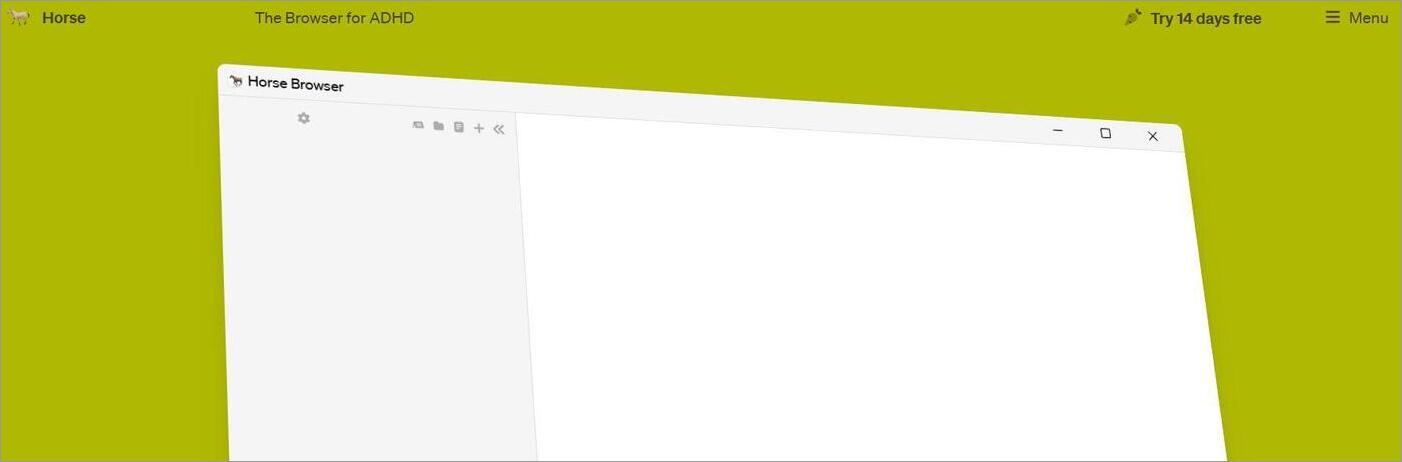
The Horse Browser is a productivity-based platform that, unlike the Leaf Browser, isn’t open-source. This is a paid platform that streamlines tab management through a feature called “Trails”. Instead of the standard strips or back buttons displayed on traditional browsers, tabs are organized to facilitate hierarchical navigation.
Features:
- Gives newly opened links to pages with a more organized structure. The browser calls this feature “Trails”.
- Emojis and custom icons are used as visual identifiers instead of color coding.
- Drag-and-drop folder organization and integrated note-taking tool.
- Built-in dark mode and password manager.
| Merits of Leaf Browser | Merits of Horse Browser |
|---|---|
| Open-Source and free | Paid tool with a free trial |
| Less complicated | Still active and receives updates |
| Features built-in utility tools |
Price: Costs $70/year. A 14-day free trial is also offered.
Website: https://browser.horse/
#2) Vivaldi
Best for Tech enthusiasts, multi-taskers, IT professionals, and folks who seek online privacy.
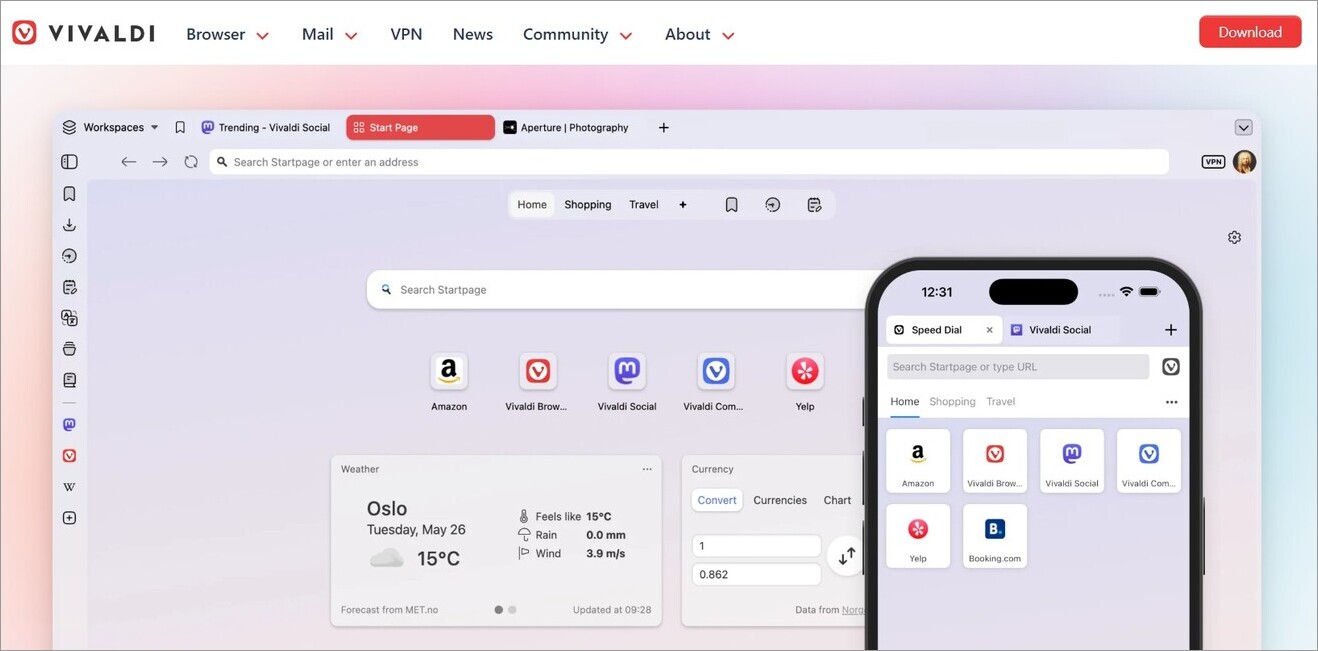
Now here’s a web and mobile-based browser that’s made quite a name for itself because of its feature-rich and highly customizable nature. Like Leaf Browser, Vivaldi is built on Chromium.
That said, Vivaldi proves itself to be far superior by offering advanced tab management capabilities. It is also exceptionally comprehensive as far as customization is concerned.
Features:
- Advanced tab management, facilitating dual-tier tab organization with tiling, stacking, and vertical layouts.
- Offers end-to-end encryption for data synced across different device ecosystems.
- Built-in Ad and tracker blockers.
- Built-in algorithm-free feed reader.
| Merits of the Leaf Browser | Merits of the Vivaldi Browser |
|---|---|
| Lightweight and doesn’t consume resources | Highly customizable interface |
| User-friendly | Resource-intensive. |
| Advanced tab management |
Price: Free to use
Website: https://vivaldi.com/
#3) Opera
Best for Mobile users, school use, Chromebook users, gamers, and casual users.
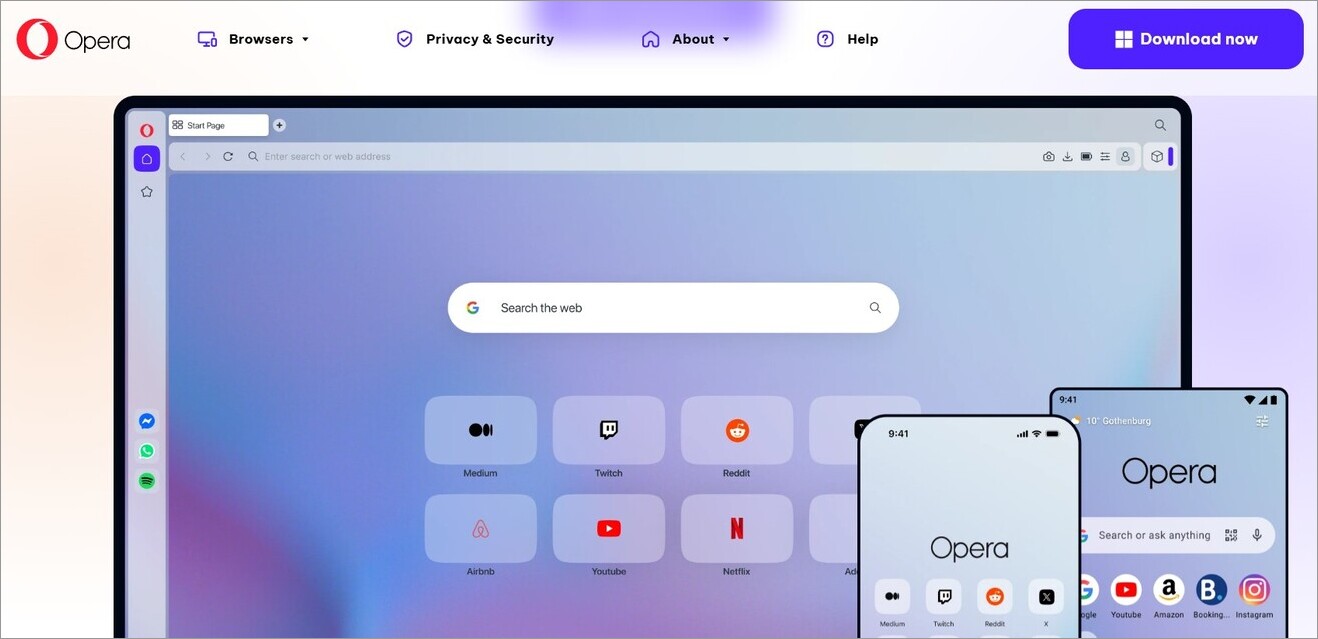
Unlike Vivaldi and Horse, Opera should be a name that you are familiar with. It has been around for decades now. The latest version of Opera can give some of the best browsers out there a run for their money when it comes to privacy features. It is feature-rich, comes equipped with a free VPN, and includes native tracker protection.
Features:
- Contextual browsing with seamless tab management.
- Chat with integrated browser AI.
- Built-in VPN that can be used for free.
- Encrypted DNS over HTTPS Protocol to secure browsing data.
| Merits of the Leaf Browser | Merits of Opera |
|---|---|
| Workspace management is simpler with Leaf Browser | Built-in ad blocker, VPN, and tracker protection for better privacy. |
| Unlike Opera, doesn’t bombard users with too many features. | Great sidebar menu for quick access |
| Turbo mode to boost performance. |
Price: Free to download and use. Certain features may demand an add-on expense. For instance, the advanced AI browser will cost you $19.90/month.
Website: https://www.opera.com/
#4) Brave
Best for Everyday casual users or people who seek better online privacy while surfing.
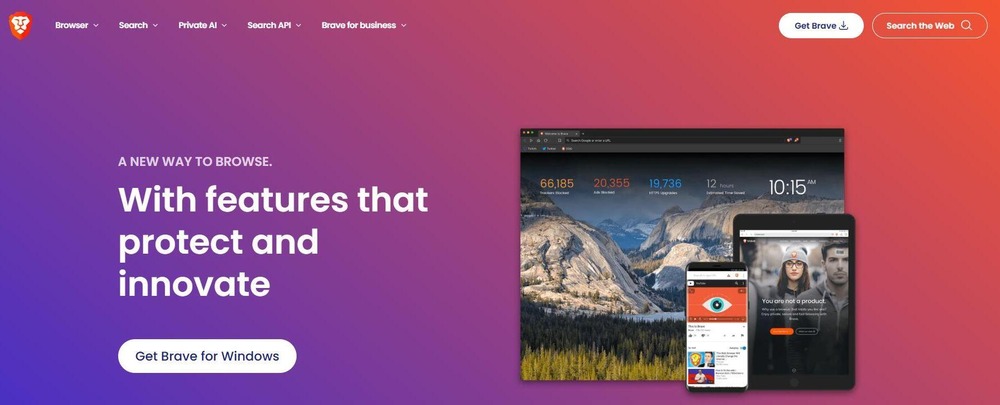
The Brave Browser positions itself as the most secure browser out there. While not fully sold on that claim, I still believe the browser is a great alternative to the Leaf Browser. It can automatically block fingerprinting, phishing attempts, cross-site tracking, and other threats. It is also great at blocking ads.
Features:
- Built-in VPN to encrypt internet traffic.
- Built-in ad blocker.
- Search engine built on a fully independent index of the web.
- Cross-platform encryption and syncing.
| Merits of Leaf Browser | Merits of Brave Browser |
|---|---|
| Tab management is much better with Leaf Browser | Better for privacy and security because of built-in VPN, ad-blocking, and tracker-blocking features. |
| Supports Web 3 Technologies. |
Price: Brave is free to use. It also offers premium plans with additional features. For instance, Brave’s VPN plan starts at $9.99/month, whereas Brave Search (with a premium search engine) costs $3/month
Website: https://brave.com/
#5) Multilogin
Multilogin deserves a spot on this list because of its advanced anti-detect capabilities, which make it ideal for data scraping. It facilitates seamless proxy integration. It is also the best there is when it comes to delivering unique browser fingerprints.
Features:
- Facilitates real-time anti-detection across over 50 platforms.
- Offers browser fingerprints unique and customizable to each session.
- AI-powered automation.
- Ideal for online team collaboration.
| Merits of Leaf Browser | Merits of Multilogin Browser |
|---|---|
| Lightweight and consumes fewer resources than Multilogin. | Advanced anti-detection |
| Provides browser fingerprints | |
| Provides free residential proxies |
Price: A free plan is offered. Its paid plans start at $7.08/month
Check our Multilogin Review Here
#6) Chrome Extensions
Besides the above browsers, there are many free tab-management extensions you can add to your Chrome directly from the Chrome Web Store. The best of the bunch would be the Tabs Outliner and Session Paw.
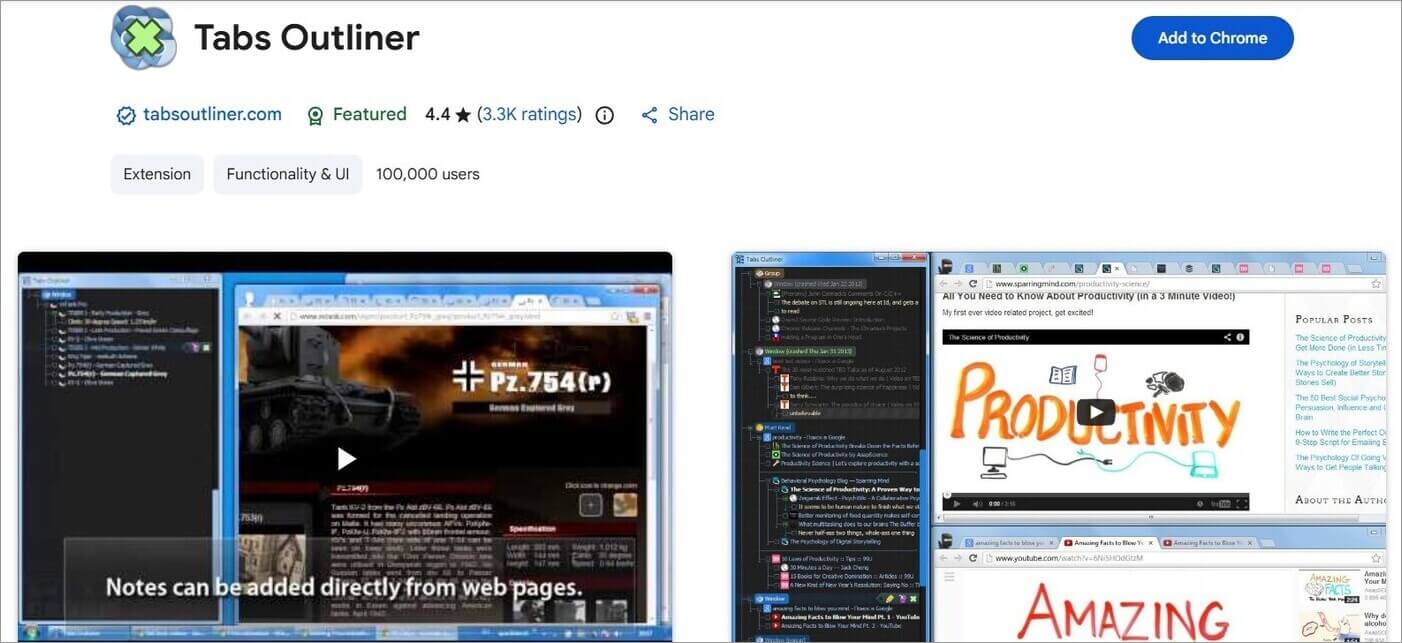
Tabs Outliner gives you a bird’s-eye view of all open tabs. It also helps you organize your interface in a tree-like hierarchical structure.
Session Paw, on the other hand, is a tree-style tabs manager that you can use to manage and preview hundreds of tabs at once. It stands out with features like a dual session manager and a drag-and-drop organizer.
Common Use Cases of Leaf Browser
Leaf Browser Alpha had a hierarchical structure for managing tabs. In other words, it was the most appropriate browser for those people who needed to organize numerous web pages connected to each other.
1. Research on the Web
Leaf Browser might be helpful when a user browsed many web pages connected to the same issue.
For example:
Research Project
→Main article
→Additional sources
→Statistics
→References
→Webpages of competitors
In such a way, a user could organize his/her research web pages.
2. Working with Many Opened Tabs
If a person usually opened tens of tabs at once, he/she would benefit from the hierarchy used by Leaf Browser.
With Leaf Browser, a user would not have to browse many unrelated tabs but could group pages and move through related tabs.
3. Segregation of Tabs Based on Project or Subject
The tree structure in Leaf Browser could have been used to segregate each of the browsing sessions based on project, subject, or tasks.
For instance:
• Project A
o Research
o Documents
o Competitors
• Project B
o Articles
o References
o Resources
Such an idea would come handy when there were multiple projects that involved accessing different set of websites.
4. Tab Navigation for Related Web Pages
The other way by which Leaf Browser could assist users was in managing the relationships between web pages.
For instance, a parent tab could be used to denote the main subject, while the child tabs would consist of sub pages. In this way, users could navigate through related pages in a better way compared to a flat tab bar.
5. Tab Management During Longer Browsing Sessions
For users whose browsing sessions are usually long in duration, hierarchical tabs were the mechanism used by them to keep the tabs organized without having to depend only on bookmarks.Other functions included in the project were tab renaming, pinning of tabs, coloring of tabs, and unloading of tabs.
Is Leaf Browser Still Working
Absolutely not! Leaf Browser is non-functional for the modern web and extremely insecure to use.
• Incompatible Rendering Engine: Since the development process of this browser has come to an end, the render engine of this browser is incompatible with modern web pages. All websites having modern JavaScript libraries, CSS standard, and WebAssembly will not run through this browser.
• No Extensions and Web Store: Official listing of the browser has been discontinued years back; hence, there’s no way for you to download the Leaf Browser via official web stores.
• Web APIs Are Not Working: If any feature depends on deprecated Google Chrome or WebKit API, then it’s very likely that those features will be extremely buggy or non-working.
Is Leaf Browser Safe to Use?
The following reasons concludes that it is not safe to use:
Critical Security Flaws: There is a need for regular updates of web browsers due to the risks of zero-day attacks, memory leaks, and remote code execution bugs. An outdated web browser leaves your PC at risk of drive-by malware infection and security exploits.
• Lack of Encryptions and Anti-Tracking: It does not have any anti-tracking, encryption features, and WebRTC leak prevention measures. Any information on the website and even malicious people will be able to see session activity and fingerprints.
• Unreliable Third Party APK/DLs: As there is no official source for this browser, all downloads come from third party archives, which contain spyware, keyloggers or adware.
Frequently Asked Questions
1. Is the Leaf Browser still active in 2026?
All activity and development on the Leaf Browser ceased in the year 2018. You will find some Leaf Browser clones online, serving as an extension of the original browser. However, I would advise against using them, as there is no way to know whether these alternatives that bear the Leaf Browser’s name are safe or not.
2. Is Leaf Browser safe to use?
No, the Leaf Browser hasn’t seen any major improvements to its base architecture since 2018. Its security features are limited, to say the least. It does not facilitate fingerprint masking and is quite abysmal in its anti-detection capabilities. Most detection bots out there can spot it with ease.
3. Which is the best Leaf Browser alternative?
Well, it depends on what you seek from the browser in question. If you are looking for a browser that truly serves as an extension to the Leaf Browser, then no alternative comes close to the Horse Browser.
If robust tab management is your priority, then Vivaldi would fit the bill. If you want a free browser with built-in threat-blocking features, then Brave and Opera would serve you well. If tab management is the only thing you seek, then simply add a free extension like Session Paw or Tabs Outliner to your Chrome.
4. How to download Leaf Browser?
Although discontinued, a Leaf Browser download is still possible through various archives found online. That said, I would strongly advise against it as the browser is severely outdated and poses a significant security risk. Choose an alternative instead.
5. How to migrate data from the Leaf Browser?
It is possible to migrate data from the Leaf Browser via modern browsers like Chrome and Firefox. Both browsers come with built-in HTML import capabilities that can help you with the task. The Horse Browser also has a feature that can help you import bookmarks and browsing history from other browsers.
Conclusion
I remember the Leaf Browser being an ally to me. Without it, I would have lost myself to what the cool kids today call “tab-chaos”. Alas! The Leaf Browser was discontinued. Thankfully, you are not short on alternatives that not only offer the privileges that the Leaf Browser was known for but also improve on the platform considerably.
If I had to pick one alternative as my go-to option, I would point to the Horse Browser. Due to its familiar interface, this browser comes very close to being a true successor to the Leaf Browser.
If better customization is what you seek, then Vivaldi may be a better option. With regards to security, I think Brave and Opera do a phenomenal job.
Ultimately, which alternative you go with is totally up to you. Select the one that best meets your requirements.
Research Process: The total time involved to complete and publish this article is approximately 38 hours. This content was created through a structured research approach to ensure accuracy and reliability.
For more related guides, you can explore our range of tutorials below:
- Top 10 Private Browsers for iOS & Android [SECURE]
- Most Popular Secure Browsers of the Year
- The Top 10 Browsers For PC (Web Browser Ranking)
- The 10 Best Browsers for Android
- 10 Best Cross Browser Testing Tools
- Quick Steps to See Safari History
- What Is Shift Browser And Is It Safe & Legit To Download
- Tor Browser: In-Depth Detailed Guide
Was this helpful?
Recommended Reading
-

Read this review to compare and select the best YouTube Ad Blocker for Android, iOS, Windows, Mac, and various web browsers: YouTube is an amazing video streaming site where you will find endless good quality videos on almost any topic on earth. But Ads are its vice. You can take…
-
This tutorial explains why do we need to clear browser cache and different methods to Clear Cache in browsers like Chrome, Firefox, etc.: A few decades back no one would have ever imagined that a connection of numerous computers can lead to an evolution of the world's largest network, which…
-
Learn about infected Chromium web browser and its symptoms. This tutorial explains 6 different ways to uninstall Chromium Web Browser: Browsers are like keys to the Internet portal as they provide various tools and features that are very useful while accessing the Internet. Different web browsers are divided into subcategories…
-
Discover the latest Mobile Browsers that combine innovative features, speed & security. Explore the best Browsers for Android and pick the perfect one to enhance your mobile browsing experience with privacy controls: Android’s browser is a web application used for accessing online content on Android-supported devices, including mobile phones and…