Quickly convert your favorite TikTok video into MP3 in seconds. Read our expert guide to pick the most reliable TikTok to MP3 converter and download high-quality audio instantly:
A TikTok to MP3 converter basically extracts audio from a TikTok video. It strips your TikTok MP4 file of its visual data and reencodes it to produce an MP3 file.
Such tools can help creators get compelling tunes for their own videos. These MP3 files allow casual fans to create custom ringtones or access exclusive beats and remixes for offline playback.
If you are looking for a good TikTok-to-MP3 converter, you are in luck. It is the year 2026, after all. I don’t see anyone having trouble finding such a tool.
MP3 Converters for TikTok: Best Tools That Actually Work
If you quickly search Google for TikTok MP3 converters, you’ll find numerous choices. The issue here clearly isn’t a lack of options; it is about finding that one reliable tool in a sea of mediocre alternatives.
I believe this is where my expertise comes in. I’ve been experimenting with TikTok audio extractors since they first made a splash online. I’ve come across some amazing high-end tools that I would gladly recommend to anyone willing to lend me their attention.
So, without much further ado, consider this article as your intro to 8 of the best MP3 Converters for TikTok out there.
Here is a video guide on how to convert TikTok to MP3 online:
Is it Legal and Safe to Download TikTok Audio?
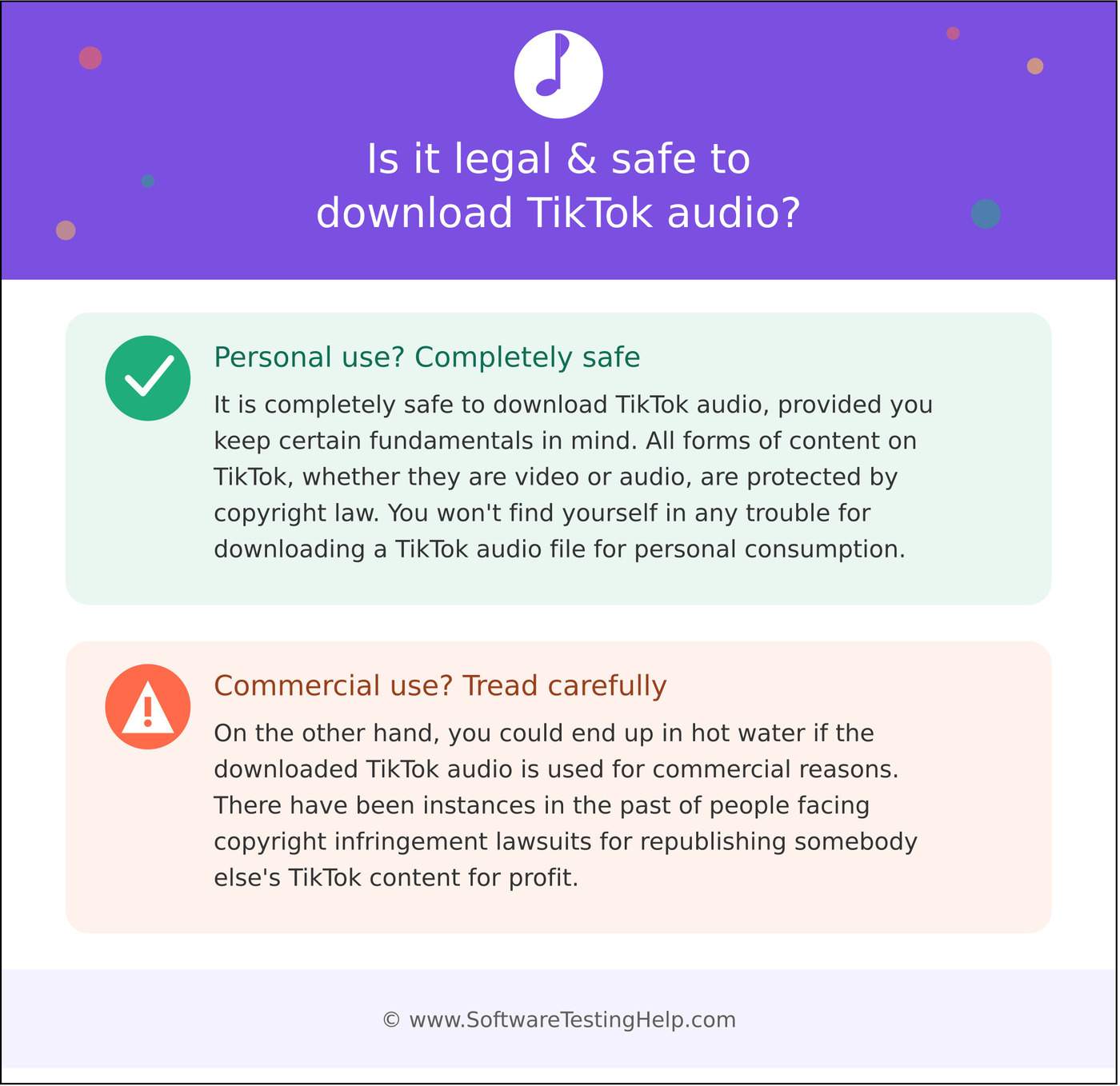
It is completely safe to download TikTok audio, provided you keep certain fundamentals in mind. All forms of content on TikTok, whether they are video or audio, are protected by copyright law. You won’t find yourself in any trouble for downloading a TikTok audio file for personal consumption.
On the other hand, you could end up in hot water if the downloaded TikTok audio is used for commercial reasons. There have been instances in the past of people facing copyright infringement lawsuits for republishing somebody else’s TikTok content for profit.
For better clarity on this issue, refer to the table below:
| Audio Type | Owner | Safe to Download |
|---|---|---|
| Licensed Music | Music Labels and Artists | Only for personal use |
| Original Sounds | Video Creator | Safe with the creator’s permission. |
| Royalty Free Sound | TikTok | Safe for commercial and personal reuse. |
As long as you remain discreet when downloading TikTok audio, you’ll have no issues. If you must download and reuse somebody else’s TikTok audio, my advice would be to seek permission first.
You can download licensed music, but under no circumstances should you reuse it without a licence.
Royalty-free sounds are a safer bet, and you don’t have to think twice before reusing them for both commercial and personal purposes. I would suggest double-checking all sounds within the TikTok library to make sure you are not using a licensed tune.
Online vs. Desktop TikTok MP3 Converters: Which is Best
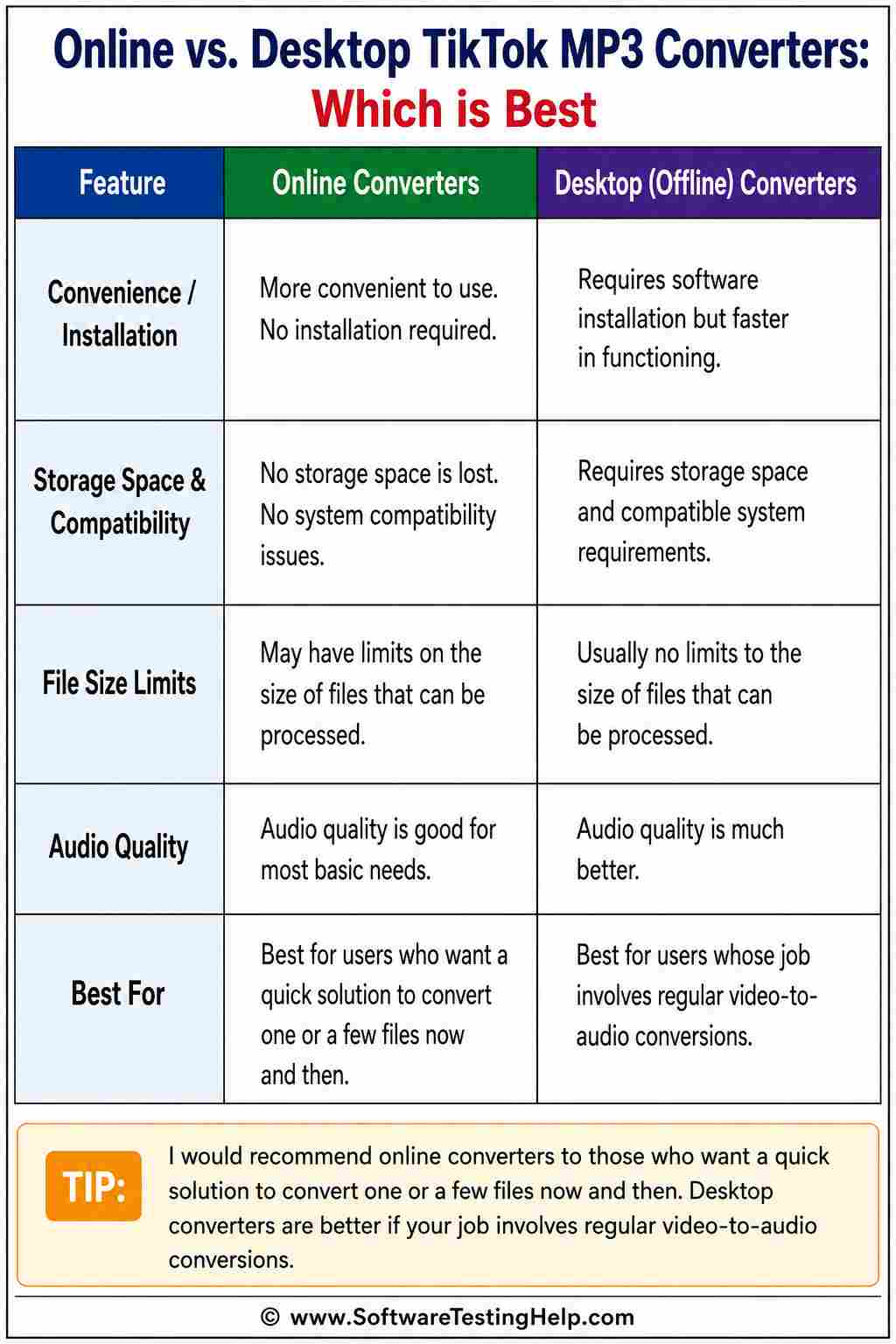
Online vs. Desktop, an age-old debate that still applies when we are talking about TikTok video to MP3 converters. I think both have their own merits and demerits.
Online converters are far more convenient to use than their desktop counterparts, mainly because no installation is required. You don’t need to go through the tedium of downloading and installing software on your system. This also means you don’t need to lose any storage space or face any system compatibility issues.
On the other hand, desktop converters require software installation but are considerably faster in their functioning. There are usually no limits to the size of files that such tools can process. The audio quality of the output file is also much better.
I would recommend online converters to those who want a quick solution to convert one or a few files now and then. Desktop converters are better if your job involves regular video-to-audio conversions.
The table below would give you an idea of what to expect from Online and Desktop TikTok video to MP3 converters.
| Tool | Online | Desktop |
|---|---|---|
| Installation | No installation necessary | Need to download and install software. |
| Compatibility Issues | None | You may face system compatibility issues. |
| Speed | Relatively slow, depends on Internet connection. | Fast processing |
| Security Risks | High | Low |
| Best for | Quick conversion | Batch conversion of files. |
List of the Best TikTok to MP3 Converters
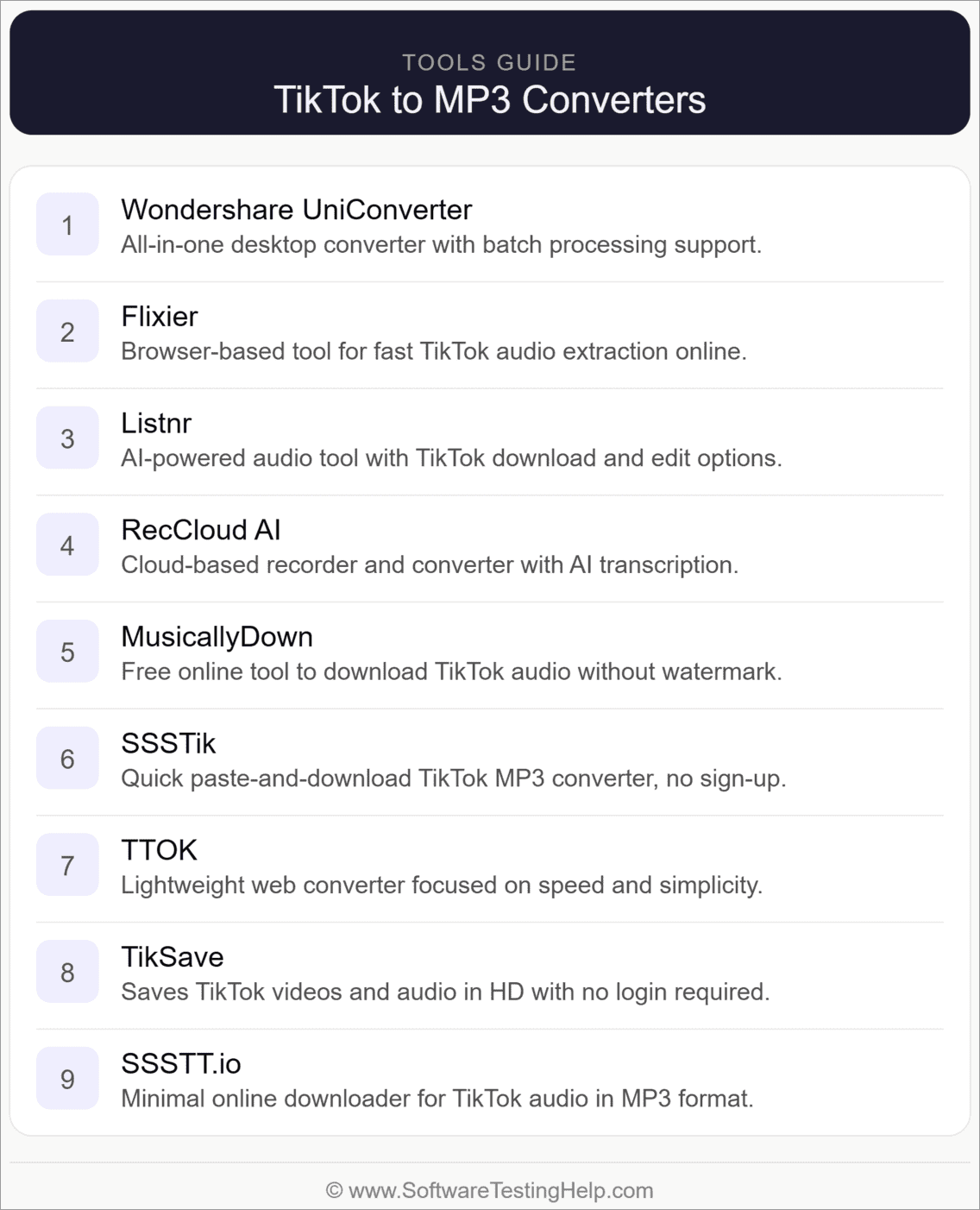
Now that you know what these converters entail, let’s find out the best options you can use to extract audio from a TikTok video.
- Wondershare UniConverter
- Flixier
- Listnr
- RecCloud AI
- MusicallyDown
- SSSTik
- TTOK
- TikSave
- SSSTT.io
Comparing the Top TikTok Video Converter to MP3
| Name | Best for | Platform | Price | Rating |
|---|---|---|---|---|
| Wondershare UniConverter | Excellent batch processing | Online and Desktop versions available | Free to use, plans start at $9.99/month | 5/5 |
| Flixier | Audio editing and enhancement features | Online | Starts at $23/seat/month | 4.5/5 |
| Listnr AI | AI Dubbing | Online | Starts at $19/month | 4.5/5 |
| RecCloud AI | AI-Powered Video Translation | Online, Desktop, iOS, and Android apps | Starts at $12.99/week | 4.5/5 |
| MusicallyDown | Free to use, unlimited TikTok to MP3 conversions | Online | Free | 4/5 |
| SSSTik | Easy and free TikTok video processing | Online and Desktop | Free | 4/5 |
| TTOK | One-Click Bulk Download | Online | Free to use, starts at $11.99/month | 4/5 |
| TikSave | Free, unlimited conversion. | Online | Free | 4/5 |
| SSSTT.io | High Bit-Rate Extraction | Online | Free | 4/5 |
Detailed Reviews:
Best for Excellent batch processing.
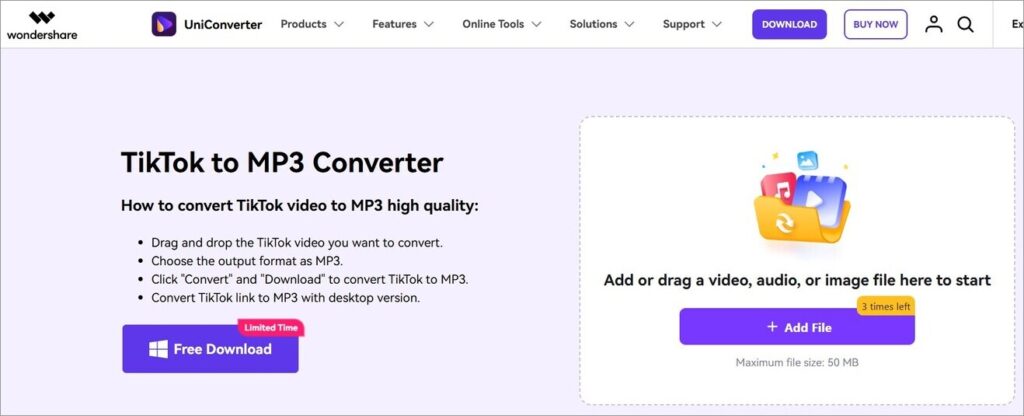
Wondershare UniConverter is inarguably one of the best video converters you’ll find online today. Besides TikTok to MP3 conversion, the platform supports over 1000 formats. This means the software can handle all types of audio, image, and video conversions with ease.
You can also use this software to enhance the quality of your extracted audio. You get features like noise and vocal removers alongside an MP3 cutter to help you.
Audio Quality: High quality, up to 350 kbps.
How to use UniConverter for TikTok to MP3 Conversion
- First, open UniConverter on your Mac or Windows system.
- Go to the Downloader and click “Start Now.”
- Copy and paste the URL of the TikTok video you wish to process.
- Switch the format to “Audio” and hit the “Download” button.
Pros:
- Fast video and audio downloading
- Intuitive audio editing tools.
- Easy-to-use interface.
- Batch downloads
Cons:
- Very limited free plan.
Website: https://videoconverter.wondershare.com/tiktok-converter/convert-tiktok-to-mp3.html
#2) Flixier
Best for Audio editing and enhancement features.
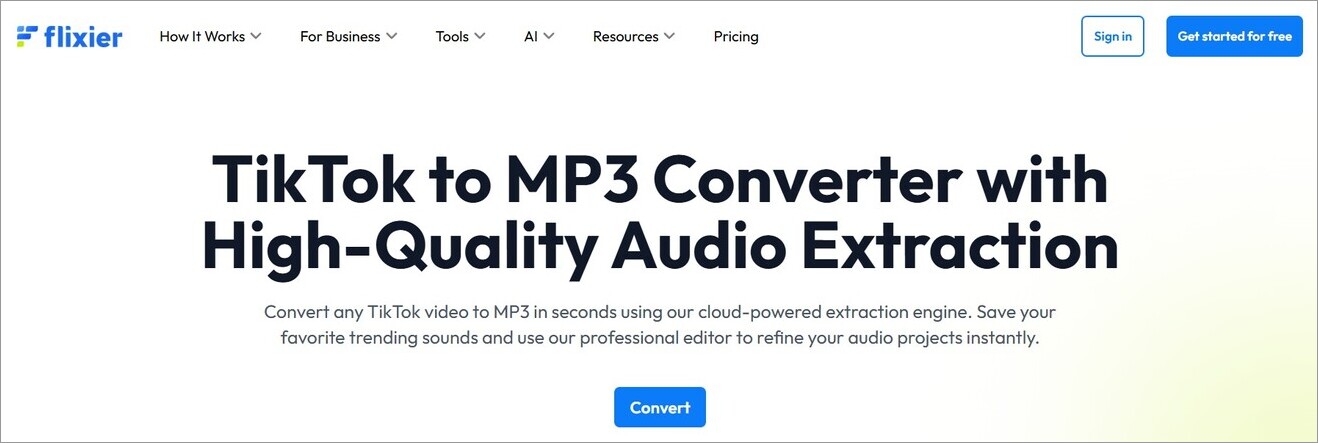
Flixier is known for both its conversion and audio-enhancing capabilities. It works similarly to UniConverter and is as fast as its competitor. You can use it to extract audio from TikTok, Facebook, and even Instagram videos.
The best aspect of Flixier is the editing tools you get to play with. You can fine-tune the extracted audio, add sound effects, and enhance speech clarity for the best results.
Audio Quality: AI-based audio enhancement
How to Use Flixier for TikTok to MP3 Conversion
- Open Flixier in your browser and either upload the TikTok video or paste a video’s URL.
- Edit the audio if you like before exporting the file.
- Select the Export tab and choose the audio format
- Click the export and download buttons.
Pros:
- Completely browser-based.
- AI-powered Voice-over and Speech generator.
- Extensive library of sound effects to experiment with.
- A great free plan
Cons:
- A bit technical
Website: https://flixier.com/tools/tiktok-converter/tiktok-to-mp3
#3) Listnr
Best for AI Dubbing.
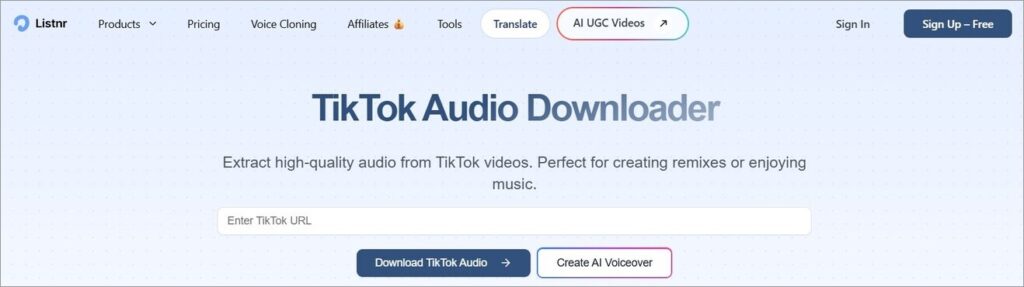
Listnr makes it onto my list because of its AI features. The platform facilitates simple TikTok to MP3 conversion. You can expect excellent audio output after this platform has processed a TikTok video.
You can trim the audio and review important details before you hit the download button. The best aspect of this tool is the AI dubbing. The tool’s AI can translate videos into 140+ languages, making it ideal if you want to download a TikTok audio in a foreign language.
Audio Quality: Up to 128 kbps
How to use Listnr to convert a TikTok video:
- Open Listnr in your web browser.
- Paste the TikTok video URL you wish to convert.
- Select the audio format as MP3 and hit the download button.
Pros:
- Supports multiple audio formats.
- AI-powered translation.
- Can convert text to audio.
- Super fast conversion
Cons:
- Its premium packages are very expensive.
Website: https://listnr.ai/tiktok-audio-downloader
#4) RecCloud AI
Best for AI-Powered Video Translation.
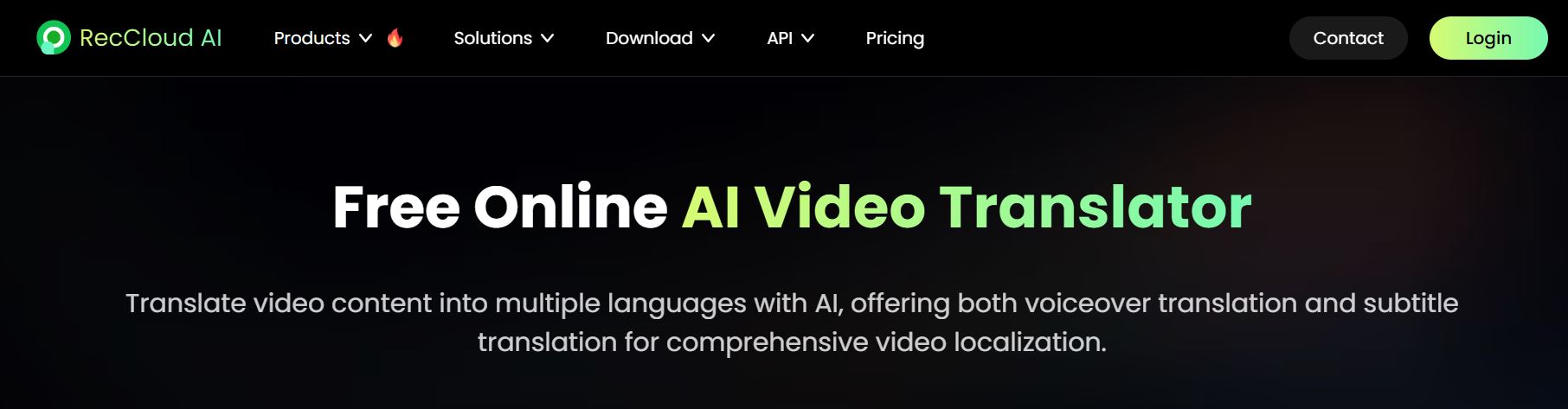
RecCloud AI comes as web-based, desktop-based, and mobile-based software. It is primarily known for its translation capabilities. You can have its AI translate any video into over 70 major languages.
It can translate voice-overs and subtitles. It is great at processing files in a batch as well. Besides video-to-audio conversion, you can also use it for removing vocals, speech, and subtitle generation.
Audio Quality: 48 kHz high-fidelity audio
Pros:
- A suite of AI-powered tools
- Supports 70+ languages
- Super fast batch processing
- iOS and Android apps
Cons:
- A confusing pricing structure.
Website: https://reccloud.com/ai-translate?v=product
#5) MusicallyDown
Best for Free to use, unlimited TikTok to MP3 conversions.
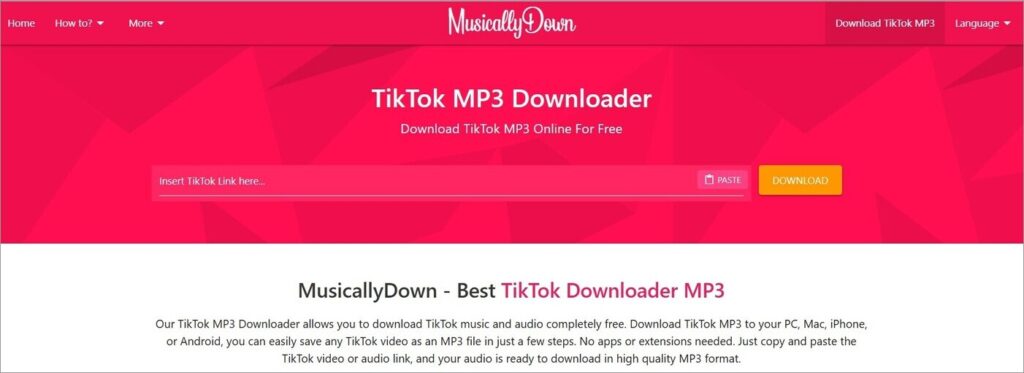
When it comes to a TikTok video to MP3 converter, free tools that also offer great performance are hard to come by. This makes MusicallyDown such a rare exception. This web-based, free-to-use tool will let you download unlimited TikTok files.
Just two simple steps and you’ll have a high-quality MP3 file extracted from your TikTok video in no time. My only issue with this platform is the ads, which can get annoying.
Audio Quality: Standard bitrate of 128 kbps.
Pros:
- Unlimited free TikTok audio downloads.
- Web-based and free.
- Simple interface
- Can download TikTok stories and slides.
Cons:
- Ads can interrupt you.
Website: https://musicaldown.com/tiktok-mp3
#6) SSSTik
Best for Easy and free TikTok video processing.
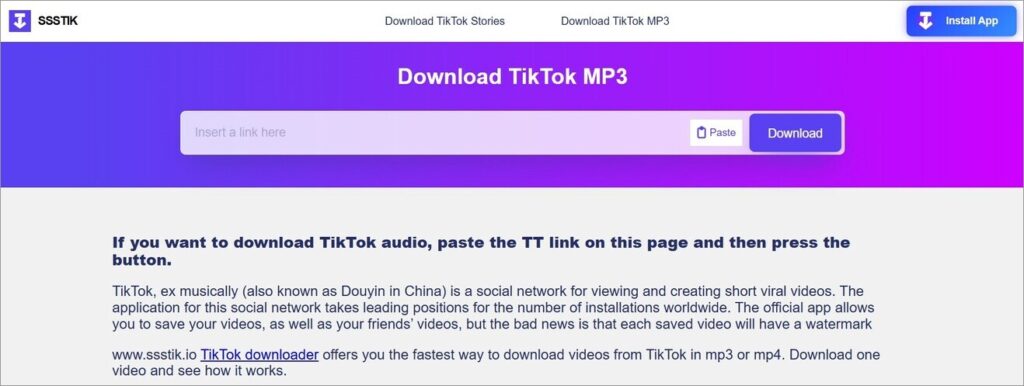
SSSTik is another TikTok to MP3 converter for free that I suggest you give a shot. It isn’t as good-looking as MusicallyDown when it comes to its interface. It still gets the job done, and I have no complaints about the result.
The download process is the same: you simply copy-paste a TikTok video’s URL, choose the audio format, and hit the download button. SSSTik also features an extension and a desktop app.
Audio Quality: Standard bitrate ranging from 128 – 256 kbps.
Pros:
- Free to use
- Simple two-step conversion process.
- Good browser extension
- Multiple languages other than English are supported.
Cons:
- Ads on the interface.
- Sometimes the conversion fails.
Website: https://ssstik.io/download-tiktok-mp3
#7) TTOK
Best for One-Click Bulk Download.
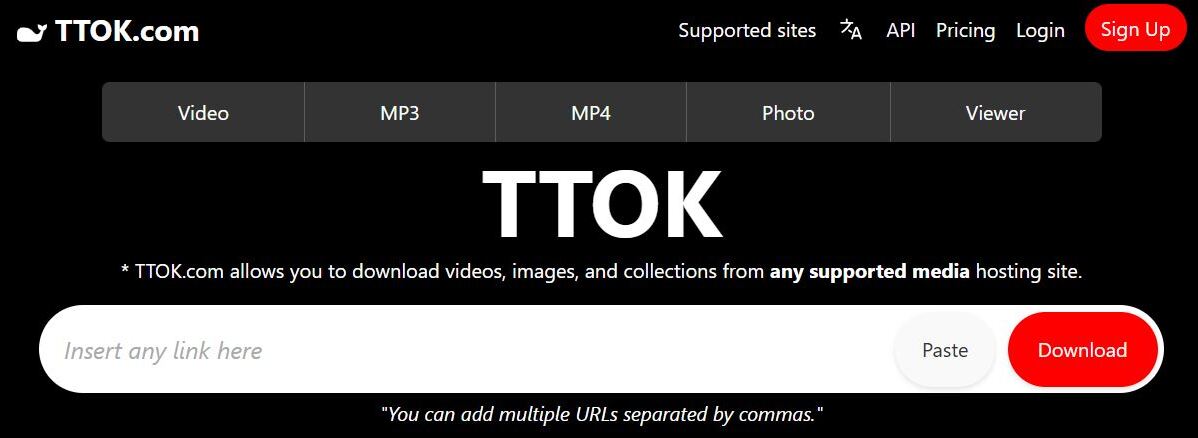
TTOK is another web-based TikTok video converter to MP3 software that I recommend you give a shot. The software is great at processing multiple TikTok URLs at once.
You can use the tool for free, but only download 1 video a day. For unlimited downloads, you’ll need to subscribe to its premium plan.
Audio Quality: Standard bitrate of 128 kbps.
Pros:
- Can process 4K videos.
- Clip and cut parts of audio.
- Offers API
- Money-back guarantee.
Cons:
- A fixed monthly and annual plan, which means no flexibility.
- A very limited free plan.
Website: https://ttok.com/?lang=en
#8) TikSave
Best for Free, unlimited TikTok to MP3 converter online.
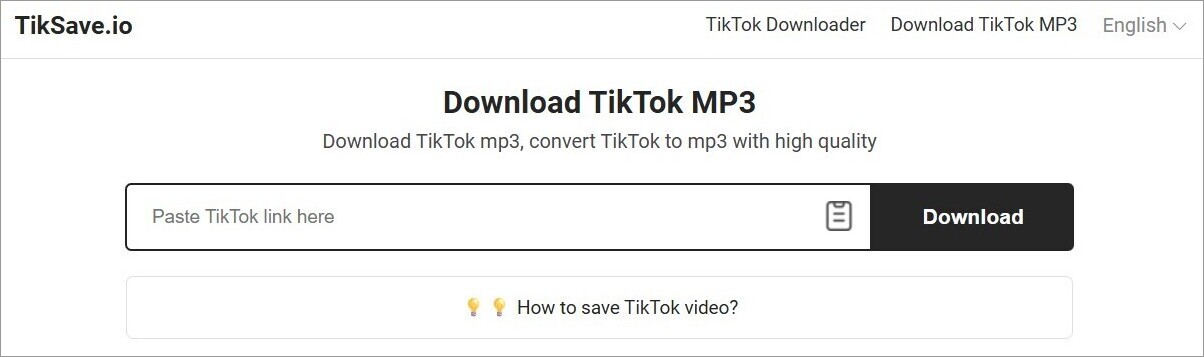
TikSave features a basic interface, and that’s not a bad thing. This simplicity makes the tool exceptionally user-friendly. The process to download and extract audio from a TikTok video is very simple.
You get the results fast. Of course, the tool is free to use, and therefore, you’ll have to deal with ads popping up here and there.
Audio Quality: Standard bitrate of 128 kbps
Pros:
- High-quality audio conversion
- Fast conversion speed.
- Downloads TikTok stories.
- Free TikTok MP3 online converter.
Cons:
- Too many ads
- Basic interface aesthetic.
Website: https://tiksave.io/en/download-tiktok-mp3
#9) SSSTT.io
Best for High Bit-Rate Extraction.
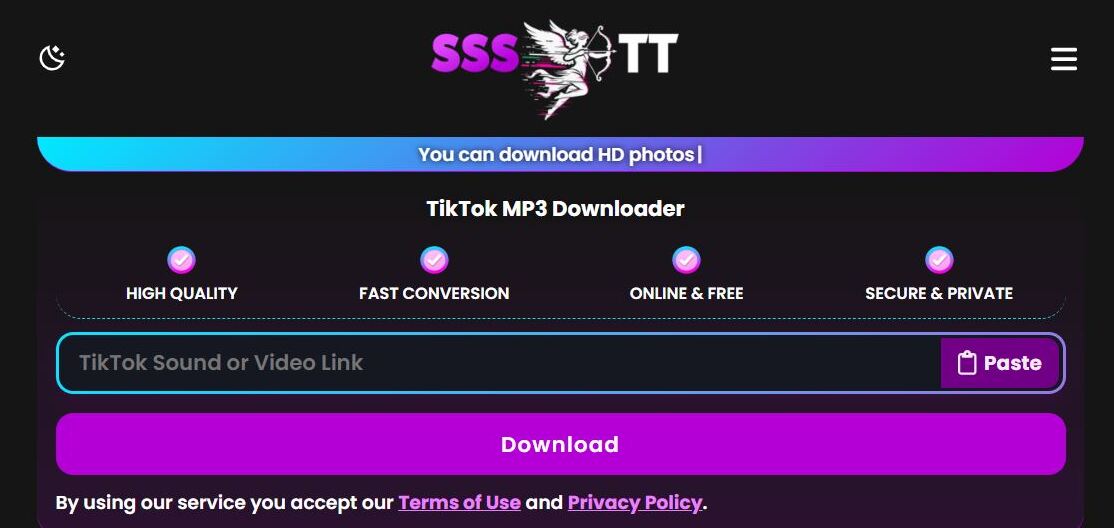
SSSTT.io is completely free to use and yet facilitates high-bit-rate extraction. That is this platform’s greatest strength and why I felt compelled to mention it here. The platform is also highly secure.
I also didn’t find any ads, which is also a good thing. That said, conversion or processing failures are very common on this platform. So, you’ll have to make multiple attempts before successfully extracting audio.
Audio Quality: Standard bitrate of 128 kbps.
Pros:
- Secure
- Easy to use
- No ads, despite being free.
- Great audio quality
Cons:
- The conversions can fail sometimes.
- The interface can confuse some users.
What Audio Quality Do You Get from TikTok?
The actual audio quality you get from TikTok will depend on the quality of the video uploaded and the ability of the converter you are using. TikTok generally compresses uploaded audio to 128 kbps AAC. This is the quality you can expect when listening to a video on the platform.
AAC is considered to be more efficient than MP3 at a bitrate of 128 kbps, which is why TikTok prefers it. A good TikTok audio downloader can re-encode this AAC file into a 128 kbps to 320 kbps MP3 file.
You’ll need the best TikTok to MP3 converter that promises you this output for audio quality that sounds exactly as it did on the TikTok platform. My advice would be to opt for tools that can download TikTok sound as MP3 at a bitrate that’s equal to or higher than 128 kbps.
Expert Tips to Use TikTok Video to MP3 Converter
I’ve got some pro tips for you to follow when employing a TikTok song downloader. Hopefully, these tips can help you use the above-mentioned tools to their fullest potential, without any complications whatsoever.
- Refrain from downloading a video where someone is clearly talking over music playing in the background. Find the source of the sound instead. Click on the spinning record icon you’ll see at the bottom of a TikTok video to unearth the original sound page. Copy that page’s link to get the best sound quality.
- Refrain from downloading a video from private accounts.
- If you want to convert TikTok to MP3 online, always opt for a tool that lets you convert at a standard bitrate that’s higher than 128 kbps.
- Opt for tools that offer browser extensions, as they can save you a lot of time and effort when converting a TikTok video to MP3.
Frequently Asked Questions
1. Are TikTok to MP3 converters safe to use?
Well, that depends on the tool you are using to extract audio from TikTok. There are many video and audio converters online. Some are reliable, while others can contain malware and viruses.
I suggest doing your research before you open such a tool in your browser or download one on your website. Better yet, simply use the tools I’ve recommended here. In my experience, they are safe to use.
2. How do TikTok to MP3 converters work?
A TikTok to MP3 converter will take any video source you feed it and transform it into an audio file. Most TikTok to MP3 converters operate as follows:
• You paste the TikTok video URL into the software’s interface or upload a downloaded TikTok video.
• Select the Audio format and hit download video.
The software will convert your TikTok video into a high-quality MP3 file and save it on your system.
3. What is the best TikTok to MP3 Converter?
In my experience and honest opinion, the following are some of the best TikTok MP3 converters you can use today:
• Wondershare UniConverter
• Flixier
• Listnr AI
• RecCloud AI
• MusicallyDown
4. What are the risks of using online converters?
Online converters, while convenient, aren’t always safe to use. There is always a security risk involved. For instance, you could end up installing a virus or malware on your system along with the final audio output.
Some online MP3 converters also feature pop-up ads that could redirect you to a malicious site, further endangering your privacy. My suggestion would be to only use the online converters I’ve recommended on this list.
5. Why do some TikTok to MP3 downloaders fail?
There could be several reasons behind the failure of a TikTok to MP3 tool. I suggest checking your internet connection first. Make sure the URL you’ve copied is correct.
A VPN or an active Ad-Blocker can also interfere with a TikTok audio-to-MP3 converter’s performance. Make sure they are disabled and try again.
6. Can I download audio from private TikTok accounts?
The strict privacy restrictions applied to a private TikTok account will prevent you from downloading any of its content. I would also suggest not downloading any content from a private TikTok account, as this could be considered a violation of copyright laws, making you susceptible to legal action from the TikTok account’s owner.
There are third-party tools online that can bypass these privacy restrictions. However, these are risky tools that are best avoided.
Conclusion
So, there you have it, an exhaustive list of some of the best TikTok to MP3 converters you can try in 2026. I’ve tested them all for quality and performance. In short, they’re quite good at letting you pull audio from TikToks.
I’ve mentioned both desktop and online tools, as well as free and paid tools, on this list. Decide based on what you prefer. Online tools are great for once-in-a-while video or audio conversions. On the other hand, desktop tools are perfect for fast batch processing.
I suggest you give each tool a try to make up your own mind.
Research Process: The total time involved in completing and publishing this article is approximately 49 hours. This content was created through a structured research approach to ensure accuracy and reliability.
For more-related guides, you can explore our range of tutorials below:
- How To Go Live On TikTok: Common Mistakes To Avoid
- Top 10 Apps Like TikTok: Best TikTok Alternatives
- Is TikTok Shop Reliable for Online Shopping?
- How to Convert Instagram Reel to MP3 Audio
- When is the Best Time to Post on TikTok? [Ultimate Guide]
- How to Buy Cheap TikTok Coins and Save Money
- SSSTikTok TikTok Downloader Without Watermark
Was this helpful?
Recommended Reading
-

This tutorial reviews the top TikTok Video Downloader with comparison to help you download your favorite TikTok videos for watching offline: TikTok has become a sensation within a very little span of time. It was founded in China in the year 2016, with the name 'Douyin'. In 2017, the Chinese…
-
A must-read guide for anyone among the millions of TikTok fans who are seeking TikTok-like apps. Explore the Top TikTok Alternatives along with their functionalities: The number of social media users has rocketed in the past decade. Be it a kid, a teenager, an adult, or a senior citizen, all…
-

Discover the top TikTok Anonymous Viewers for quickly browsing through user profiles, videos, comments, etc. Pick the best TikTok Online Viewer to easily watch TikTok content without logging in: Surfing through the internet for a reliable site that does not engage you in registration or crossing several captchas can be…
-
Download an unlimited number of TikTok videos at no cost with SSSTikTok video downloader. Explore all about this finest tool to download videos without any watermark: Considering all available TikTok video downloaders, let's find out through this tutorial whether SSSTIKTOK is truly the best option for downloading videos from TikTok.…