Learn the simple and safe methods to view Instagram without an Account. Watch Instagram Profiles, Stories, and Posts anonymously on any device without login:
Looking for a way to watch an Instagram account or stories without logging in? In this Guide, I will walk you through the simple methods to view Instagram stories on PC and Mobile. These methods include: the user name trick method, Google search method, and using trusted third-party apps. You will also earn key limitations of viewing Instagram without an account.
Finally, I have also covered practical privacy tips to stay safe. Plus, I have explained the reasons users prefer watching Instagram stories without an account.
Watch Instagram Stories Anonymously Without Any Login
The easy and quick methods that I am about to discuss here will help you to view Instagram posts and stories without going through the hassle of creating your Instagram account.
- User Name Trick method
- Using third-party apps
- Viewing an Instagram Profile Without an Account Via Google
So, without much further ado, let’s dive in
How to View Instagram Without an Account – Username Trick Method
#1) Through Your PC Browser
This is perhaps the easiest way to access Instagram without an account. For this to work, though, you’ll need to know the correct username of the profile whose posts you wish to view. With the username taken care of, simply follow the process below:
1. Open your browser and in the URL bar, enter the following: https://www.instagram.com/(username)

2. Ensure the username is spelled correctly and press Enter.
3. You’ll immediately be redirected to that profile page and greeted by a pop-up that asks you to sign up. Close the pop-up by clicking on “X” as shown below.
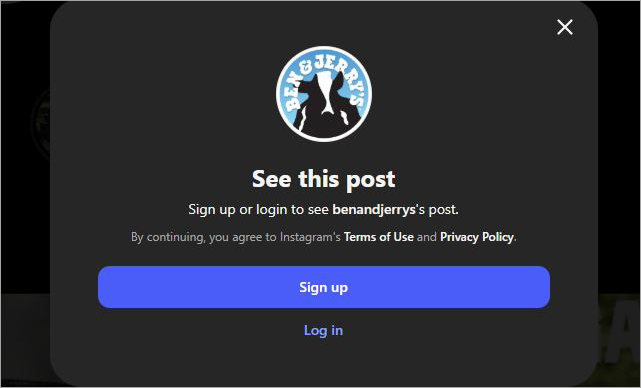
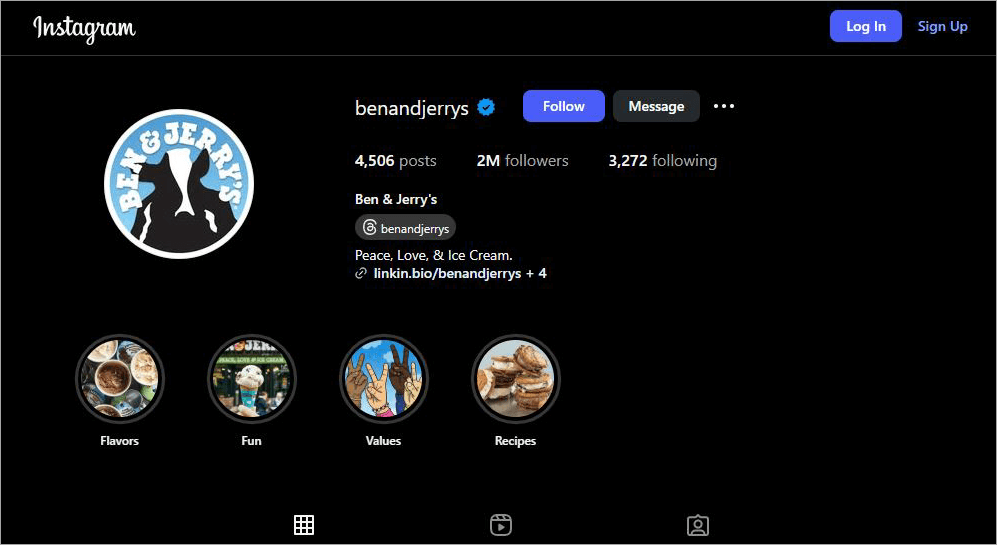
4. You’ll now be able to see that username’s posts, follower count, bio, and profile picture.
Here is an image that shows details about the Instagram profile:
#2) Through Your Mobile (iOS & Android)
The process for mobile remains the same. However, if you have the Instagram app installed on your device, you’ll be taken to the app from your browser.
The steps will be as follows:
1. Open your Browser and in the URL bar, enter the following – https://www.instagram.com/(username).
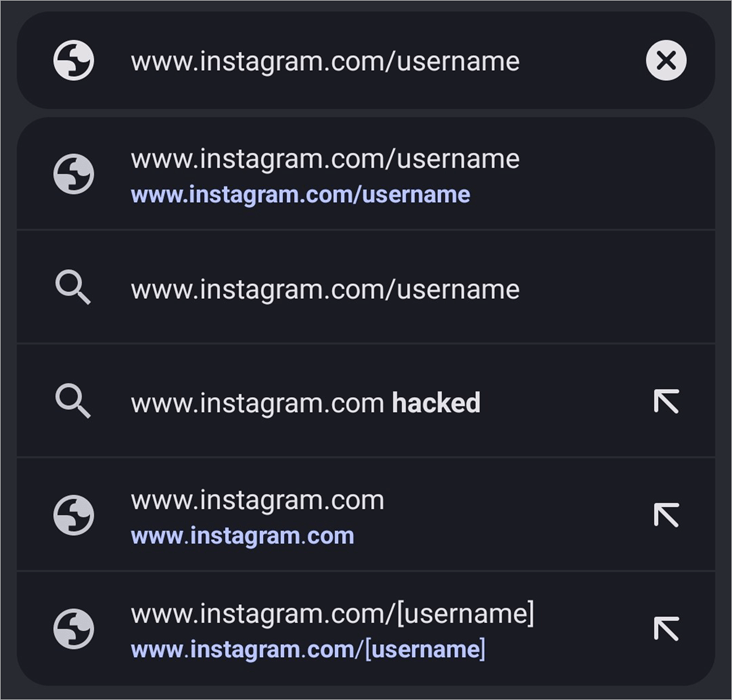
2. Ensure the username is spelled correctly and press Enter.
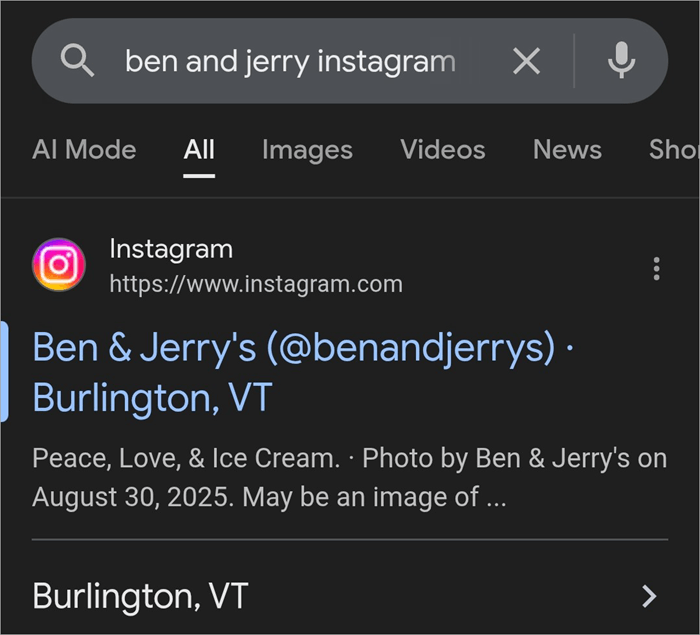
3. You’ll immediately be redirected to that profile page, in the app if you have it installed.
4. You’ll be greeted by a pop-up that asks you to sign up. Close the pop-up by clicking on “X”.
5. You’ll now be able to see that username’s posts, follower count, bio, and profile picture.
Although simple, this method has its limitations. You’ll only view the posts of Instagram profiles that are made public. You won’t view much beyond what’s visible when you first land on the profile page. This means you cannot view stories.
So, is it even possible to view Instagram stories without an account? Yes, but you’ll need help from third-party apps offering this privilege.
How to View Instagram Stories Without an Account Through Third-Party Apps
There are several paid and premium tools out there that let you surf through Instagram anonymously. These tools are simple to use and do their jobs with the utmost efficiency. That said, you have a plethora of options at your disposal. Finding one that’s actually best may feel like you are looking for a needle in a haystack.
Luckily, I’ve got you covered. I’ve cruised through such apps in the past and got to know which work best. I would recommend the following apps if you wish to view Instagram stories without an account.
#1) InstaStoriesViewer
#2) Imginn
#3) Path Social
#4) Inflact
#5) Picuki
#6) Dumpor
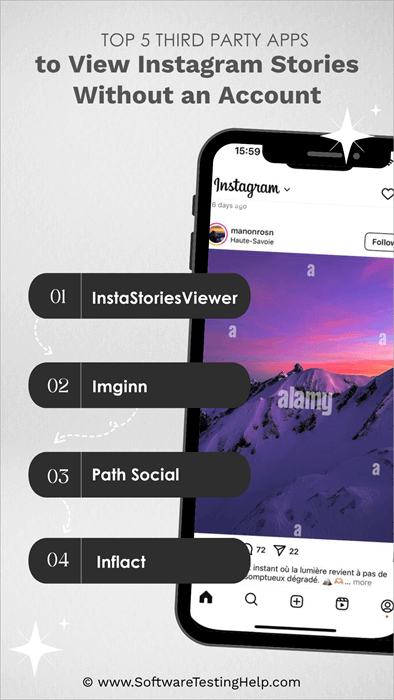
Comparison of the Top Apps to View Instagram Stories
| Name | Advantages | Disadvantages |
|---|---|---|
| InstaStoriesViewer | Download Instagram Stories and Posts | Advertisements |
| Imginn | Simple Instagram viewer | Forced to watch ads if you want to access its features. |
| PathSocial | Can be used to analyze an Instagram profile, generate hashtags | Not exactly free |
| Inflact | Track and save stories, categorized content for viewing. | Daily limit when using the tool for free. |
#1) InstaStoriesViewer
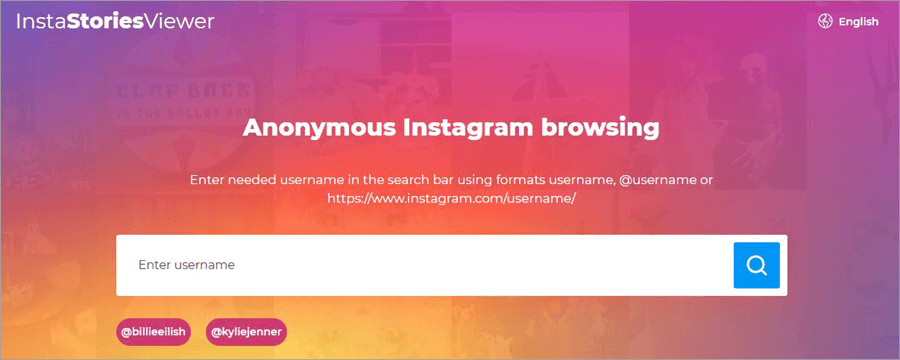
InstaStoriesViewer is a popular online server that grants you anonymous access to any public Instagram profile. It is free to use. You don’t need to register or create an Instagram account to use it. Besides viewing stories, InstaStoriesViewer can also help you download them on your device. It works well with all computer and smartphone devices.
Pros:
- Guaranteed anonymity
- Quick downloading of Instagram content
- Easy-to-use interface
Cons:
- Too many ads
Website: https://insta-stories-viewer.com/
#2) Imginn
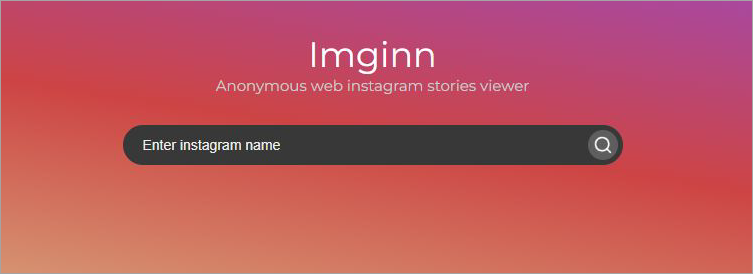
Imginn is yet another online, free service that works in the same way InstaStoriesViewer does. It essentially clones the Instagram interface so you can view someone’s posts on your browser without logging into an Instagram account. Like InstaStoriesViewer, you can download content as well.
Pros:
- HD content downloading
- Smooth and user-friendly interface
- Quick username search
Cons:
- Forced to watch an Ad to access the tool.
Website: https://imginn.com/
#3) Path Social
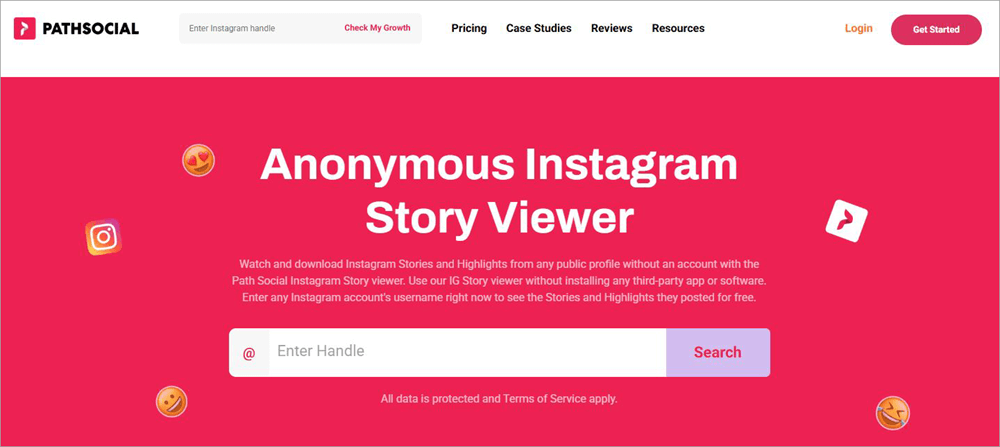
Path Social also works in the same way as the two aforementioned solutions. However, this online service also offers paid plans with advanced features that can help you grow your Instagram page. The profile viewer it offers is great. It will take you only three simple steps to unlock any profile.
Pros:
- Quick in delivering results
- No ads
- Download stories.
Cons:
- Restrictive free plan.
Website: https://www.pathsocial.com/free-instagram-tools/instagram-story-viewer/
#4) Inflact
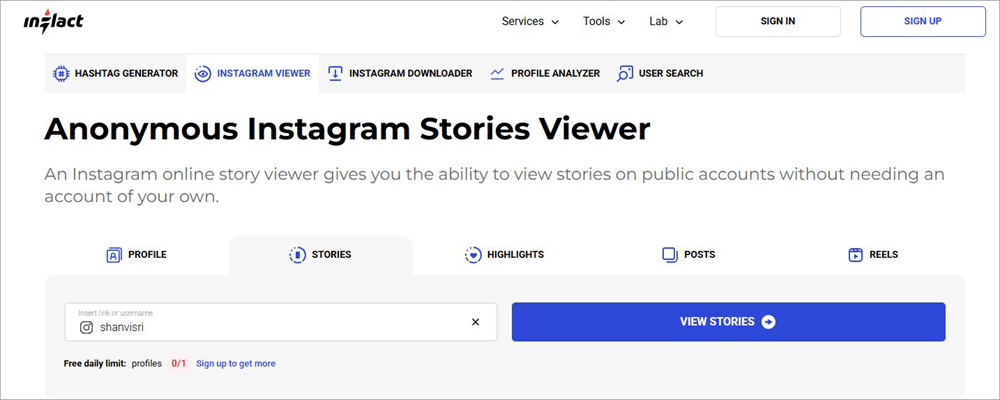
Inflact makes it to my list because of just how organized its main web interface is. Unlike other solutions on this list, Inflict lets you view content on Instagram that you want to watch. The main interface is categorized into 5 sections. If you want to watch Stories and nothing else, select that, enter the username, and click on the “View Stories” button.
Pros:
- Can be used for generating hashtags
- Categorized Instagram viewing
- User-friendly interface
Cons:
- The free plan is restrictive.
Website: https://inflact.com/instagram-viewer/stories/#google_vignette
#5) Picuki
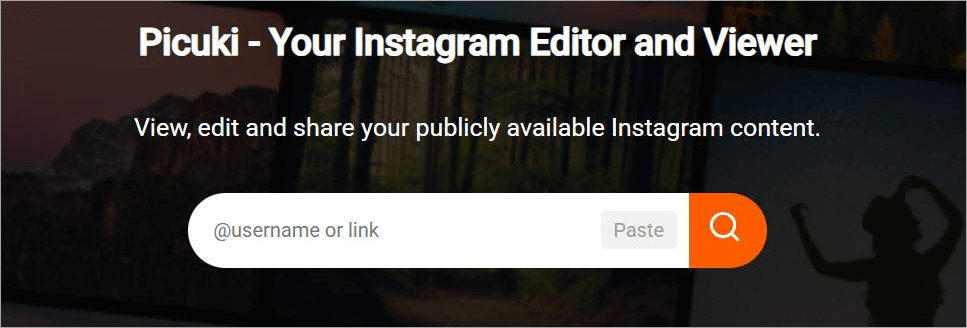
Picuki works in the same way that most of the tools I’ve mentioned here do, and that’s what I like about it. You can rely on this online tool to venture on an anonymous trip down Instagram’s expansive platform. You’ll be able to view, edit, and even share content without actually logging into Instagram.
Pros:
- View stories, images, and videos without restriction
- Download the story and videos
- Image editing tools
Cons:
- The interface is riddled with ads.
Website: https://picuki.site/
#6) Dumpor
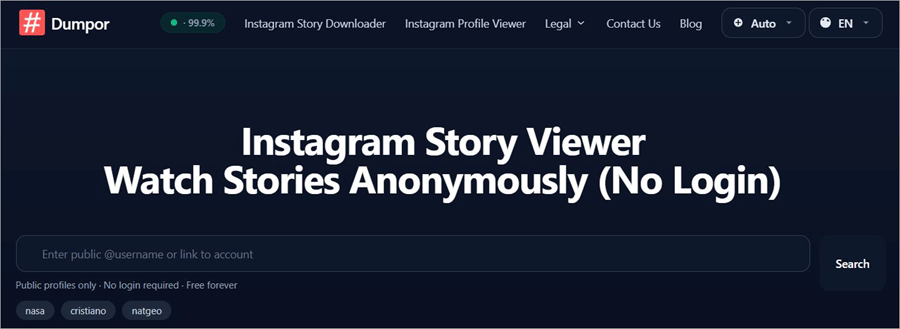
Dumpor makes it to my list for its sleek interface, which really elevates one’s user experience. This interface also makes this online tool a breeze to use. All you have to do is enter the username to access that profile without logging into Instagram. The results are incredibly fast as you are granted access to any Instagram page within seconds.
Pros:
- Sleek UI
- Quick result processing
- HD video and image download
Cons:
- The ads can get annoying.
Website: https://dumpor.io/
Viewing an Instagram Profile Without an Account Via Google
Google can be your best friend if you wish to access an Instagram page without logging into the platform. When you type in the name of any person or business on Google’s search engine, the results may also include an Instagram page, provided there is an official page associated with that person or business entity.
The results are even better when you enter the correct Instagram username on Google. This is how it usually works:
- Open Google
- Enter the name or username associated with the Instagram page you are trying to access and hit search.
- The search results may include social media pages linked to that name or username. If you see an Instagram page in the search results, click on it.
You’ll now be redirected to that Instagram page, no login required.
Viewing an Instagram Profile by Phone Number
While not as effective as the previous methods, I still believe you could try this tactic, provided you have the phone number of the person whose profile you wish to check out. Of course, you’ll need a Reverse Phone Lookup tool. There are many out there that can do the job, although results aren’t guaranteed.
You could try tools like Truecaller or Spokeo. They both can help you to view instagram stories without an account in the same way.
- First, launch their website on your browser
- Select the “Reverse Phone Lookup” option
- Enter the phone number of the person you are looking for in the designated text box.
You’ll be presented with a report revealing publicly available information about the person whose phone number you just entered. That report may or may not feature their Instagram information.
How to Use Instagram Viewing Apps
All of the above-mentioned solutions adhere to a simple process, which you can follow to view Instagram posts and stories.
That process is as follows:
1. Open the solution in your browser.
2. In the designated address field, enter the URL or username of the profile you are interested in.
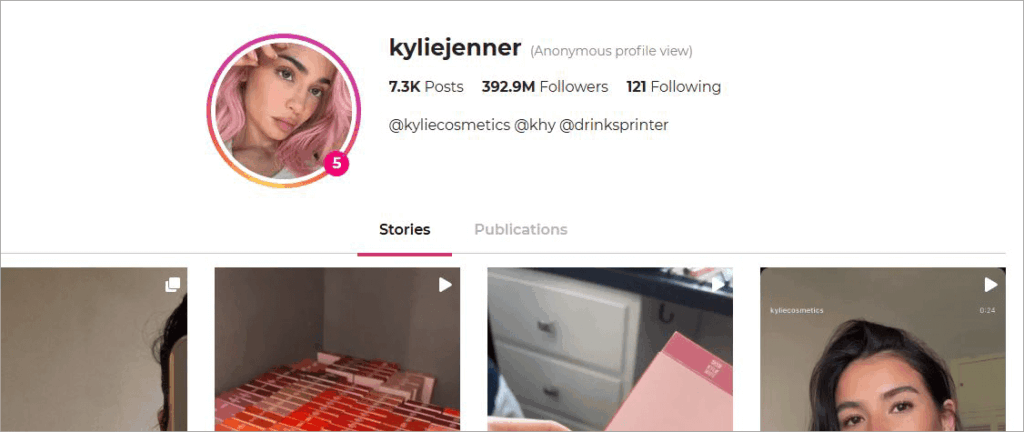
3. Hitting “Enter” will open that user’s page in your browser.
You can now view and download content on that page. Your identity will remain anonymous as you view content on the concerned profile.
Free Vs Paid Tools: What to Choose?
When opting for an Instagram viewing app, you’ll be confronted with free and premium options. I suggest referring to the table below to make an informed decision from the options available to you.
| Feature | Free Tools | Paid Tools |
| View Pages | Yes | Yes |
| Download Content | Yes but restricted | Yes, no restrictions |
| View Reels | Yes | Yes |
| Hashtag Generation | No | Yes |
| Profile Analysis | No | Yes |
| Ads | Yes | Ad-free experience |
Safety Tips to Follow When Choosing an Instagram Viewing App
You will come across a plethora of options when looking for an Instagram Viewing app. Know that not all of them can be trusted. Some of these websites feature spammy pages or even have malware. There is also the risk of these websites gathering your personal data without consent.
To stay on the safe side, follow the tips below:
- Stay away from websites or apps that ask you to log in or register.
- Get a gist of the website you are using by reading online reviews of it.
- It would be in your best interest to only use apps that have a good reputation to boast. The ones I’ve mentioned here meet that criteria.
Comparing the Above Methods
| Method | Privacy Level | Time Required | Features | Limitations |
| Through mobile and web browser | Strong | Quick 3-step process | Can view posts, read comments, and view profile bio. | Can’t view stories. |
| Third-party apps | Moderate | Quick username search | Can download content, view stories. | May have too many ads. |
| Strong | Quick search of username or name | Can view posts, read comments, and view profile bio. | Can’t view stories. | |
| Phone Lookup | Strong | Just enter the phone number | Get the Instagram page link. | The result may not be accurate. Only suitable to find an Instagram account. |
Looking for Instagram Hashtags Without an Account
Businesses, marketers, and content creators are always on the lookout for the next trending hashtag, one that could make their posts go viral. If you want to know which is the right time to post, then our exclusive guide will help you know which is the best time to Post on Instagram.
Thankfully, it is possible to look for such hashtags without an actual Instagram account. However, you’ll need a third-party tool that specializes in generating and unearthing trending hashtags.
Two very good examples of such tools are PathSocial and Inflact. I’ve reviewed both of them in this article already. By employing these tools, you’ll be able to elevate your research into hashtags while maintaining your or your business’s privacy online.
Things You Can Do on Instagram Without an Account
We’ve established the fact that Instagram can be accessed without an account. However, it is also important to note that certain features will remain off-limits to folks with no accounts.
You’ll be able to check out that person’s main profile page, along with their bio and follower count. You’ll be able to view their images and videos. You can read the comments left behind on posts by other users. You can do all of this without having your account tracked.
That said, there are so many that you just cannot do.
Limitations of Using Instagram Without an Account
You should know that only public Instagram accounts will be accessible to you without an account. You also cannot post comments or follow an account. Direct messaging is also not possible.
Without a third-party app to help you, you’ll also have no way of watching Instagram stories. Of course, all of these limitations can be avoided with an Instagram account.
Privacy Tips to Follow When Watching Instagram Without an Account
Although third-party solutions I’ve mentioned in this article do a fine job of protecting your privacy, it wouldn’t hurt to follow additional privacy tips to stay safe.
I suggest you do the following to ensure complete anonymity when surfing Instagram without an account:
- Switch your browser to incognito mode. This will prevent cookies from hindering your session.
- Try loading your Instagram login page and then immediately switch your phone to airplane mode. This will prevent Instagram from tracking your views.
- Steer clear of pop-ups that may redirect you to Instagram’s login page, as it can also result in your activity being tracked.
Why View Instagram Without an Account
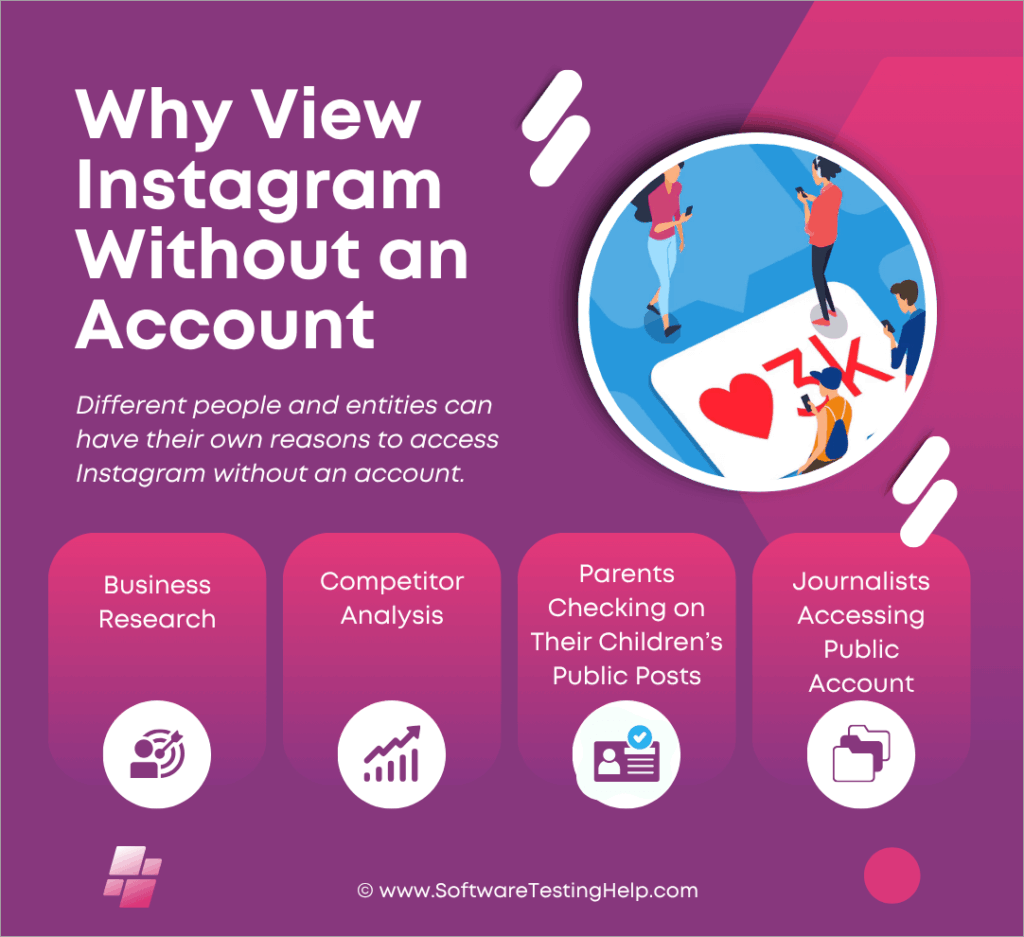
Different people and entities can have their own reasons to access Instagram without an account. Some of the most prominent use cases justifying this practice are as follows:
#1) Business Research
I believe almost all prominent businesses today have their own Instagram pages, which they use to garner publicity. Let’s say you run an up-and-coming donut shop and wish to create a presence for yourself online via Instagram.
So, you’d want to view Instagram pages related to food to check what hashtag clicks and then replicate them when publishing your own posts on the platform.
#2) Competitor Analysis
This is an extension of the above use case, wherein businesses can assess the Instagram pages of their competitors. This could help them devise a winning social media marketing strategy to boost impressions and engagement on the popular media-sharing platform. Read our guide where we have listed some of the top Social Media Marketing tools for you to pick from.
#3) Parents Checking on Their Children’s Public Posts
Parents are often worried about the influence and impact social media platforms like Instagram can have on their children.
So, they might want to keep tabs on their child’s activity on the platform every now and then, to make sure they aren’t posting something that’s problematic or indulging in behavior that can be deemed inappropriate.
If you are looking for ways to monitor your child, then feel free to check our exclusive guide on Parental Control Apps
#4) Journalists Accessing Public Account
Journalists in search of a quick scoop may also decide to access a particular Instagram page or user profile without an account. They do so to be discreet, as warranted in investigative journalism.
Frequently Asked Questions
1. Is there a way to view private profiles on Instagram without an account?
Viewing a private profile is impossible if you don’t have an Instagram account. The only way to view them is if you send that profile a follow request and they accept it.
2. What is the best way to view an Instagram story anonymously?
Of all the methods available to you, the best way to view an Instagram story anonymously is through a third-party Instagram Viewing tool. Tools like InstaStoriesViewer, Imginn, and Path Social offer you the privilege of viewing and downloading stories anonymously.
All you have to do is enter the username of the profile you wish to check out. These tools will do the rest.
3. Can you view Instagram without an account?
Yes, you can view Instagram without an account. However, it is only possible with the help of third-party Instagram Viewers. Read through our tutorial on Best Private Instagram Viewer to pick the right tool.
Some of the best you can try are as follows:
• InstaStoriesViewer
• Imginn
• Path Social
• Inflact
4. How to look at someone’s Instagram who blocked you?
If an Instagram user has blocked you, you cannot view their profile when logged in with your account. You can view their profile by either creating a new account or by entering the following URL in your browser’s address bar: https://www.instagram.com/(username)
Check our step-by-step guide to see who blocked you on Instagram
5. Can you view Instagram reels without an account?
Yes, you can view Instagram reels without an account. However, the number of reels you can watch will be limited. To view all posted reels, you’ll have to rely on a third-party Instagram viewer.
6. Is it legal to view Instagram without an account?
Yes, it is legal to view Instagram stories without an account. However, it may not be legal to download content from the platform using third-party apps, regardless of whether you have an account.
Discreetly monitoring an Instagram page is one thing, but downloading content does raise some valid ethical concerns. I would recommend seeking the consent of an Instagram page’s owner to download their content.
7. Can Instagram detect if I’m viewing without an account?
No, there isn’t a built-in feature that allows Instagram to detect who is viewing the pages on their platform without an account. The person whose page you are viewing will also not be notified by Instagram.
8. What’s the difference between public and private viewing?
When an Instagram profile is made private, only those who are following that page will view the images, reels, and stories posted by that page. Posts on public profiles are visible to everyone, followers and non-followers alike.
9. Are there any free Instagram viewer apps?
The internet is filled to the brim with free Instagram viewer apps. However, I would advise caution when using them. Not all of them are safe. Some can do irreparable damage to your system.
Only use free Instagram viewing apps that enjoy a good reputation. Dumpor, InstaStoryViewer, and Picuki are some of the more reliable free apps out there. Check out our detailed review of some of the best Instagram Story Viewers.
Here is the video guide on how to view Instagram stories without an account on an iPhone:
Conclusion
Viewing an Instagram profile without an account may seem tricky, but it isn’t entirely impossible. As evidenced by the methods I’ve discussed here, you can access any Instagram user’s page without an account. You’ll be anonymous when doing so.
You could have several legitimate reasons to view Instagram stories without an account. Maybe you are weary of Instagram’s activity trackers or don’t see the point of creating an account to check one profile page on the platform. Whatever your reasons may be, I hope you can find the solution you seek within my guide.
For more Instagram-related guides, you can explore our range of Instagram tutorials below:
- How to Turn Off Quiet Mode on Instagram
- Hide Instagram Post From Some People: Quick Guide
- Quick Ways to Fix Instagram Stories Not Showing
- Step-by-Step Guide to Hide Followers on Instagram
- How to Turn Off Active Status on Instagram
- See Who Unfollowed You on Instagram
Was this helpful?
Recommended Reading
-

Explore the top effective methods and learn How to Post on Instagram From Your PC through this tutorial: Sometimes, it can be annoying to look for your phone to make an Instagram post when you have your PC at hand. Also, it can be a tiring and irritating process to…
-
Review of the best Private Instagram Viewer to View Account and profiles. A private Instagram account viewer tool will allow you to view private profiles on Instagram easily. The Instagram private profile viewer will be invaluable to parents as they make sure their children don’t indulge in dangerous activities to…
-
Review and comparison of the the top Instagram Story Viewers with features and pricing to help you select the best Instagram Viewer: Launched exactly a decade ago, Instagram quickly became a new favorite online hangout spot for people across the globe. The online photo and video sharing platform has only…
-
Be it Reels, Videos, Instagram Stories, or If You Want to Go Live, here you will get to know about the Best Time to Post on Instagram for More Likes: It's no secret that you need to create and populate your Instagram feed with intriguing content to gain more followers…