


Are you looking for the top Instagram video downloading app Regardless of whether you own an Android phone or an iPhone?
In this guide, we have tested 15 Instagram video downloaders and the right app is going to come in handy for downloading your Instagram videos and Reels offline.
The following review contains the results of a testing and comparison of the best free Instagram video downloader apps, online tools, and software, based on ease of use, fast downloading speed, quality of videos, compatibility with devices, and format support. Take a look at our selection.
What is the best free app for downloading Instagram videos?”
SnapInsta is the best and free instagram video downloader that will help you download videos from Instagram without the need to install any software on your Android and iPhone mobiles. It is quite easy; all you have to do is simply copy the URL of the video or photo from Instagram and paste it in SnapInsta and then download it. For Android users who prefer an app, InsTake Downloader is a popular option.
Best Instagram Video Downloader Apps and Tools 2026 (Reviewed and Tested)

Locating a good Instagram video downloader may not always be easy, considering how most are loaded with tons of advertisements, restrict the number of videos that one can download, and lack the ability to download Reels and high-quality videos.
In order to find out which ones are good, we tested and analyzed Instagram video downloaders according to the criteria’s like: Download efficiency, video quality, speed, compatibility with devices, support for Reels, ads, login requirement, privacy and ability to download in batches.
The applications listed below have been tested and analyzed according to these criteria.

[image source]
How We Tested Instagram Video Downloader Apps
To ensure we provide you with recommendations that are accurate and trustworthy, we have put each of the Instagram downloader programs through the testing process according to our standardized test procedure on various networks, devices, and types of Instagram media.
- Successful Download Rate: Each tool was tested for its ability to properly parse 50 public URLs (Reels, carousels, and long videos). If a tool scored below 90%, it got rejected.
- Video Quality: The downloaded files were evaluated by our media analyzer software to ensure they had 1080p resolution, frame rates (30/60 fps), and bitrate without any compression or watermarks applied.
- Download Speed: With the help of 1 Gbps fiber network, we have analyzed time-to-fetch latency and transfer rate (MB/s) of 30 and 60-second clips.
- Ad Intrusiveness: We have noted any intrusive ads, fake download buttons, pop-ups, and whether a tool works if you have an ad blocker turned on.
- Login Requirement: Our choice leaned towards the apps that do not require login to work. In the case where the login process is required, we were able to analyze the network traffic to prevent session token capture.
- Device Compatibility: The application was checked for responsive layout and correct file download on Windows, macOS, iOS (Safari), and Android (Chrome).
- Reels Functionality: We tested audio-video synchronization of short-form Reels, audio video downloading of trending/original audio, and resolution preservation
- Privacy & Security: We studied protection by means of HTTPS, third party trackers and verified that the downloaded files get removed from the server storage.
- Multi Downloads: Multi-link queues and carousels downloads were tested to calculate ZIP file creation time and server stability.
List of Top Instagram Video Downloader
Here is a list of top tools to download Instagram videos:
- Leawo Video Downloader
- 4K Stogram
- Instagram Downloader
- DownloadGram
- InstaDownload
- DownloadInstagramVideo
- InstaDownloader.co
- InstaOffline
- Instadownloader
- HashtagsfoLikes
- Socialdown
- HitPaw Edimakor
- VideoHunter
- Inflact
Comparing Some Best Instagram Downloaders
| Name | Best For | Runs On | Reels | Login required | Free/Paid |
|---|---|---|---|---|---|
| Leawo Video Downloader | Desktop downloading and high-quality videos | Windows, Mac | Yes | No | $29.95/year & $39.95/lifetime. |
| 4K Stogram | Automatically downloading the existing as well as upcoming posts. | Windows, Mac, Ubuntu. | Yes | Yes | The price starts at $9.95. |
| FastDL | Quick, free video downloads | Web, Android, iPhone, Windows, Mac | Yes | No | Free |
| DownloadGram | Simple browser-based downloads | Web, Android, iPhone, Windows, Mac | Yes | No | Free |
| InstaDownload | Quick downloads without installing software | Web, Android, iPhone, Windows, Mac | Yes | No | Free |
| Indown | Lightweight web-based downloads | Web, Android, iPhone, Windows, Mac | Yes | No | Free |
| Inflact | Advanced features and bulk downloads | Web, Windows, Mac, Android, iPhone | Yes | Varies by feature | Free, 3 day free trial, $9/month for 10 profiles, $49/month for 100 profiles, $ 99 for unlimited profile download. |
Best Instagram Video Downloader Apps for Android and iPhone
The following is an analysis of some of the best Instagram Video Downloader Apps for Android and iPhone based on their speed, ease of use, and security.
#1) Insget
Insget is a free Instagram video downloader that supports Android and iPhone users in downloading videos, photos, Reels, and other supported Instagram content fast and easily.
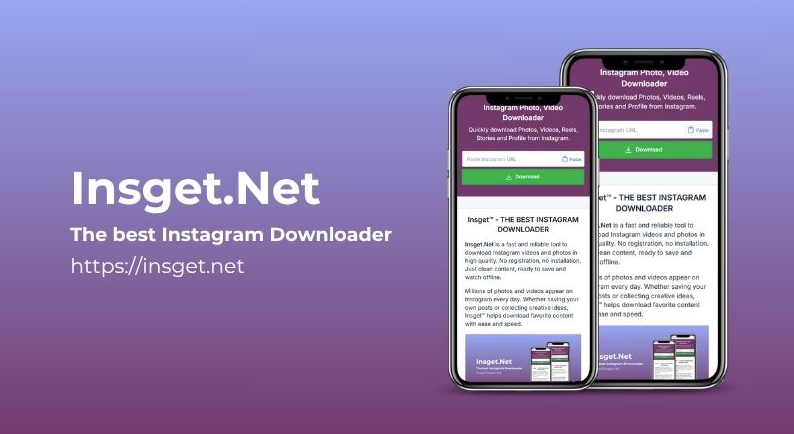
The process is easy as you just need to copy the link of the Instagram video and paste it into Insget. Depending on the features it has, it can be used to download supported Instagram videos, photos, Reels, Stories, and other publicly available content.
Features
- Download supported Instagram videos for offline use.
- Save individual photos and multi-image photos where available.
- Download Instagram Reels at the available video quality.
- Download more than one supported file when bulk download feature is available.
- Insget is designed to ensure that you download Instagram content easily.
Insget is thus a useful app for Android and iPhone users to download Instagram content. However, ensure to look at the permissions of the application before downloading anything and remember to download content that you have the right to download.
Price: Insget is completely free of cost – It do not require registration and subscription.
#2) InSaver
InSaver is an online Instagram video downloading utility which works perfectly fine with both Android and iPhone phones. As there is no need for you to download any other app separately, the tool can serve as a good choice for those who wish to save their Instagram videos, as well as other media, without needing any extra storage space.
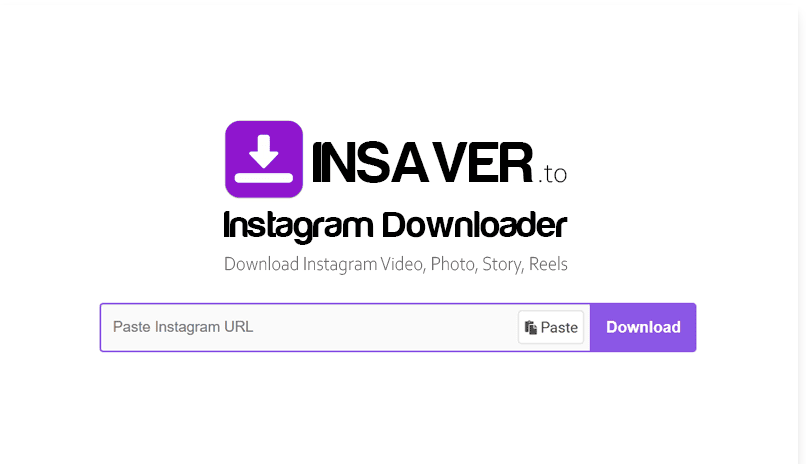
To make use of the utility, you need to simply copy the Instagram media’s link that you wish to save, enter the site from your mobile device, paste the link, and choose the download option provided by the utility.
Features
- The tool uses mobile web browsers without the need of downloading any other application.
- The tool enables you to download compatible videos from Instagram for viewing later offline.
- It is capable of downloading Instagram Reels using the video link.
- It downloads individual images as well as compatible Instagram posts.
- It downloads compatible Instagram posts without having your Instagram account linked.
- The website can also be reached through the Windows and Mac browsers.
On the whole, InSaver turns out to be a great choice for Android and iPhone users looking for an easy-to-use browser downloader.
Price: You can use this app free of cost.
Best Web-Based and Desktop Instagram Video Downloaders
#1) Leawo Video Downloader
Best for downloading live stream videos from Instagram Live.

Leawo Video Downloader can download 720P/1080P videos at a 6X higher speed from 1000+ websites. It will let you download music videos, TV shows, live-streaming videos, etc. It contains advanced video loading technology and hardware acceleration technology for providing 6X higher speed.
Features:
- It has a live video downloader to download live videos from live streaming platforms like Instagram Live.
- It provides a better user experience through smarter download settings.
- The built-in video player makes it easier to play the downloaded videos.
Verdict: To download the Instagram live video, you just have to input the live video URL or M3U8 link. The tool gives you precise video information like video size, format, etc. to help you download the video with the right parameters.
Price: Leawo Video Downloader’s 1-year license will cost you $29.95 and a lifetime license will cost $39.95. You can try it for free.
#2) 4K Stogram
Best for automatically downloading the existing as well as upcoming posts.

4K Stogram is a tool for downloading Instagram stories, videos, photos, etc. It supports Windows, Mac, and Ubuntu platforms. You can subscribe to your favorite Instagram accounts/hashtags/locations and the tool can automatically download the existing as well as upcoming posts.
Features:
- 4K Stogram will let you download private Instagram photos, videos, etc.
- It has features for downloading the Instagram highlights in a separate subfolder for each highlight.
- It provides the features to back up the Instagram account.
- It contains many more capabilities like saving the Instagram Posts by date, exporting & importing subscriptions, etc.
Verdict: 4K Stogram is easy to use and will let you download photos or videos in just two simple steps, entering the Instagram user/hashtag/location & clicking the download button. You can download multiple Instagram posts at once with this tool.
Price: 4K Stogram has three pricing plans, Personal ($9.95), Pro ($30), and Bundle ($65). All these prices are for a one-time payment. It has a free starter plan with limitations on the number of downloads.
#3) FastDL
Best for Windows, macOS, Linux, and other devices.
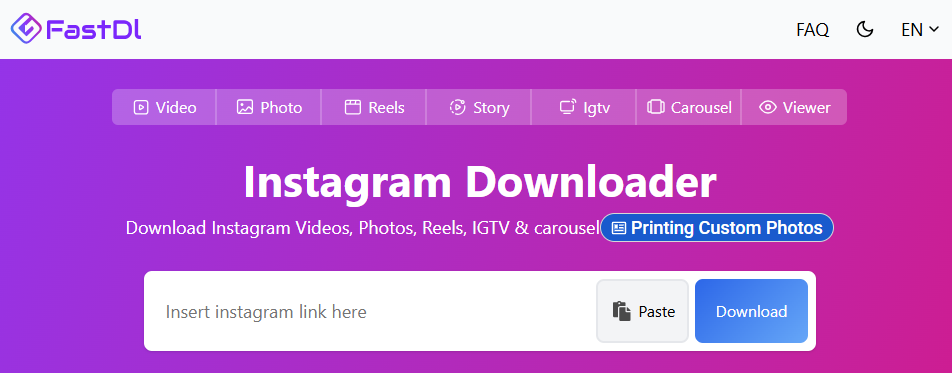
FastDL can be selected by those users who require a free Instagram video downloader without installation of additional software. As a browser extension, FastDL becomes especially convenient for Android and iPhone users, as well as it is more functional than basic video downloader because of supporting Reels, videos, photos, and carousel posts.
Nevertheless, there is a disadvantage in the fact that FastDL is aimed at downloading only one file but not several of them at once like a batch downloader.
Thus, FastDL becomes useful for the purpose of occasional downloads of Instagram videos or Reels. It is necessary to keep in mind the permission and copyright of each content which you decide to download and use in your work.
Further Reading => Few Note-Worthy Tools for Private Instagram Account Viewer
Key Features
- Downloadable Instagram videos in MP4 format.
- Downloading Instagram Reels for offline watching.
- Downloading of individual pictures and videos in carousel posts.
- Does not require installation of dedicated application, works through mobile browsers.
- Works on Windows, macOS, Linux, and other devices which have updated browsers.
- There is no need for login and installation process.
Price: Free
#4) DownloadGram
Best for exclusive Instagram Reel, IGTV, Video, and Photo download.
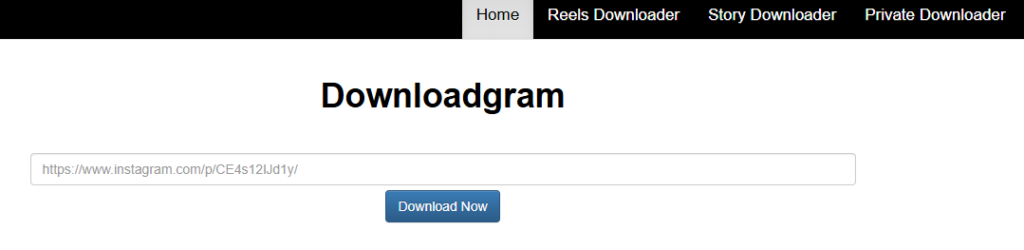
The moment you land on DownloadGram, they greet you with its link text box demanding a video source from you to download. It gets straight to the point with its almost empty landing page. If you have a Reel video, IGTV Video, or a simple Instagram Video or Photo to download, DownloadGram will take care of it without hassle.
The download process itself is very simple, you basically copy and paste the link of the URL you want to be downloaded and open your video in the destination it was saved in your device. It doesn’t ask for any registration or assaults you with ads. You can download content here to your heart’s content.
Features:
- Comprehensive Instagram content downloader
- No ad or registration
- Unlimited download
- Fast and free to use
Verdict: DownloadGram prioritizes simplicity over outlandish aesthetics. It is more concerned about the actual downloading process than it is about any things else. This is a rare quality to see in tools today and thus warrants a try from users.
Price: Free
Further Reading => List of the BEST Instagram Photo Downloader Apps to Look For
#5) InstaDownload
Best for instant Instagram video download.
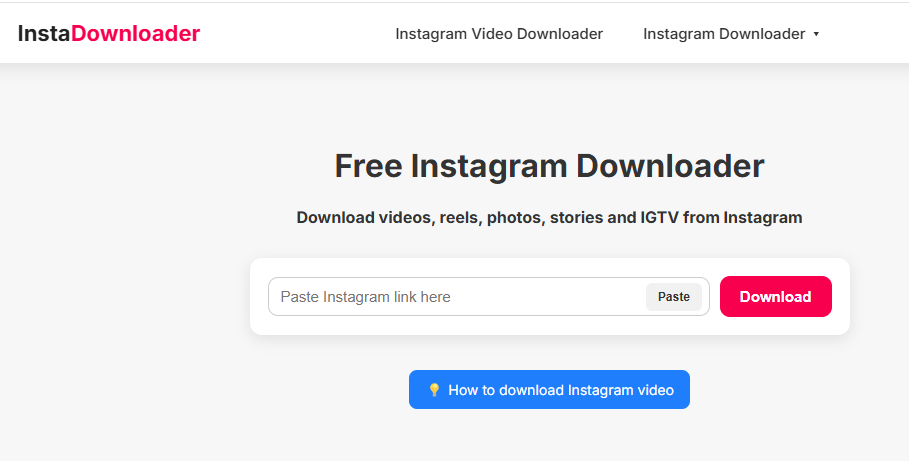
InstaDownload works on very powerful servers to enable the download of any Instagram content, whether it is long IGTV videos or entertaining reel videos in a matter of minutes. The interface itself allows you to easily alternate between the kinds of content you would like to download from Instagram with the help of a click.
The process is also very simple. You copy the URL of the video you want to be downloaded, paste it in InstaDownlaod’s text box, and click download. The tool works like butter across all devices, from Android to Mac without any issue.
Features:
- Easy to use
- Fast and free
- Works on all computer and mobile devices
- Unlimited Instagram video download
Further Reading => Most Popular Pinterest Video Downloaders
Verdict: InstaDownload is a fun tool to use when downloading videos from Instagram. The process is simple and relatively fast. The fact that it is also free makes the tool worth checking out.
Price: Free
#6) InDown.io
Best for private Instagram Video downloader.
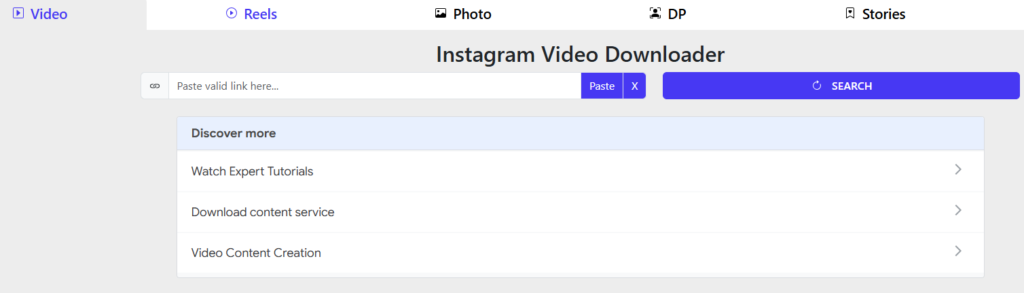
is a simple browser Instagram downloader which enables users to download public Instagram content without any need for using an app or registering an account. The program allows you to download Instagram videos, Instagram Reels, Instagram photos, feed videos, IGTV videos, Instagram stories, highlights, and Instagram profile pictures.
The most important thing about this tool is the simplicity of its operation – you just copy the Instagram post URL, paste it in InDown.io, wait until the content loads, and then press download.
According to the website, you do not need to enter your Instagram credentials and access it from your mobile phone, iPhone, tablet, or PC.
Features:
- Video download from Instagram public posts.
- Instagram Reels download.
- Download photos from Instagram public posts.
- Download Instagram stories.
- Profile picture download from Instagram.
- No software installation needed.
- Can be used on smartphones, tablets, and PC.
Price: Free
#7) instadownloader.co.in
Best for downloading public Instagram content.
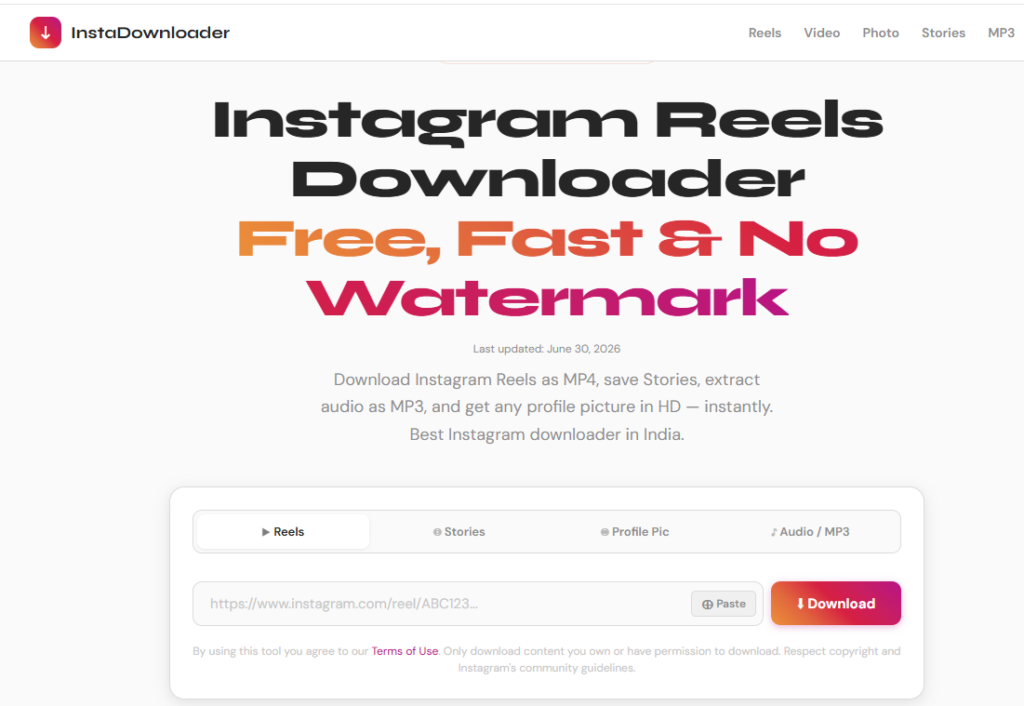
InstaDownloader offers Instagram users with an option to download any video they desire in a safe and secure manner. You are required to simply feed the online site with the URL of a video or photo you would like downloaded, and InstaDownloader will get the job done in no time.
The service is absolutely free to use and works phenomenally well on all mobile and computer devices. Its interface can be a little jarring. However, the fact that you can download content from Instagram without signing into your account makes its demerits all the more forgivable.
Features:
- No Instagram Sign Up required for download
- No ads or registration required
- Easy to use
- Fast downloading of content
Verdict: InstaDownloader has one of those interfaces that increase the bounce back rates of a website. However, upon trying it ourselves, we can confidently say what it lacks in aesthetic, it more than makes up for in the performance department.
Price: Free
Recommended Reading => Do you Know the BEST Time to Post on Instagram
#8) instadownloader.co.in
Best for fast, secure, and flexible video download.

It is a simple online utility to get public Instagram content without requiring to sign in to the Instagram account.
The simplicity of the utility lies in the ability to copy the Instagram URL, paste it into the utility, choose the needed type of downloading, and save the downloaded file.
It offers the ability to download Reels, Stories, photos, videos, profile picture, and carousel content; it is helpful for those who need many Instagram downloading possibilities in one utility.
One of the strongest points about this utility is the combination of downloading without login, without adding a watermark, mobile version, and extracting audio.
Moreover, this utility allows downloading the HD profile picture and Reel to MP3 conversion.
This utility can be used directly via browser on Android, iPhone, Windows, Mac, which means that there is no need to install any applications.
Features
- Download public Instagram Reels as video files.
- Download videos and photos from the public Instagram post.
- Download publicly available Instagram Stories.
- Work with the downloader without Instagram authorization.
- Allows downloading of high-quality files without adding its watermark.
Price: Free
Suggested Reading => Top OnlyFinder OnlyFans Search Engine AlternativesFeatures:
Best for saving Instagram images and videos.
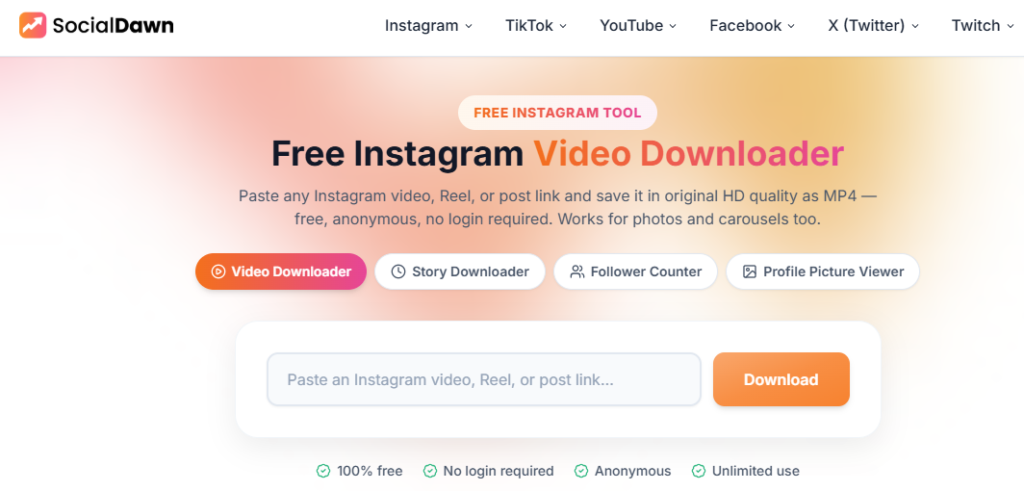
The Instagram Video Downloader by SocialDawn is an easy-to-use online tool that enables you to download Instagram videos without having to use any third-party software application. The website is dedicated specifically to downloading Instagram videos. It is therefore useful to people who want a simpler means of downloading Instagram videos to their device.
Steps to follow are simple. You only need to copy the Instagram video URL, enter it into the downloader, and then start downloading.
One benefit that stands out with this tool is that it is easy to use via a browser without any complicated steps involved.
Features:
- Instagram Video Downloader – Download Instagram videos using their URL.
- Copy and Paste Feature – Copy Instagram video link and paste into the tool to download.
- Browser-Based Tool – No need for any separate software application.
- Mobile-Accessible – Can access this site using a mobile web browser.
- Simpler Downloads – Made to offer simpler downloading experience.
Price: Free
Further Reading => Best Instagram to MP4 Video Downloaders
#10) Inflact
Best for easy and bulk Instagram content downloaders.
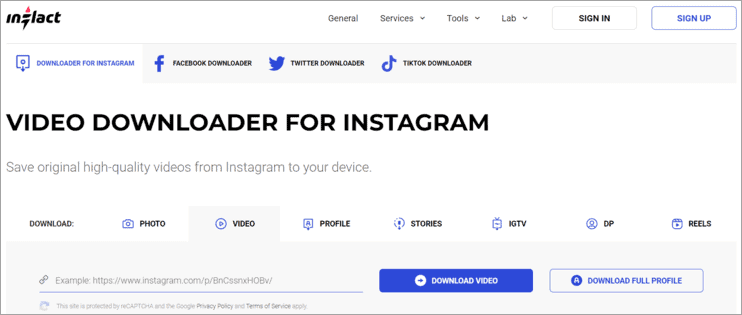
Inflact boasts a very simple interface that aims to download any form of content from Instagram, whether that content is a video from IGTV, a photo, or an Instagram story. It can download any content you like in a matter of seconds.
There are no restrictions on its compatibility as well. You can use the tool to download content on any device you like from any part of the world. The download process itself is pretty easy to understand.
Click the three dots you find on the content you would like to capture. Then click on ‘copy URL’ to get its link. Paste this link in the text box available on Inflact and press download. Just like that, you will have your desired photo or video saved on your device.
Although the tool is free to use, you can pay a small amount to unlock other exciting features. These include the ability to download multiple videos and images at once, or saving videos from unlimited profiles on Instagram.
Features:
- Simple copy paste URL download process
- Works on all Windows, Android, and Mac systems
- Allows for bulk download of content
- Generate hashtags
Verdict: Inflact is a very simple tool for a variety of Instagram download purposes. The tool is quite good in its free version but is significantly better when you pay a small amount for its extra features.
Price: Free, 3-day free trial, $9/month for 10 profiles, $49/month for 100 profiles, $99 for unlimited profiles download.
Web Downloader vs Instagram Downloader App: Which Should You Use?
Go for Web Downloader If:
- You value privacy and safety of your gadget: Web downloaders work directly from your browser and do not ask any permissions such as access to your entire gallery or contacts list.
- You do not download content frequently: It takes less time to open a new tab if you only download a few videos and reels per week.
- You have multiple gadgets: This solution works equally good on iPhone, Android, Mac and Windows PC since no installation is required.
- You take care of your memory: Excellent for your phone if you have limited memory space.
When You Use a Downloader Application:
- You save things regularly: Downloader applications can be integrated into the “Share” menu in your mobile phone, such that you can download the video directly from there rather than changing tabs to copy-paste the video links.
- Offline management is required by you: Offline media management and tagging capabilities are offered by applications.
- Bulk downloads are made by you: In most cases, the background downloads and batch downloads are done more effectively using applications than web browser tabs.
- Web downloaders are the choice of around 90% of the users because they require no installation at all and do not request any permission rights either.
What You Can and Cannot Download Directly From Instagram?
Yes, it is possible to download Instagram videos directly from Instagram:
What You Can Download Directly in the App
- Video And Reels Made By Yourself: In case you make your videos and reels, they will be saved in your camera roll either before or after posting them. Simply click on the three dots (… ) and then select “Save to Camera Roll”
- Public Reels By Other People: This application enables downloading public reels into your camera roll when it is allowed by the creator of the reel. Once you tap on the share button (paper airplane), there will be the option of downloading if the post allows it
What You Cannot Download Directly
- User Stories And Video Feed Posts: Video feed posts and stories do not come along with a “download” button.
- Made On Private Profiles: Videos and reels from private profiles cannot be downloaded at all.
- Disabled Download Option: The creators have an option to turn off the downloads for their Reels.
Are Instagram Video Downloader Apps Safe?
Web downloaders are relatively safe if you act with caution when using them, yet the risks connected with downloading mobile applications and browser plugins must not be underestimated.
- Third-party tools are neither supported nor recommended by Instagram and hence they are safe only to the extent of how the tool’s developer makes money from it.
- Main Risks Connected with Using the Tool
- Credential Harvester: The tool requires you to sign into Instagram and hence the risk of stealing your credentials and accessing personal messages appears.
- Aggressive Pop-Ups & Redirects: The free web service utilizes aggressive ad networks. The tool can use the “Download” button for promotion of phishing sites or malware.
- Excessively Aggressive Monitoring: The free mobile app and browser plugin require access to all data you have (including your pictures and current location).
Tips on How to Stay Safe
- Enable Ad Blocker: It is helpful to eliminate suspicious download links and aggressive pop-ups.
- Close the Tool Right Away When It Asks You to Log In: The tool should not require your Instagram credentials to access the public video content.
FAQs About Downloading Instagram Story Video
1. Are Instagram video downloaders legal?
As long as you are not using these tools to download copyright-protected content, they are absolutely legal to use. We would recommend using the tool only for personal reasons to be on the safer side of the law.
2. What is the best Instagram video downloader?
One universal way to select the best Instagram video downloader does not exist because it totally depends on one’s individual preferences. FastDL may be recommended if speed is your preference; otherwise, for Android phone users, SocialDown is more suitable. CleverGet Instagram Downloader and 4K Stogram can be used by desktop users.
3. Can I download Instagram videos for free?
Yes, there are online video downloading tools that will assist you in downloading public videos from Instagram for free. Advanced capabilities such as batch downloads and more will require a paid software.
4. How do I download an Instagram video to my phone?
Open the Instagram video and click on Share to get a Copy Link option. Then open an Instagram video downloader in your web browser or application and paste the link into the corresponding field
5. Can I download Instagram videos on iPhone and Android?
Yes. You could use online Instagram video downloader on iPhone by copying the link of the video from Instagram and then saving the available file via the browser.
6. Can I download Instagram Reels?
Yes, there are many video downloaders for Instagram that work for Reels. Simply copy the Reel link from Instagram and paste it in a good downloader and download the video file.
Conclusion
However, the choice of the right Instagram video downloader will mostly depend on your requirements, as well as the kind of device you are using. If you only want to download some Instagram videos and Reels, then the most convenient way is to use an online video downloader..
In selecting the best Instagram video downloader, there are certain factors other than the download speed that should be considered such as quality of video, download success rate, compatibility with different devices, ability to download Instagram Reels, presence of ads, need for account credentials, privacy, and batch download capability. You are advised to select the best option which does not necessarily ask for too many account credentials.
For most users, it is enough to use a web downloader once in a while. For Android users, it would be better to have a separate app, but for users working on a desktop who usually download several videos at once, using more professional tools would be a better solution. In general, pick what suits you best – just make sure you download and reuse any Instagram content responsibly.
Research Process:
- We spent 10 hours researching and writing this article so you can have summarized and insightful information on what Instagram Video Downloader will best suit you.
- Total Instagram Video Downloaders Researched – 20
- Total Instagram Video Downloaders Shortlisted – 10
Was this helpful?
Recommended Reading
-

An In-depth Review of the Top Instagram Marketing Tools with Features, Pricing & Comparison. Select the Best Instagram Tool From This List To Grow Your Business On Instagram: The Instagram tools provide features & functionalities like scheduling, posting, hashtag suggestions, analytics, etc. to help you with marketing your business on…
-
List of the Best Free Instagram Scheduler To Schedule Instagram Posts And Hashtag Suggestions: What is Instagram Scheduler? The Instagram Scheduler is an application that will allow you to schedule the posts and will automatically post the content. It will provide hashtag suggestions and analytics. These tools are used as an…
-
The 4K Stogram is an Instagram Photo, Video Viewer and Downloader for Windows, Mac, and Linux. Read this Comprehensive Hands-on 4K Stogram Review with Features and Installation Steps and learn how to use it: Wherever you choose to spend the holidays, the pictures you take always turn out to be…
-
List and comparison of the top Facebook Video Downloader with features and pricing. Select the FB Video Downloader software from this list per your requirements: You have to be living under a rock to not know what Facebook is. It is after all a behemoth amongst social media platforms. From…


