The following list contains some of the best free online YouTube to MP3 converters and downloaders for fast conversion and downloading of YouTube videos as MP3s.
Want to convert your YouTube videos to MP3 without much trouble and absolutely free?
Finding an honest YouTube to MP3 converter tool that doesn’t come with any malware or fake “Download” buttons is extremely difficult now. By 2026, many of the existing tools will be out of order, and users will find themselves vulnerable.
To help you get a reliable converter tool, our experts tested more than 50+ YouTube to MP3 converters for conversion speed, security, and true 320 kbps audio fidelity.
This guide will give away all the safe methods that exist today. We will tell you how exactly to download audio in high quality in just a few seconds using safe YouTube to MP3 converter software programs. These are the best YouTube to MP3 converters for 2026.
Best YouTube to MP3 Converters (2026 Safety & Quality Test)
In 2026, the best YouTube to MP3 converter for most users is YTMP3 for a fast and secure online experience, 4K YouTube to MP3 for high-quality desktop downloads, CnvMP3 for ad-free 320kbps audio, and Loader.to for efficient batch playlist conversions.
Market Trends: The YouTube app doesn’t support listening to music outside the app. Therefore, converting the video to MP3 format and downloading it will be a convenient option.
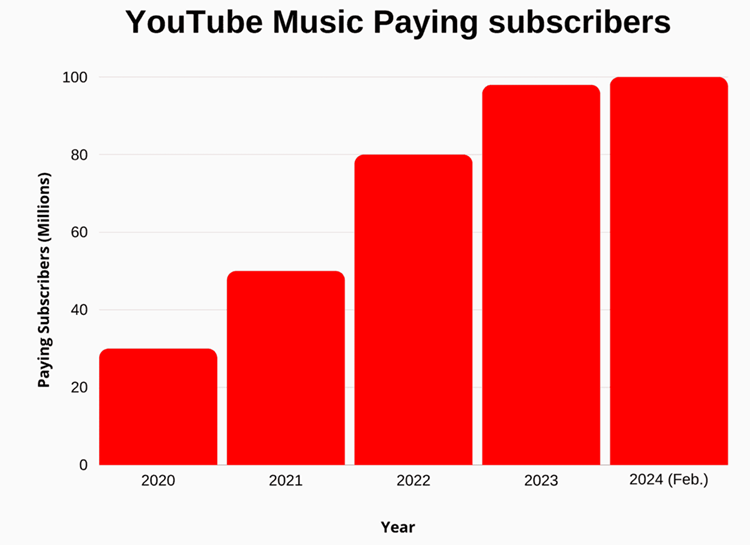
YouTube Music is the streaming service that has over 4 billion user-generated playlists and allows Premium subscribers to seamlessly switch between audio-only playback and official music videos.YouTube Music Statistics in 2025
Expert Advice: While choosing the YouTube to Mp3 converter, you can consider some factors like the tool’s capability to convert the video at a fast speed, batch downloading feature, security standards, ease of use, and the price of the tool.
First, you need to gather your requirements like the number of videos to be converted, etc. If it needs to be done only once or twice then the online tool is a good option else you can also consider downloading a desktop application.
What is a YouTube to MP3 Converter?
YouTube to MP3 converter is a piece of software that can extract the audio portion from YouTube videos and convert it into a standalone audio file. By 2026, these converters will no longer be just rippling tools but more advanced technology bridges through which users can access and consume content even when they are not connected to the internet.
How YouTube to MP3 Conversion Works
There are three major steps involved in conversion:
- Download: This step involves downloading the video link and extracting the audio component from YouTube servers.
- Extracting: Using software such as FFmpeg, the audio is extracted from the video.
- Converting: Audio is then converted into an MP3 format using certain settings.
What is the MP3 format?
The MP3 format (short for MPEG-1 Audio Layer III) continues to be the international standard when it comes to digital audio. Despite new formats like the AAC or the OGG, MP3 continues to reign supreme due to the following reasons:
- Universal compatibility: It works on anything ranging from expensive Teslas to a decade-old MP3 player.
- Tiny Size: Thanks to “lossless” compression that strips away sounds that the human ear cannot distinguish, it becomes possible to store thousands of songs even on a phone.
MP3 Audio Quality Explained
Bitrates decide audio quality and file sizes. While 128kbps provides standard quality and is good enough for podcasts and spoken audio, 320kbps gives high quality and detail, perfect for music.
Features of a Top-Tier YouTube to MP3 Converter: The following are some of the core features of a YouTube to MP3 converter:
- Metadata Tagging: Automatically inserts metadata such as artist and song title into your audio.
- Batch Processing: Enables you to paste one URL link and download an entire 50-track playlist.
- Cloud Uploads: Saves your downloaded MP3 file directly into your cloud account, like Google Drive.
- Trim and Clips: Downloads only a 30-second clip from a 10-minute video using a built-in audio editor.
- Secure SSL Encryption: Safeguarding your downloads by encrypting them using SSL security.
Precautions While Using a Free YouTube to MP3 Downloader
- Download the tool from the official website.
- It is recommended to scan the download with good antivirus software.
- Be careful while filling out the forms and adding personal information.
- A few tools provide the facility to search for videos from within the tool itself. You need to be careful with this feature, as some tools download videos illegally.
- Monitor your PC’s behavior after downloading the tool; if it is getting slow, etc. In such cases, uninstall the tool completely.
- Read the user’s reviews for the tool. You will get to know about the pros and cons of the tools, and it will help you with the selection of the tool.
Difference between Online MP3 Converter and Desktop MP3 Converter
Choosing a YouTube to MP3 converter depends on one’s requirements. As said before, online tools will be a good option for one-time users. Also, it doesn’t require any installation, and hence it doesn’t take up space on your PC.
Desktop applications are faster than online tools, as they don’t process data on a remote server. Some applications can convert multiple YouTube videos to MP3 format at once.
Also, while using the online tool, there is a chance of a malware attack. So you should be careful while choosing the tool.
Why Use YouTube to MP3 Tools?
The following are the primary reasons why most people prefer YouTube to MP3 tools:
- There are many music apps like Spotify and Amazon Music on the market, but they are paid, whereas most YouTube-to-MP3 converters are free to use.
- Also, YouTube has more music collections compared to other websites.
- It is a one-time task of converting the music file to MP3, and then you can keep and use that converted file forever.
- The converted file can be used on any device that is compatible with the MP3 format and without an internet connection.
- These tools will also help you with extracting the specific parts of videos so that you can make use of them. For example, making a ringtone.
Because of all the features and benefits provided by YouTube to MP3 converters, people prefer to use them.
Is YouTube to MP3 Downloader Tool Legal and Safe?
Understanding the process of using a converter from YouTube to MP3 means understanding what is legal and safe when doing so. The tool is neutral, but the way in which one uses it poses numerous dangers in 2026.
Copyright Law: Copyright law protects virtually all materials posted on YouTube. Streaming videos from YouTube is allowed exclusively for personal purposes, while downloading and extracting any material is not covered under the terms of the site.
Although this might mean that one could be suspended on the website, downloading protected materials illegally might constitute a copyright violation.
When It’s Allowed: The following circumstances allow you to legally download YouTube videos in MP3 format: when the video is free of copyright protection, under a Creative Commons license, downloaded for your own material, or with permission/download link provided by its author.
Safe Usage Tips: Here are some recommendations to follow if you are planning on downloading YouTube videos to MP3 files.
Do not use links containing file extensions such as .exe and .msi since they are not needed. Do not trust the web pages asking you for notifications; scan suspicious links through the VirusTotal tool. Use reputable applications for your downloads.
How to Convert YouTube Video to MP3 Safely
YouTube video to MP3 audio conversion is a very simple task; however, in 2026, ensuring that your device remains safe is paramount, considering the many dangerous sites that feature harmful redirects and buttons.
Step-by-step guide: To make your YouTube video-to-MP3 process risk-free, just go through this straightforward procedure:
The “Golden Path” that needs to be followed, regardless of which website you use, to make sure the procedure is safe:
- Step 1: Copy the URL: Start by accessing the YouTube video you wish to convert. Next, click the “share” tab and copy the URL.
- Step 2: Verify the Website: Make sure that you are on a reputable MP3 converter site
- If this is the first time you are visiting the site, run the URL through a virus scanner
- Step 4: Paste and Select the Format: Finally, paste the URL in the input area. Choose MP3 (320kbps).
- Convert and Inspect: Click “Convert.” Once the progress bar finishes, click “Download.” Crucial: If a new tab opens that isn’t a direct file download, close it immediately—it’s likely an ad redirect.
How can online tools be used?
Online tools are suitable for one-off video-to-audio conversions since they do not need to be installed.
Some examples of websites that offer online conversion include OnlyMP3 and CnvMP3, and their benefit lies in the fact that they are ad-free and simple to use on any platform using browsers such as Chrome or Safari. It is important to note that the sites constantly update their domain names.
Using Software/Apps: In case of regular downloads or mass conversions, specialized software is by far the most secure and stable solution.
Software such as 4K YouTube to MP3 or MediaHuman operates offline, does not require visiting unreliable sites full of advertising, and is equipped with useful functions, such as downloading whole playlists or automatic tagging of MP3 files.
The open-source YTDLnis app works well for those who use Android devices. On iOS, the best choice would be browser solutions with files saved to the Files app.
Top 15 YouTube to MP3 Converters: Reviewed & Tested
Here is a list of top YouTube to MP3 conversion tools:
- By Click Downloader
- Leawo Prof. Media 11
- Allavsoft
- 4K Video Downloader
- VideoProc
- Winxvideo AI
- MP3FY
- BigConverter
- Mp3Convert.io
- YTMP3
- aTube Catcher
- Any Video Converter
- Freemake
- Converto
- Offliberty
Comparing The Top YouTube to MP3 Downloaders
To help you choose the right tool for your needs, I’ve compared the best YouTube to MP3 downloaders across key factors such as audio quality, conversion speed, supported formats, user experience, and platform compatibility.
This comparison highlights each tool’s strengths and limitations so you can easily find one that fits your workflow, whether you’re on desktop or mobile.
| YouTube to Mp3 Converters | Our Ratings | Category | Platforms | Supported websites | Desktop or Online | Price |
|---|---|---|---|---|---|---|
| By Click Downloader | 5/5 | Video Downloader | Windows | All sites are supported | Desktop | • Free edition; • Premium: $4.99. |
| Leawo Prof. Media 11 | 5/5 | 11-in-1 Media Converter. | Windows & Mac | 1000+ websites are supported including YouTube. | Desktop | 1-year: $169.95 & Lifetime: $195.96. |
| Allavsoft | 4.5/5 | Video Downloader | Mac and Windows | All platforms | Desktop | Free to download, Premium version costs $19.99 |
| 4K Video Downloader | 5/5 | Video Downloader | Windows, Mac OS, Ubuntu, & Android. | All popular video sites | Desktop | It starts at $10 for one year. |
| VideoProc | 4.5/5 | Video Audio converter, Editor, Downloader, Recorder. | Windows and Mac | YouTube, Facebook, Vimeo, Dailymotion and 1000+ sites. | Desktop | • Free, • One Year License: $29.95, • Lifetime License: $42.95, • Family License: $57.95. |
| Winxvideo AI | 4.5/5 | 4K Video Converter | Windows 11 (64 bit), Windows 10, Windows 8/8.1, Windows 7 | YouTube, Facebook, Vimeo, etc. More than 1000 video streaming websites. | Desktop | Premium plans start at $19.95 |
| YouTubetoMp3 | 4.5/5 | YouTube to MP3 Converter | Windows, Mac, Android, & iPhone. | YouTube, Facebook, Vimeo, Dailymotion, etc. | Online Tool | Free |
| MP3FY | 4.5/5 | YouTube to MP3 Converter | Laptops, mobiles, phones, and tablets. | YouTube, Facebook, Twitter, Instagram, etc. | Online Tool | Free |
| BigConverter | 4.5/5 | YouTube to MP3 Converter | OS X devices, Windows, Linux, iOS, Windows Phone, & Android. | YouTube, Facebook, Twitter, Instagram, Vimeo, etc. | Online Tool | Free |
| aTube Catcher | 3.5/5 | Video Downloader Screen Recorder | Windows | YouTube, Facebook, Vimeo, Dailymotion, etc. | Desktop Application | Free |
| Any Video Converter | 3.5/5 | Video & DVD Converter | Windows and Mac. | YouTube, Netflix, Spotify, Amazon Music, etc. | Desktop Application | • Free; • AVC Ultimate: $49.95. |
| iTubeGo | 4.5/5 | YouTube Video Downloader & Converter | iPad, iPhone, and Android devices. | supports 10000+ websites | Online Tool | Starts at $9.95/month/1 PC |
Review of the tools:
#1) By Click Downloader
Best for downloading videos from YouTube in various formats, including MP3. This is our recommended tool for any YouTube URL converter.
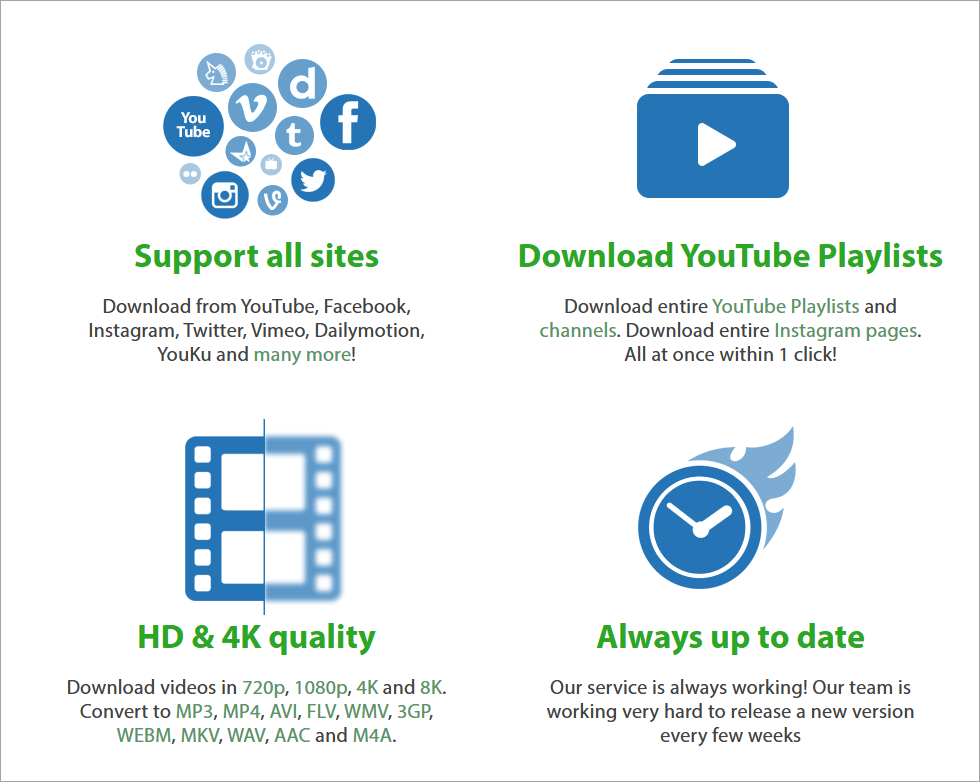
Click Downloader is a video downloader that lets you download YouTube videos as MP3 and MP4 files. It supports all sites for downloading videos, such as YouTube, Facebook, etc.
By Click Downloader can be used to download YouTube playlists and channels. It will let you download multiple videos at the same time and in as many numbers as you want.
Features:
- By Click Downloader provides recommendations.
- You can download the videos in 720p, 1080p, 4k, and 8k quality.
- It supports various formats for conversion such as Mp3, Mp4, 3GP, etc.
- You can download private videos from YouTube and Facebook.
Pros:
- It supports high-quality 320 kbps MP3 conversions.
- Features include a simple, automated one-click interface.
- Artist and title names are automatically added to downloaded MP3 files.
- It is compatible with Chrome, Firefox, IE, and Edge.
Cons:
- Reports indicate that downloading files might be slow or make the software unresponsive.
- Some users have reported downloads failing within the premium version.
- It is primarily designed for Windows systems.
Verdict: By Click Downloader is the platform to back up your videos from any platform. Its one-click download mode makes it easy to use. You can track your downloads.
Price: By Click Downloader can be used for free. It also offers a premium version for $4.99. You can upgrade it to 2 PCs with 50% off for $2.99.
#2) Leawo Prof. Media 13
Best for downloading YouTube videos and converting them to various formats.
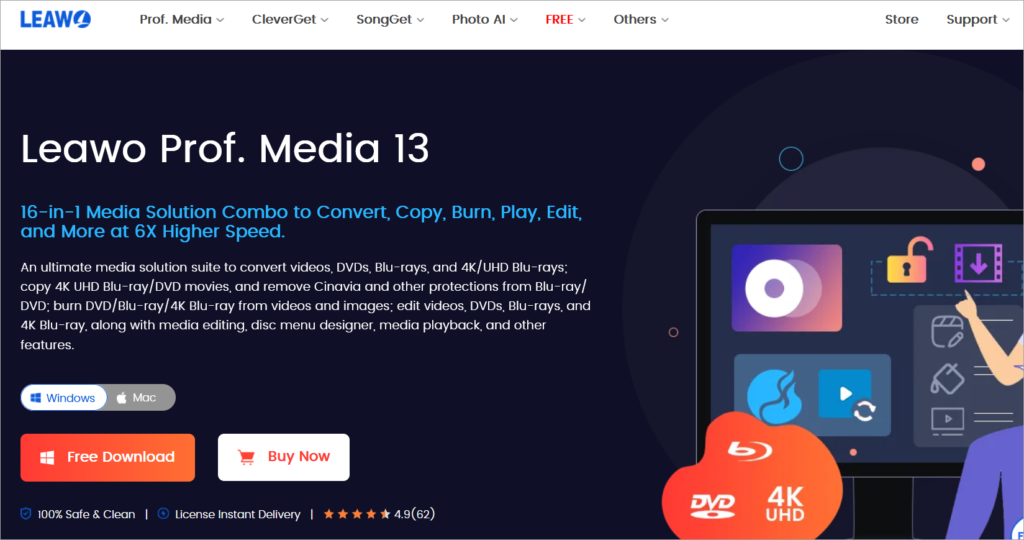
Leawo Prof. Media 11 is an 11-in-one solution. It facilitates functionalities for downloading online videos and converting them to the desired formats. It supports more than 1000 websites for downloading videos and music. It will also let you download live-streaming videos from platforms like Facebook Live and YouTube Live.
Features:
- Over 180 formats are supported for conversion.
- High-quality conversion of media files like 4K UHD Blu-ray, DVD, Video, audio, etc.
- Facility to adjust video and audio parameters.
- 1-click burning of ISO image file.
- Provides more than 40 preset disc menus to burn Blu-ray/DVD.
Pros:
- You can convert YouTube videos into MP3, M4A, and OGG, among other formats, because of its high-quality and flexible conversion capabilities.
- This comprehensive media suite can download, convert HD video, rip/create DVDs/Blu-rays, and edit videos.
- The device has a built-in browser for convenient online video searching, viewing, and downloading.
- You can download from a variety of platforms such as Facebook, Vimeo, and Twitch due to its broad compatibility.
Cons:
- The price is a bit steep compared to single-function converters, often described as a premium selection.
- Users looking solely for a YouTube-to-MP3 converter may find its extensive 16-in-1 features overwhelming.
- The downloader in Leawo Prof. Media is being separated into a new brand, CleverGet, for better performance.
- The full suite may consume significant system resources when performing intricate conversion jobs.
Verdict: Leawo Prof. Media 11 is a Blu-ray copy and DVD copy software with support for 3 copy modes, full movie, main movie, and custom mode. Its internal video editor will let you customize the video effect.
Pricing: You can try the Leawo Prof. Media 11 for free. Its free trial is available to download. This solution is offered with two licensing options, a 1-Year license ($169.95) and a Lifetime license ($195.96).
#3) Allavsoft
Best for downloading and converting YouTube videos in multiple formats.

Allavsoft is first and foremost a desktop-based video downloader that allows both Mac and Windows users to download their favorite videos from numerous media-sharing platforms online.
You can use this software to download YouTube videos in just a few clicks. You can also pause the video whenever you like and resume the download from the moment the process is paused.
As for the conversion process, all you have to do is follow the quick steps below to download any YouTube video into an MP3 format. Simply copy-paste the URL of the YouTube video you wish to download, check the “Automatically Convert To” box, and hit the drop-down menu right beside it to select the MP3 format. Converting YouTube to MP3 is that simple using Allavsoft.
Features:
- One-click audio extraction
- Batch download of videos
- Breakpoint Resume
- Preview each file before download
Pros:
- Download entire playlists and numerous files at once, then convert them quickly to MP3, WAV, M4A, and more.
- Compatible with over 1000 sites, such as YouTube, Spotify, Deezer, and Facebook.
- Easy-to-use Interface: Features a user-friendly design for simple, one-click downloads.
- You can play and resume downloads with the integrated player.
Cons:
- A paid subscription is necessary for full functionality as the free trial has download restrictions and slower speeds.
- This software requires installation on your desktop, which might not suit everyone.
- A few users have encountered slight quality problems with video merging or recording.
- The cost is a factor, as this is a paid product and may not appeal to users wanting free, simple online tools.
Verdict: With Allavsoft, you get a video downloader that allows you to capture any YouTube video and convert it into an MP3 file in just a few easy steps. It is extremely easy to use and works just as well with a plethora of other media-sharing platforms like YouTube
Price:
- Free to Download and Install
- Premium Version: $19.99
#4) 4K Video Downloader
Best for saving audio from YouTube and for unlimited downloads of playlists, channels, and subtitles.
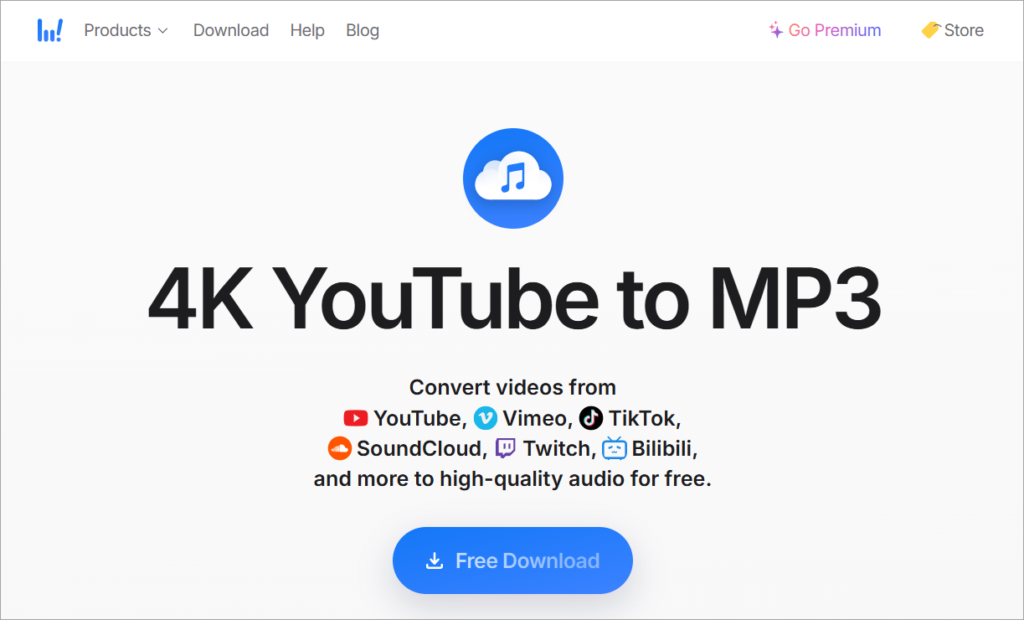
4K Video Downloader is a tool to download videos, playlists, channels, and subtitles from YouTube and other websites like TikTok, Facebook, Vimeo, etc. It will download the videos in high quality. It supports Windows, Mac, and Linux platforms. You can use the 4K Video Downloader to download private YouTube content.
4K Video Downloader can convert MP4 as well as MP3. Free updates are included with paid plans. It supports unlimited downloads of playlists, channels, and subtitles.
Features:
- For subtitles, it supports 50 languages.
- Videos can be downloaded into HD 1080p, HD 720p, 4K, and 8K resolution.
- It provides an in-app proxy setup.
- It will allow you to download full playlists and channels.
- It provides a Smart Mode feature that will help you apply your preferred settings to all further downloads.
Pros:
- You can download audio in high quality, up to 256kbps, and video in resolutions as high as 4K/8K.
- The interface is user-friendly and fast, offering a “Smart Mode” for quick, pre-configured downloads.
- This tool supports multiple platforms, including Vimeo, SoundCloud, Facebook, and Twitch, not just YouTube.
- The tool supports multiple output formats, such as MP3, M4A, OGG, and video types including MP4 and MKV.
Cons:
- Daily download limits for playlists and files apply to the free version; a paid license unlocks all features.
- Users have experienced mixed results, with some reporting antivirus warnings and others encountering issues during large downloads.
- Users may need a paid/premium subscription to enjoy audio quality above 128kbps or at 256kbps.
- Some users have reported inconsistent download quality.
Verdict: All popular video sites are supported by 4K Video Downloader. You will get the videos downloaded in HD quality. You will be able to download YouTube subscriptions, 3D Videos, and subtitles. There will be no ads or bundled software.
Price: Free download is available for the product. 4K Video Downloader offers a solution with two plans: 4K Video Downloader ($15) and 4K Download Bundle ($25). Both these plans are valid for 3 computers.
#5) VideoProc
Best for downloading and converting YouTube videos to various audio and videos at GPU-accelerated speed.
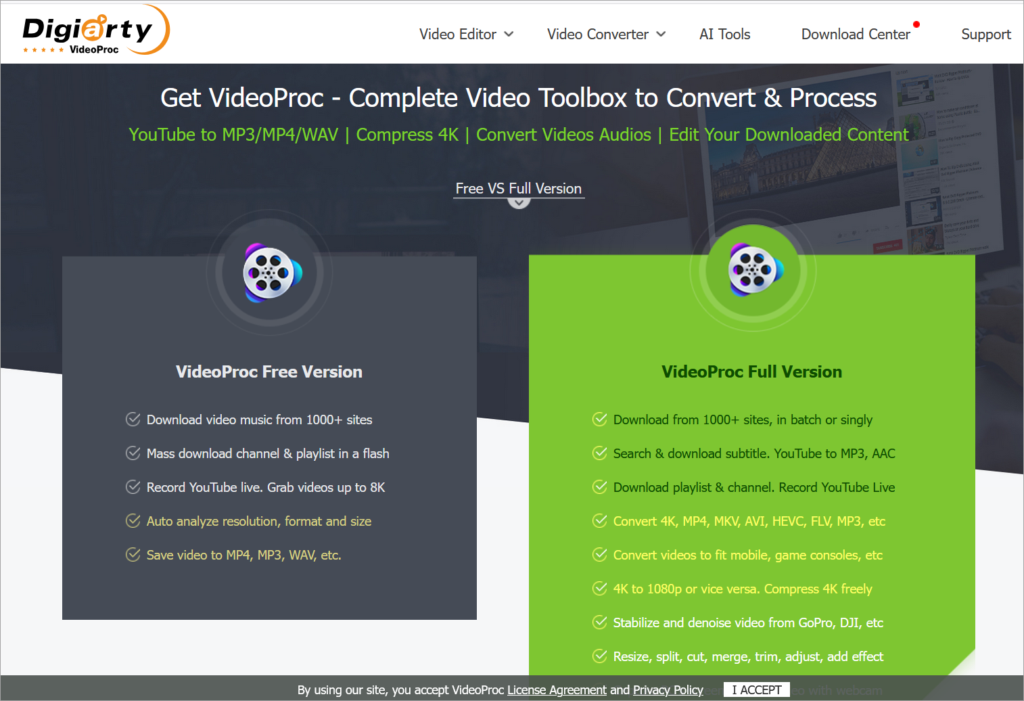
VideoProc provides you with the ultimate solution to download, convert, and edit any video audio. It brings you to No.1 fast speed to download and convert videos without sacrificing quality.
It allows you to download videos/playlists/channels singly or in batches and convert them to MP3, M4A, MP4, MKV, FLV, etc. VideoProc can also save YouTube videos in 4K, 1080p, and 720p.
Features:
- Support all popular/rare formats and codecs. 100% safe and clean, fast speed.
- Convert any video/audio to 420+ formats and devices or extract audio from video.
- Download video audios from 1000+ online sites, incl. YouTube. Support batch conversion.
- It provides a search facility to search for matched subtitle texts online for movies, etc.
- Record YouTube live videos: cut, trim, split, crop, merge, rotate, de-shake, correct fisheye, etc.
Pros:
- Quick conversions are possible due to full GPU acceleration (NVIDIA, Intel, AMD, Apple Silicon), enabling speeds 47x faster than real-time, ideal for large 4K/8K files.
- You can convert YouTube videos into a variety of high-quality audio files, like MP3 and AAC, with this versatile tool.
- It’s an all-in-one utility that incorporates video editing (cutting, merging, watermarking), screen recording, and DVD ripping, in addition to downloading.
- An affordable lifetime license ($29.95–$39.95) includes complimentary upgrades.
Cons:
- Full functionality is not free; a limited trial offers only 5-minute clips and often includes watermarks.
- Its basic tools are limited to advanced editing.
- This app requires installation; it doesn’t run in a browser.
- Users occasionally experience audio/video synchronization problems, especially with complicated or lengthy recordings.
Price:
- Free Version: Free download videos and save as MP3; Allow conversion and edit short videos;
- One Year License ($29.95), Lifetime License ($42.95), and Family License ($57.95).
Verdict: VideoProc is the only full GPU-accelerated video converting & editing software. It provides you with 47x real-time faster processing speed. It is your ultimate choice to download, convert, and even edit videos.
#6) Winxvideo AI
Best for fast downloading of 4K/1080p and AV1 videos from YouTube and other sites.
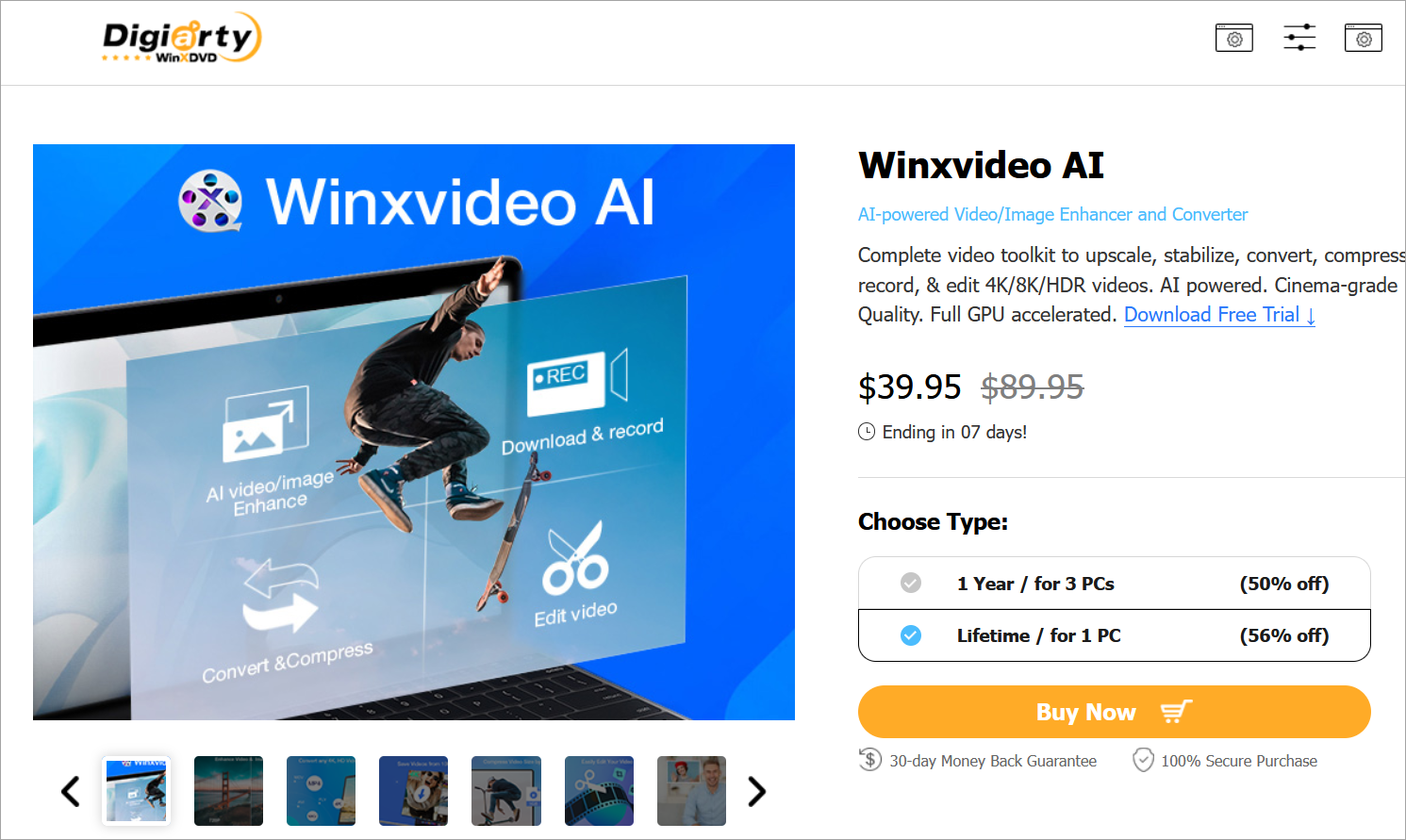
Winxvideo AI is a GPU-accelerated 4K video converter. It has functionalities to work as a resizer as well as a downloader. It is an all-in-one Windows video processing toolkit that is integrated with various features like video/image enhancer. It supports YouTube, Facebook, Vimeo, etc. It will let you save online videos in Mp4 and Mp3 format.
You will be able to import videos from any device and source. It supports more than 370 inputs and more than 420 output formats. It will easily let you convert 4K and 8K video to various formats such as MP3, MP4, MOV, etc.
Features:
- Winxvideo AI can download 8K, 4K, or HD videos and audios from 1000+ video streaming websites.
- It will let you save videos, movies, TV shows, playlists, mp3s, etc.
- It has features for batch downloading.
- It has the functionality to make and upload photo slideshows with music.
- It contains many more features like a Mac screen, a Camera video recorder, converting videos for Apple and Android, etc.
Pros
- Video processing and downloading are up to 47 times faster than real-time, thanks to NVIDIA, Intel, and AMD GPU acceleration.
- You can convert YouTube videos into many audio types, such as MP3, AAC, FLAC, and more, thanks to its versatile options.
- This tool offers comprehensive features; besides downloading, it provides video/audio editing capabilities like cutting, trimming, and compression, thus eliminating the need for separate software.
- Clean, intuitive, and modern UI, making it accessible to beginners.
Cons
- While these AI features improve video quality, they are unnecessary for users who just want to extract MP3 audio. This makes it a cumbersome tool for simple tasks.
- User feedback suggests that the tool performs well, but it can struggle with audio-video synchronization when handling complex, long files.
- It supports batch processing, but some advanced settings are limited compared to specialized converters.
Price: Winxvideo AI offers a 30-day money-back guarantee. A free trial is also available for the tool. It will cost you $29.95.
Verdict: Winxvideo AI is a platform to convert, resize, cut, and download videos. It will let you transcode any video into any format. It utilizes AI and GPU acceleration technology that provides high-quality video and images at a fast speed.
#7) MP3FY
Best for converting the videos that are blocked.
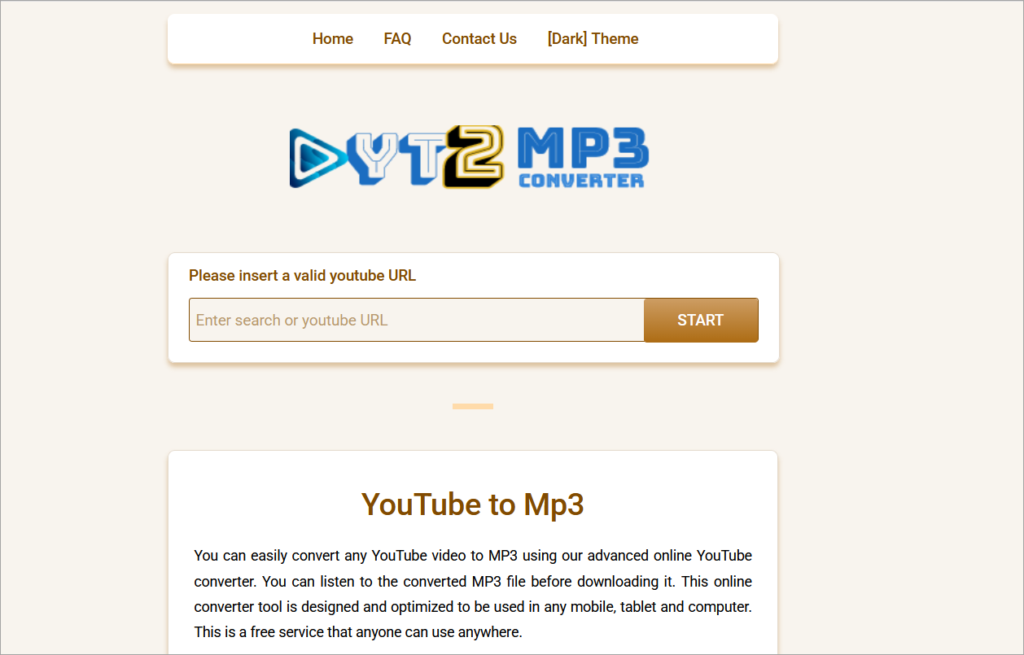
MP3FY is an online tool to convert YouTube videos to MP3 and MP4. It is just a two-click process and hence easy to use and a convenient tool. It supports more than 1000 websites. No need to register or download anything.
It tries to provide high-quality conversion i.e. 320 kbps. It will also allow you to convert videos that are either blocked or not available in the country.
Features:
- MP3FY has a built-in video search functionality that will let you search the video by the video title.
- This search by title, facility is helpful to use on mobile devices.
- It will help you to download an audiobook, long music loop, or long music compilation. There will be no limits on video lengths and video/audio size.
- It has a feature of automatically selecting the highest possible bitrate up to 320 kbps.
Pros:
- It works fully in a web browser, so no software downloads or account setup are needed.
- It’s great for converting long YouTube videos, podcasts, and lectures without strict time limits.
- It’s recognized for its fast conversion and download speeds.
- The tool converts videos from various websites, not just YouTube.
Cons:
- Being a web-based tool means it lacks the advanced features found in dedicated desktop applications.
- Like many free online converters, users may encounter disruptive ads.
- Although it provides high-quality extraction, it may not reach the quality of premium or specialized converters, with many online tools limiting audio quality to 128–192 kbps.
Verdict: MP3FY supports converting video from any type of website. Most of the time, it converts the video to the highest quality.
Price: Free
Website: https://yt2mp3.info/?l=en
#8) BigConverter
Best for providing features like cloud support and file editing.
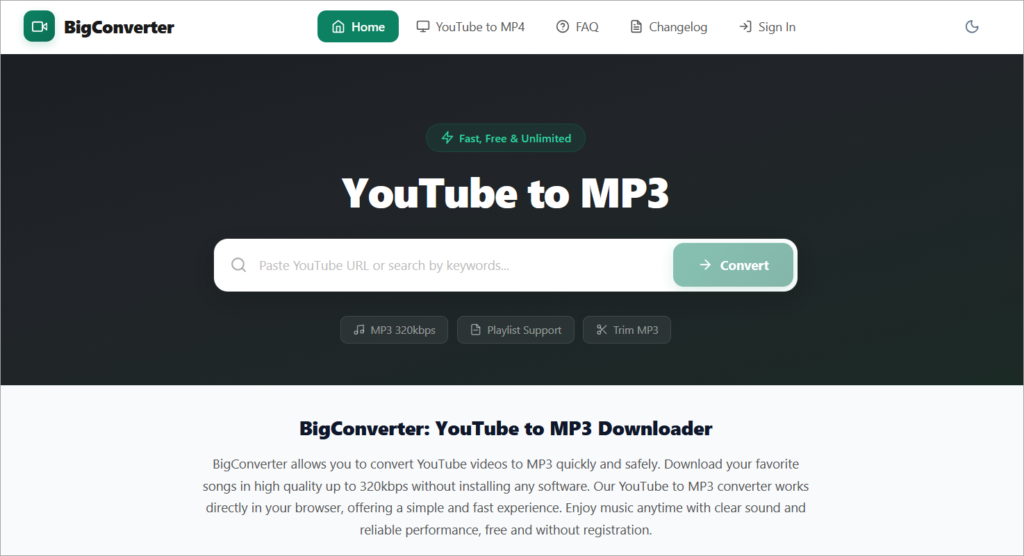
BigConverter is an online tool to convert YouTube videos to various audio and video formats including MP3. It will convert the video in a high-quality format. It supports other sites such as Facebook, Twitter, Vimeo, Instagram, Dailymotion, Google Drive, etc. The solution comes with features like cross-platform support, cloud support, file editor, and support for YouTube supported portals.
Features:
- BigConverter supports various audio formats such as Mp3, M4a, or AAC.
- It has an online MP3 cutter to cut songs and make ringtones.
- You can download the converted file or it will allow you to download it to the DropBox account.
- It supports all browsers such as Google Chrome, Safari, Android Browser, etc.
Pros
- It’s known for quick conversion speeds, often finishing “almost instantly.”
- It features a simple, user-friendly interface that generally requires only pasting a link.
- As an online tool, it doesn’t need software downloads, lowering installation risks.
- It typically supports both MP3 (audio) and MP4 (video) formats.
Cons
- Some tools may compress audio, resulting in lower quality compared to the original.
- Downloading content from YouTube can violate their terms of service and copyright laws.
- The service generates revenue through ads, which can be irritating or misleading.
Verdict: BigConverter is a fast, secure, and free tool. It is easy to cut or edit the file. It can be used to convert your videos anytime, anywhere. The only con about this tool is the restriction that the video should not be longer than 90 minutes.
Price: Free.
Website: https://www.bigconverter.com/v10/
#10) Mp3Convert.io
Best for legally downloading the file as copyright content is restricted.
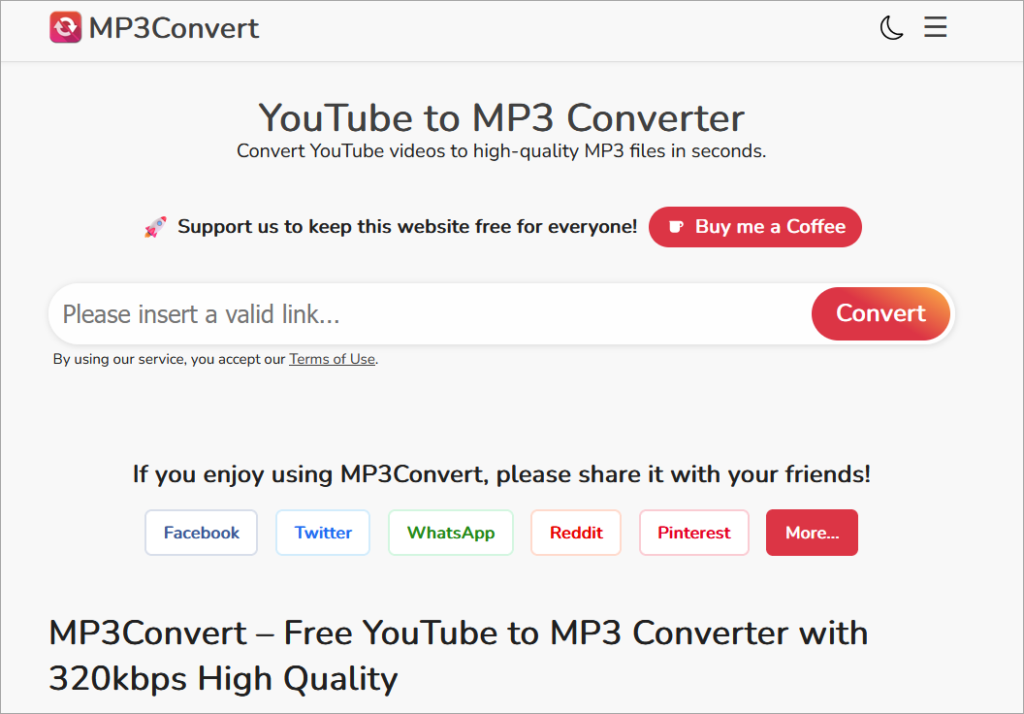
Mp3Convert.io is a tool to convert YouTube videos to MP3 files with high-quality. You just have to do a couple of clicks to perform the conversion. There are restrictions on the length of the video. In a couple of seconds, it will convert the video file to mp3. Depending on its length, you will be able to download it.
Features:
- Mp3Convert.io provides compatibility with most browsers.
- You just have to copy and paste the URL and click the button to convert the video.
- There are no lengthy registrations for downloading of additional software or extensions.
- It will maintain the original quality of the video regardless of the format you have converted.
- No ads will be displayed during the conversion and download process.
Pros:
- It offers fast conversion speeds, allowing users to turn videos into MP3s in seconds.
- This free service doesn’t require user accounts or software installation, making it easy to access on PCs and mobiles.
- It usually supports audio (MP3) and video (MP4) downloads.
- The goal is to provide the best quality possible from the original YouTube upload.
Cons:
- Converting and downloading YouTube content without permission often goes against YouTube’s Terms of Service and copyright laws.
- These websites commonly host intrusive ad networks, which can lead users to malicious sites, browser hijacking, or unwanted programs.
- There is a risk of exposure to ransomware, trojans, and phishing attempts, particularly without strong ad-blockers or security software.
- Some sites limit the length of videos that can be converted, often failing on videos longer than one hour.
Verdict: Mp3Convert.io is fast and easy to use. It is a user-friendly tool and will allow you to download videos quickly in multiple formats. It restricts the downloading of copyrighted content.
Price: Free
Website: https://mp3convert.org/pNvT/
#11) YTMP3
Best for providing fast conversion and in the highest available quality.

YTMP3 is a video converter that is useful to convert YouTube videos to Mp3 or Mp4. It will allow you to download the converted video for free. It can be used on computers, tablets, and mobile devices.
Features:
- YTMP3 can convert the video in a couple of minutes.
- The video will be converted into the highest available quality.
- No need for any software registration.
- You just have to copy the URL, select the format, and click the button to convert the video.
Pros:
- It’s known for quickly converting YouTube videos to MP3.
- Users don’t need to create accounts or download software to begin.
- The interface is straightforward and easy for non-technical users.
- It works on any browser (mobile or PC) without needing software installation. All services are free to use.
Cons:
- Quality is often capped at 128 kbps, which is average compared to the higher 320 kbps options from paid tools.
- The site is notorious for aggressive pop-ups, harmful ads, and sometimes “YTMP3 viruses,” which pose risks to users’ devices.
- Clicking on “download” buttons often leads to misleading pop-ups instead of the desired file.
- The site frequently changes domains, causing performance issues.
Verdict: YTMP3 imposes a limitation that the video should not be more than one hour in length. This limitation has been imposed so the conversion can be done in a couple of minutes.
Price: Free
Website: https://ytmp3.cc/en13/
#12) aTube Catcher
Best free desktop application.
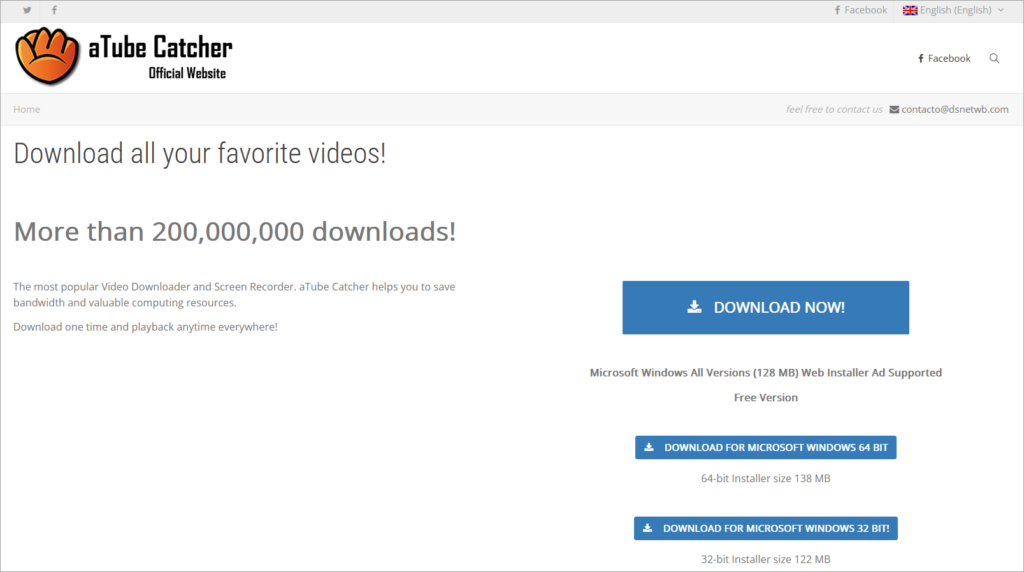
aTube Catcher is a video downloader and a screen recorder. Videos can be converted into various formats with aTube Catcher. Unlike other tools, you just have to download the tool once, and you can play it whenever you like. It supports all the Microsoft Windows versions.
Features:
- aTube Catcher will allow you to record the screen.
- It can be used to capture and record videos, webinars, etc.
- You will be able to download the videos from Facebook, Dailymotion, Vimeo, etc. It supports various formats like 3GP, 3G2, AVI, XVID, MP4, etc. to convert videos into.
- Without making the use of third-party software, aTube Catcher can write the videos to VCD/DVD.
Pros:
- There is no cost to use, with features that include downloading, converting, screen recording, and burning DVDs/Blu-rays.
- It supports a wide variety of output formats beyond MP3, including WMV, MKV, and MPG.
- The intuitive interface allows for quick drag-and-drop or copy-paste of links.
- It can download multiple videos at the same time.
Cons
- Reports indicate that aTube Catcher may come bundled with adware or unwanted software during installation, requiring caution.
- Recent updates have led to errors where downloads finish without audio or display “Error” messages.
- It can be slower than specialized converters, with one test showing it took 2:56 to download a 53 MB video compared to faster competitors.
- It’s primarily for Windows OS and is not available natively on Mac or mobile.
Verdict: The tool is easy to use and has a step-by-step interface. It is helpful for creating webinars, capturing and recording videos, and creating your presentations. As per reviews, the tool works best for YouTube only and not for other websites.
Price: Free
Website: https://www.atube.me/
#13) Any Video Converter
Best for formatting options, filters, and effects.
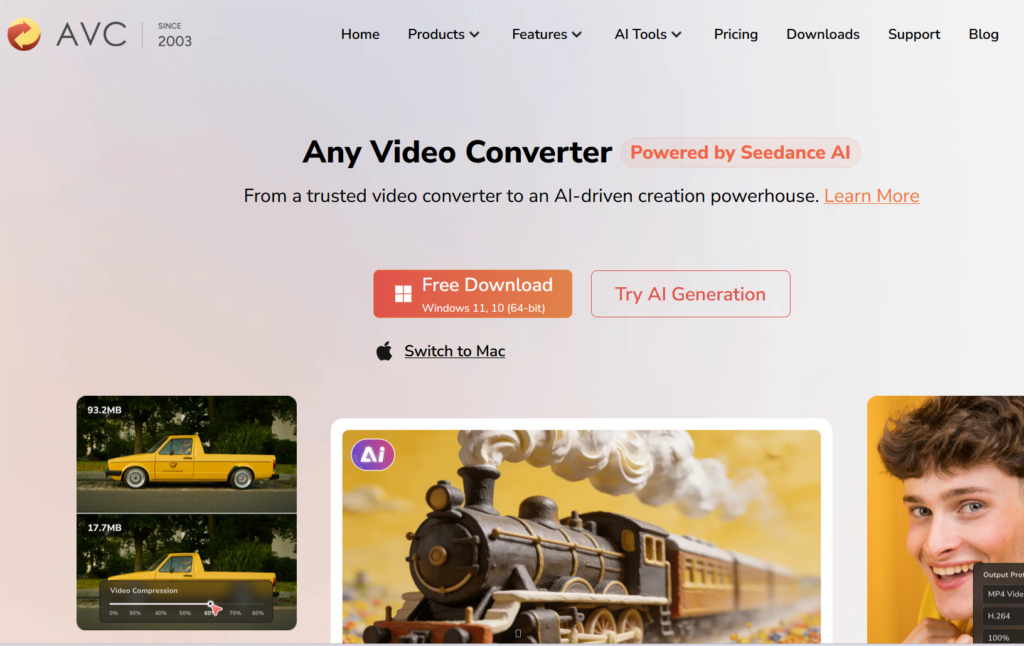
Any Video Converter offers a range of products for Windows and Mac platforms. Its free video converter can convert the videos from your computer or the Internet. It can convert the video to various formats including MP3. You will get 100% lossless quality. It supports 100+ input formats and 160+ output formats.
Features:
- Any Video Converter will let you download the videos from various audio and video sites like YouTube, Facebook, Dailymotion, etc.
- Any Video Converter Ultimate can record and capture video-screen with high output quality.
- It supports a batch of downloads of videos and music from 100+ sites including YouTube.
- It provides features for video editing like trimming video clips, cropping, rotating, joining, etc.
- It can rip and extract audio from CDs and Videos.
Pros:
- It converts YouTube videos to multiple audio formats, including MP3, WMA, AAC, and WAV.
- It uses GPU acceleration (NVidia CUDA) for quicker conversions.
- It includes editing tools such as cropping, clipping, and merging videos.
- It has been widely reviewed as a trustworthy desktop application compared to online converters.
Cons:
- As desktop software, it needs to be downloaded and installed instead of being a “quick click” online tool.
- Some users mention that the software can be slow.
- Formatting issues may arise with certain file types.
- While the basic version is free, some advanced features may need a paid upgrade.
Verdict: Any Video Converter has NVIDIA NVENC accelerated encoding. You will get flawless downloading of 4K videos. Also, there will not be any ads, spyware, or malware.
Price: A free video converter is available for Windows and Mac platforms. It offers a 30-days money-back guarantee, lifetime customer support, and free upgrades. Any Video Converter Ultimate is available for $49.95. You can try this product for free.
Website: https://www.any-video-converter.com/
#14) Freemake
Best for converting multiple YouTube videos at a fast speed.
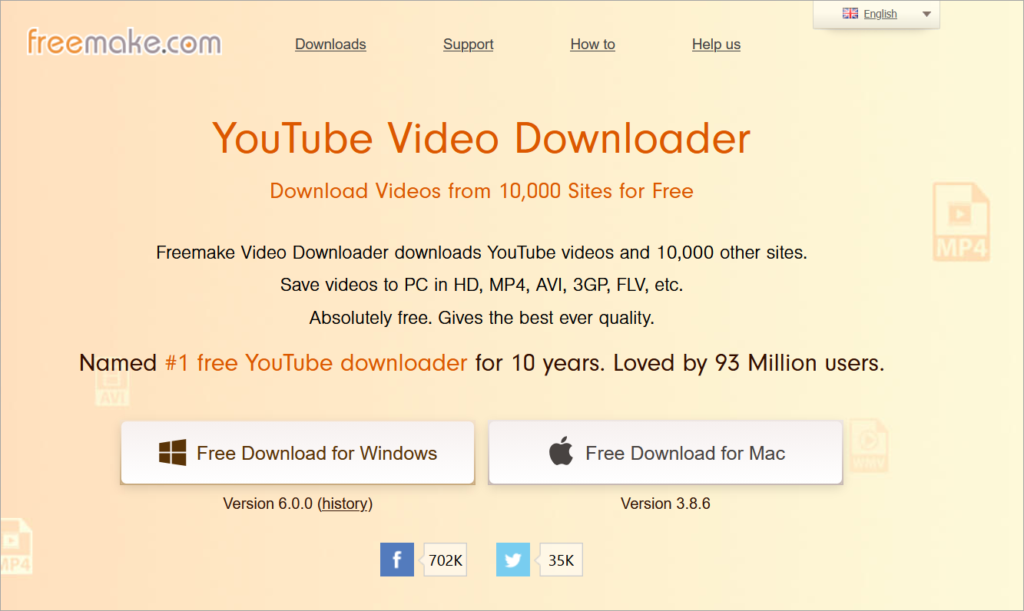
Freemake is a free YouTube to MP3 converter. You don’t have to sign up and also there are no limitations. To get the audio, you just have to copy and paste the link into Freemake. It uses multi-thread download technology and hence can convert multiple YouTube URLs at a fast speed.
Features:
- Freemake will allow you to search, download, and play music at the same time.
- Freemake can search for tracks, albums, and artists on YouTube.
- Based on your search, it will list all possible versions.
- It provides Smart search suggestions and query auto-correction features.
- Automatic detection of high-quality video availability is up to 320 kbps.
Pros
- The interface is very simple and intuitive, often needing just a single click to start conversions.
- It handles an extensive range of audio and video formats, including 4K video downloads.
- It allows users to trim, merge, and rotate clips before converting.
- It enables hardcoding subtitles into videos.
Cons:
- Though marketed as free, the current version places watermarks on output, requiring a paid license to remove them.
- Installation may include unwanted bundled third-party programs that users need to uncheck.
- Conversion speeds can be slow, especially with larger files, and crashes may occur occasionally.
- It lacks support for modern codecs like HEVC/AV1 and has an outdated interface.
Verdict: Freemake is easy to use. It offers various products like free video converter, video downloader, audio converter, free DVD copy, etc.
Price: Free.
Website: https://www.freemake.com/free_video_downloader2/
#15) Converto
Best for adding album art to MP3s.
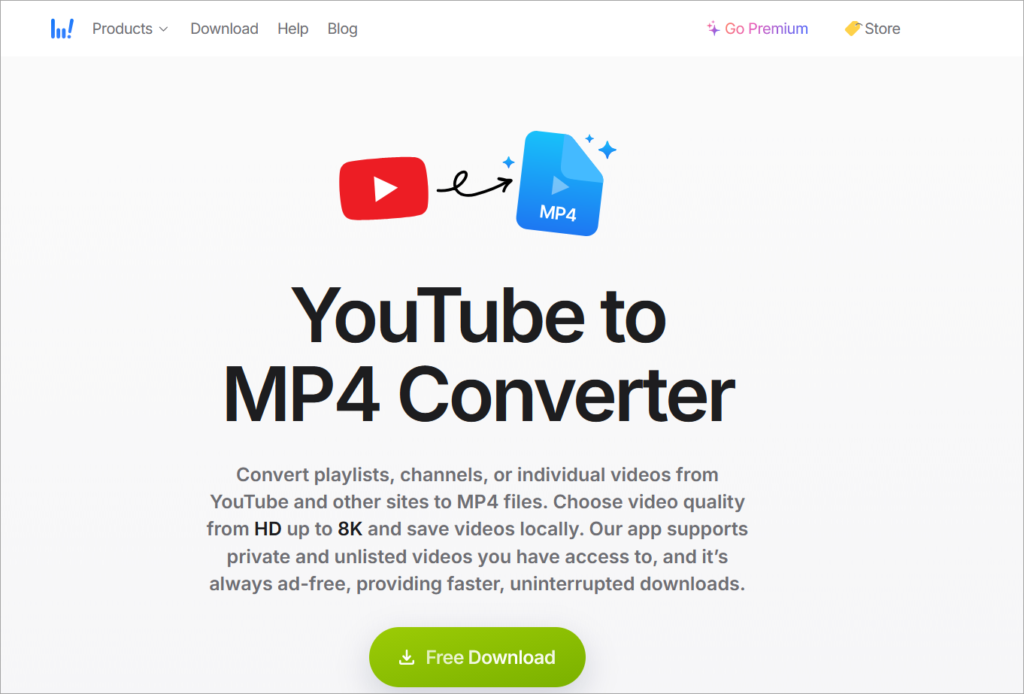
Converto is a free YouTube to MP3 and YouTube to MP4 downloader and converter. It is an online service. You just have to copy and paste the URL on Converto.io and click the convert button. It will let you convert any YouTube video to MP3 or Mp4 format.
Features:
- Converto will automatically add album art to all MP3s. This feature will make the music album look good.
- You can change the filename and ID3 tags before downloading.
- It will allow you to cut the part of the video (as required).
- You can change the video quality through settings.
Verdict: Converto is easy to use. You will be able to watch or listen to downloaded videos & music on any device, anywhere.
Pros:
- There is no software installation or registration needed.
- It offers quick processing and conversion times.
- It is accessible on any device with a browser, whether mobile or desktop.
- This service is completely free.
Cons:
- Many free web-based converters are at risk of malicious pop-ups or malware.
- They are often filled with intrusive ads and redirects to other websites.
- A stable, fast internet connection is needed, unlike desktop software.
- Some tools might limit audio bitrate compared to premium or dedicated software.
Price: Free
Website: https://www.converto.io/en
#19) MP3 Studio
Best for downloading and converting YouTube videos at unlimited speed and ultra-high quality up to 8K.
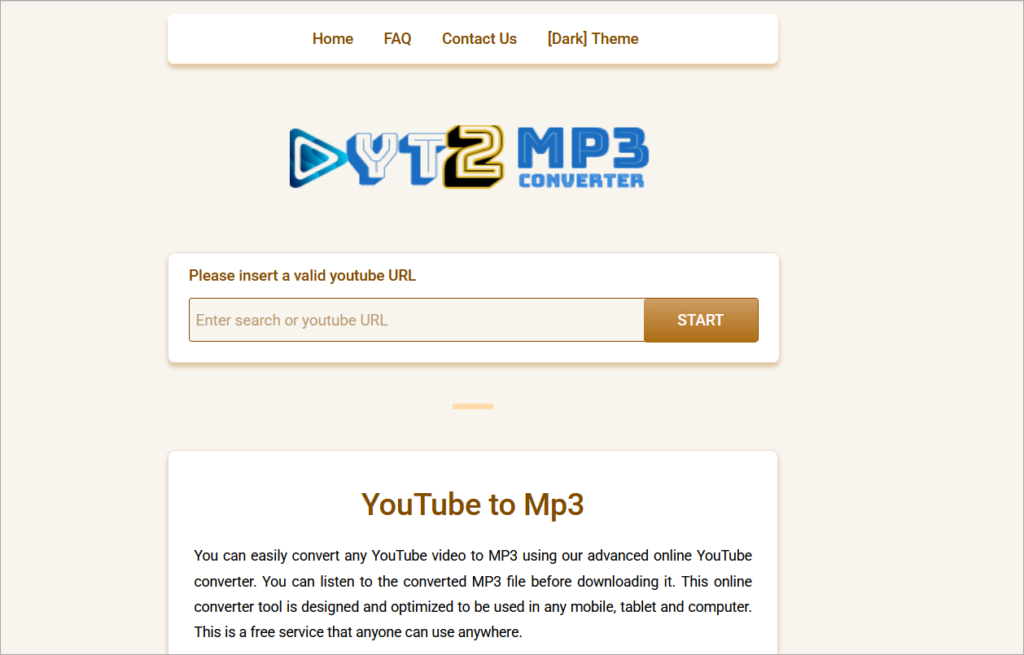
MP3 Studio allows users to download and convert any video from YouTube into various formats, such as MP3, MP4, WMV, MOV, etc. Besides YouTube, it also supports Instagram, Facebook, and more.
MP3 Studio is considered to be the cream of the crop among YouTube downloaders on the market. Unlimited speed, plenty of format choices coupled with outstanding batch download capabilities, and a sleek design really are just the tip of the iceberg for this YouTube downloader.
Features
- Downloads videos up to 8K resolution.
- Unlimited download speed
- Downloads complete YouTube playlists and channels.
- Private downloading
- Cloud service support
- ID3 tag editing
- Converts videos and audios into various formats, besides MP3 and MP4.
- Downloads from YouTube, Instagram, Soundcloud, and more.
- Supports unlimited multi-downloads.
- Downloads multiple videos and audios at once from different websites.
- Easy to navigate with a user-friendly interface.
- User interface translated to 23 languages.
Pros:
- It supports high bitrates. It allows users to download full playlists at once.
- It is generally faster than online converters.
- It is easy to use for most users.
- Desktop software is typically safer than ad-heavy online sites.
Cons:
- The free version usually restricts the number of daily downloads.
- Full features often necessitate purchasing a license.
- Installation is required, unlike browser-based tools.
- Converting copyrighted content violates YouTube’s terms.
Verdict: MP3 Studio is among if not the best tool to convert your favorite YouTube videos to MP3 and other formats.
Pricing:
- Free version with 3 daily conversions
- Monthly plans for Windows ($5.99), Android ($4.99), and Mac ($5.99).
- Lifetime license with unlimited conversions for $25.
- Promo Code STHELP for discount (Limited-time Offer).
Website: https://mp3studio.soft112.com/
#20) YTD Video Downloader & Converter
Best for Converting and downloading videos from YouTube, Facebook, Dailymotion, Vimeo, Metacafe and much more with just a few clicks on both Windows and MacOS devices.
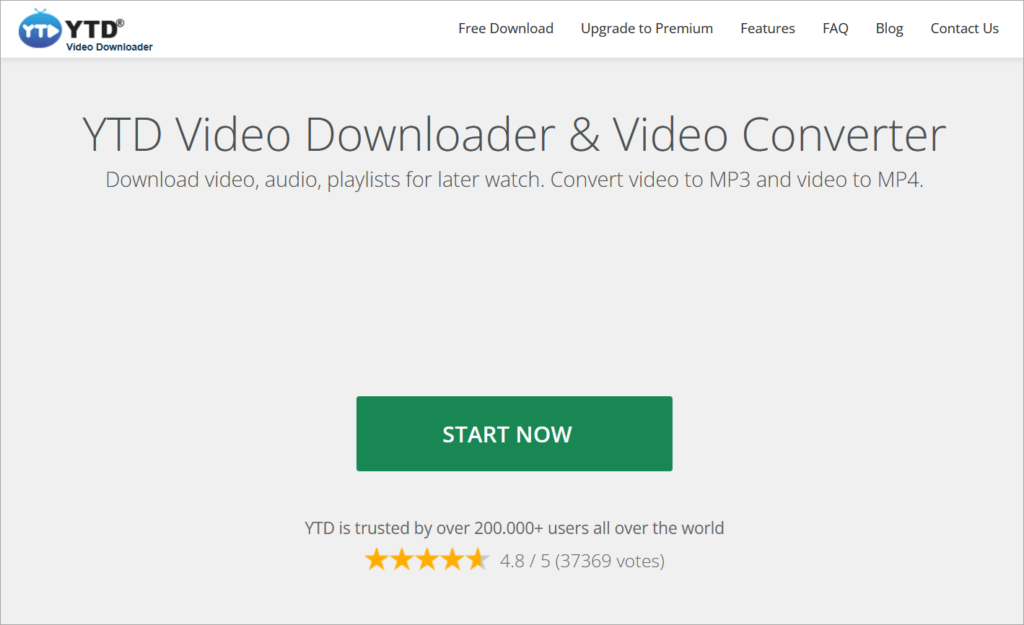
YTD Video Downloader & Converter converts and downloads videos from many popular streaming sites in high-definition quality. You can convert the videos you download with YTD Downloader to a number of different video formats: .mp4, .mov, .wmv, .avi, .mp3, .3gp.
YTD offers these file conversion options so you can play these video files on Windows, Mac, iOS or Android.
Features:
- Download free videos from 50+ sites.
- Convert Most Video Formats: mp3, mp4, wmv, flv, mov, 3gp, avi.
- Watch free videos later on other devices: iPad, iPhone, iPod, Samsung Galaxy, HTC, Kindle Fire, Blackberry and many others.
- Integrated video player to watch your videos right away.
- Free video downloader
- YTD video converter
- Super easy to use and fast.
Pros:
- It converts videos directly to MP3, MP4, AVI, and other formats.
- Pro versions claim to be up to four times faster for downloads.
- The Pro version supports downloading entire playlists or multiple videos simultaneously.
- Users can watch videos to check them before downloading.
Cons:
- Free users often face daily download limits and lower quality (720p/1080p).
- Some installations could include extra software, requiring careful installation.
- It lacks easy, direct transfer of media to phones or tablets.
- Pro features need a subscription, approximately $3.99 per month.
Verdict: YTD is a fast video downloader & converter that supports dozens of different platforms. The free version would suffice most of the users. If you want an ad-free experience or prefer batch downloads, then you should go for the paid version.
Website: https://www.ytddownloader.com/en/
#21) PPTube YouTube to MP3 Downloader
Best for downloading and converting YouTube videos and playlists in MP3 and multiple other audio and video formats at a blazing-fast speed with lossless HD quality.
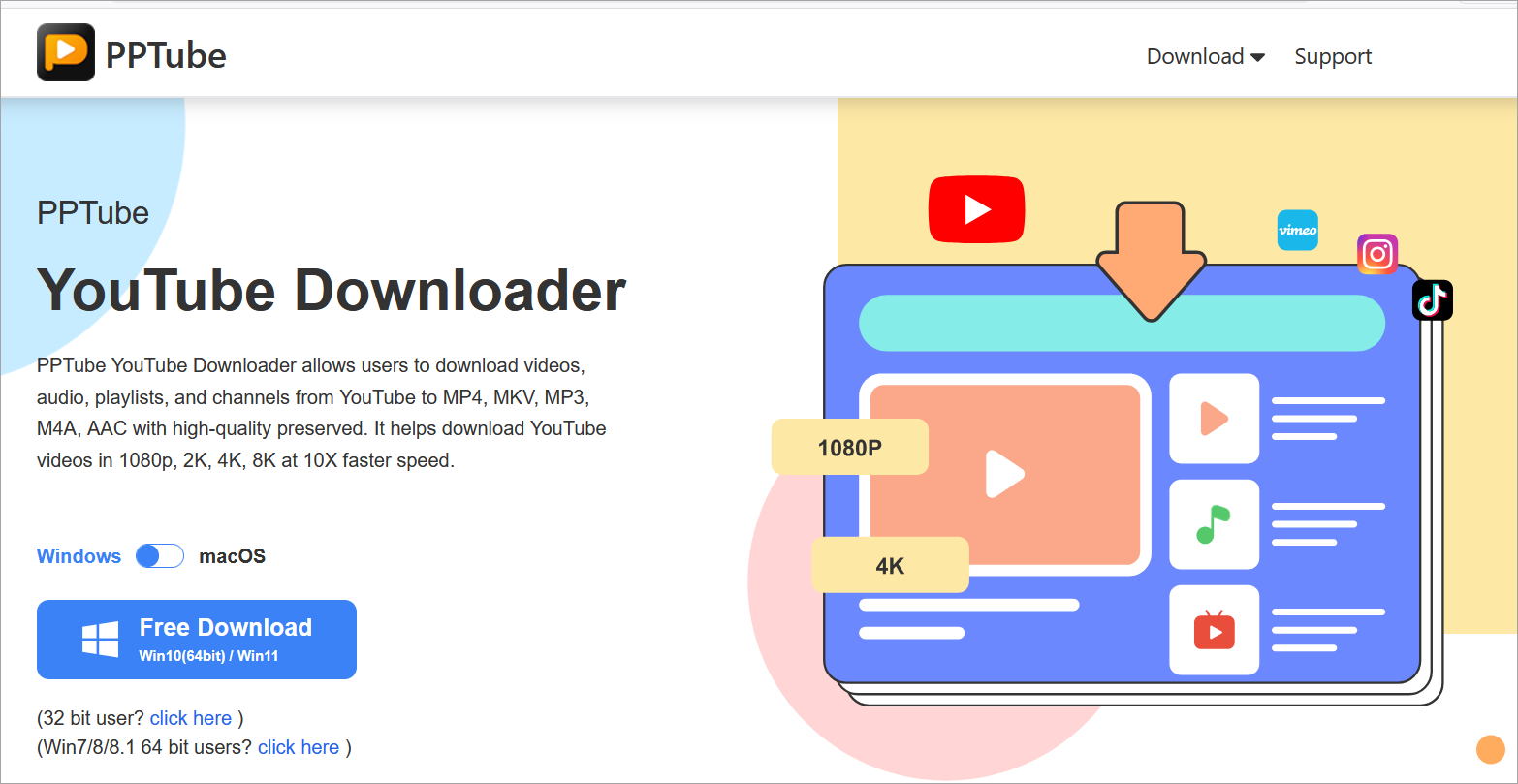
PPTube YouTube to MP3 Downloader is an ideal solution to convert, download, and edit YouTube videos without compromising quality. The software helps download and convert YouTube videos to MP3, M4A, WAV, AAC, FLAC, OGG, etc., enabling you to enjoy YouTube music or any other audio content offline.
Besides YouTube, PPTube YouTube to MP3 Downloader supports downloading videos and audio from over 10000 sites. It just takes 3 steps, and your video is ready to enjoy without restrictions. In addition, the software enables downloading multiple clips, video cuts, films, TV shows, series, animations, gameplays, cartoons, and music at the same time.
Features:
- Downloads YouTube songs, audio, video, playlists and channels easily.
- Saves multiple videos in one go in a few seconds.
- Supports saving YouTube videos to MP3, MP4, M4A, MKV, AAC preserving high quality.
- Downloads up to 4K and 8K resolutions at 10x faster speed.
- Automatically downloads YouTube channels and entire playlists in one click.
- Download Livestream videos from YouTube without compromising on quality.
- Built-in YouTube Cutter allows trimming and cropping the videos.
- Downloads YouTube videos with subtitles in 50+ languages without watermarks and ads.
- Provides a video mode to save the downloaded videos in a password-protected folder.
- Downloaded videos are compatible with Android phones/tablets, iPhones/iPods, etc.
- Easy video search by copy-pasting the link in the browser directly.
Pros:
- It supports high-quality audio extraction (up to 320 kbps) and converts various formats beyond MP3, including M4A and AAC.
- It allows downloading entire playlists or channels, which saves significant time.
- It works with over 10,000 streaming sites, including Facebook, TikTok, and Vimeo. It can download live videos shortly after they end.
- Users report fast download and conversion speeds.
Further Reading => Best TikTok to MP3 Converters
Cons:
- Some users report that it occasionally stops working, requiring a forceful download.
- Although there is a free trial, full features need a paid license ranging from $9.95 to $19.99.
- Some users note that larger conversions can take longer than expected.
Verdict: PPTube YouTube to MP3 Downloader is a fast, safe, and clean software that supports popular audio/video formats. It can convert YouTube to MP3 and supports other 10?000+ sites to download and watch the desired videos at convenience. In addition, its Private Video Mode helps lock your downloaded videos in a folder to protect them from miswatching by children or others.
Price: PPTube YouTube to MP3 Downloader offers a free trial and four pricing plans, viz., 1-Month Plan at $9.95 ($12.95 for Mac)/1 month/ 1 device, 1-year plan at $19.95($25.95 for Mac)/1 year/ 1 device, Lifetime Plan at $29.95($35.95 for Mac)/ lifetime/ 1 device, and Family Plan at $39.95($45.95 for Mac)/lifetime/2-5 devices. It also offers 30 30-day money-back guarantee.
Website: https://pptube.org/youtube-downloader/
#22) SnapDownloader
SnapDownloader is my next suggestion. It is best for downloading and converting YouTube videos to MP4 or MP3 at the best quality and high speed.
SnapDownloader is a video downloader for Windows and macOS that allows you to download YouTube videos in MP4 or MP3. It can also download videos from 900 other websites apart from YouTube such as Facebook, Twitter, Vimeo, Coub, and Dailymotion.
SnapDownloader is one of the best tools for converting your favorite YouTube videos to MP3. It can download videos at a high speed and convert them to audio in the best quality. Additionally, it can download videos in 8K, 4K, 1080p, 720p, and other video resolutions.
Features:
- Supports Windows and macOS.
- Download video and audio from more than 900 websites such as YouTube, Twitter, and Facebook.
- Download videos in 8K/4K/2K/1080p/720p and other resolutions.
- Download YouTube playlists, channels, 3D, and VR videos.
- Set up a proxy within the app to download from websites or videos that are blocked in your region.
- Download multiple videos at once from different websites.
- Fast download speed.
- Convert videos to MP4 or MP3 format with ease.
- Easy to use with a user-friendly interface.
Pros:
- It delivers high-quality MP3 audio and supports fast downloads.
- It supports batch downloading (multiple videos at once), video trimming, and playlist downloads.
- It allows users to search for YouTube videos directly within the app.
- It offers good customer support with quick issue resolution.
Cons:
- It is not free; it generally requires a subscription or paid lifetime license.
- It lacks direct iOS (iPhone/iPad) support for transfers.
- Some users report that Windows security warnings can appear after certificate renewals.
- The built-in YouTube search might sometimes be slow.
Verdict: SnapDownloader is one of the best tools to convert your favorite YouTube videos to MP3 at best quality and high speed.
SnapDownloader Pricing:
- A free 24-hour trial that gives you access to all the features.
- A lifetime license of $19.99 (discounted for a limited time) that also comes with 24/7 customer support and free lifetime upgrades.
Website: https://snapdownloader.com/
#23) HitPaw Video Converter
Best for beginners to convert YouTube video to MP3, and download audio and thumbnails from 10000+ websites including YouTube, Facebook, and Vimeo.
HitPaw Video Converter allows you to convert videos and audio to 800+ formats for different devices. Download media from 1000+ popular websites with a single click. You can edit and personalize your videos with the cut, merge, and more. It offers 60X faster video conversion speed without any quality loss.
This super multimedia converter makes everything easier. It can instantly convert any media files to MP4, MP3, AVI, and 500+ formats without limitations and output your files in the highest quality.
Features:
- Convert video to 1000+ formats and devices.
- Save videos from 10000+ popular websites with a single click.
- Download playlist and channels in bulk with ultrafast speed (Windows version only).
- Convert Apple Music, iTunes Music, audiobooks, and podcasts (Windows version only).
- Add-on video editing features that enhance your video experience.
- 90X faster video conversion speed without losing quality.
Pros:
- It features GPU acceleration for fast conversions of multiple videos at once.
- Its intuitive design is suitable for beginners, providing easy one-click download options.
- It allows downloading audio in up to 320 kbps and supports lossless conversion.
- It supports over 1,000 formats and includes tools for downloading YouTube playlists, converting video/audio, and basic editing.
Cons
- The free version adds watermarks and limits features, requiring a purchase for full functionality.
- Some users have had negative experiences with customer support, especially around refunds.
- It can consume a lot of resources during use, potentially causing crashes on lower-end systems.
- Users have r
Verdict: HitPaw Video Converter, which is the 3-in-1 video tool software that allows users to Convert, Download, and Edit videos in the most efficient way.
In the latest version, HitPaw Video brings the YouTube playlist download, Apple Music download, and Tik Tok download without watermark. Apart from these huge updates for video downloader, HitPaw Video Converter also optimized the functions of the converter and editor.
Price: Free Trial available for converting and downloading. Starting Price for $19.95 and 1-Year Update License for $39.95 per year and a Single-user Lifetime Update License for $79.95.
#24) VideoHunter
Best for downloading YouTube videos and playlists to MP3 at super-fast speeds with high-definition quality.
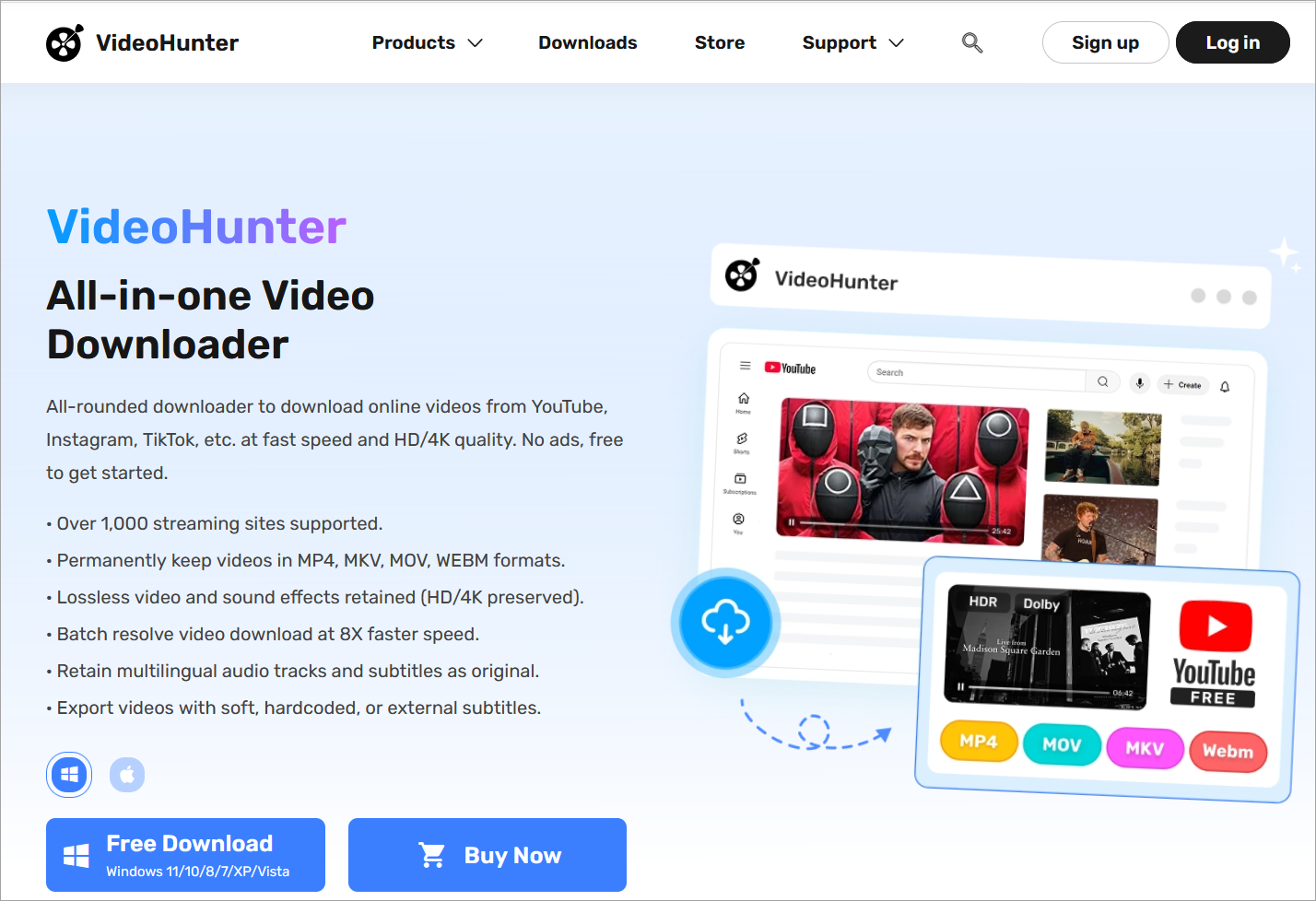
VideoHunter is a brilliant YouTube video to MP3 downloader for Windows and Mac users. The provided quality can reach 1080p, 4K, or even 8K and it’s totally hassle-free to use. In the meantime, it allows you to download YouTube playlists in one go, which will bring you the perfect video collection experience.
Features:
- Supports downloading from 1,000+ sites.
- High-definition quality output up to 1080p, 4K, and even 8K.
- It allows you to download YouTube playlists in just 2 clicks.
- Supports downloading original subtitles in a separate SRT file.
- Download YouTube to MP3 fast and efficiently.
- Integrated with built-in proxy to help bypass region code.
- Smart detection feature to handle the download process with swift speed.
- No annoying ads.
- Straightforward and intuitive UI.
- Works on both Windows and Mac.
Pros
- It downloads from over 1,000 sites, including YouTube, Facebook, and Instagram.
- It supports up to 8K resolution and 320 kbps audio for MP3 files.
- It allows downloading full playlists and channels.
- It offers up to six times faster download speeds than standard converters.
Cons
- Free users are limited to a small number of daily downloads, usually three, and often at lower quality.
- Advanced features like playlist downloading and faster speeds require a paid upgrade.
- Some users have mentioned that the software interface feels outdated or challenging to navigate.
- Occasional bugs can appear, such as requiring frequent re-logging into the application.
Verdict: VideoHunter supports all major popular video platforms. You are able to download YouTube videos, playlists, and subtitles in high quality with simple clicks.
Pricing:
- Free version with 3 downloads/day.
- Monthly subscription: $9.95/ 1 device.
- Yearly subscription: $29.95/ 2 devices.
- Free lifetime software upgrades.
- Free technical support.
Website: https://www.videohunter.net/
#25) iTubeGo
Best for its audio and video conversion capabilities to various formats.
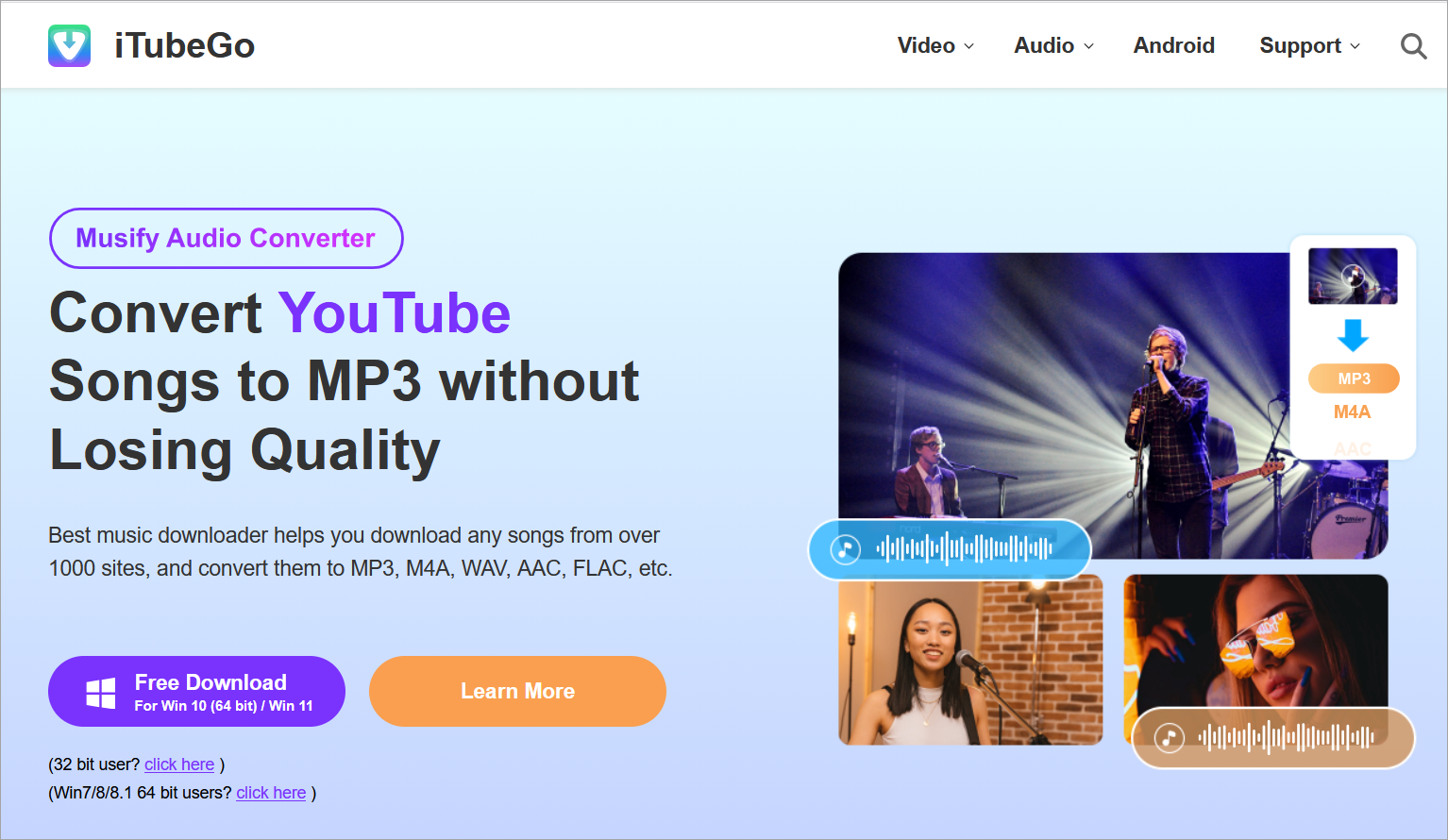
iTubeGo is a YouTube downloader with the functionality to convert videos and audio in various formats. It can convert an audio file into various formats such as MP3, WAV, AAC, etc. iTubeGo can convert audio or video files to formats that are suitable to various devices such as iPad, iPhone, and Android devices.
Features:
- iTubeGo has a private video mode that will protect the downloaded video/audio files folder with password protection.
- It has a built-in browser.
- iTubeGo supports downloading 4K & 8K videos.
- You can cut the videos or audio.
- It supports the downloading of multiple videos in bulk.
Verdict: iTubeGo is a video and audio downloader that supports 10000+ websites including YouTube. It will let you download videos in various SD and UHD qualities such as 480p, 720, 1080p, 4K & 8K, etc. It provides a 10X faster download speed.
Price: iTubeGo offers four pricing plans, Lifetime Plan ($29.95 lifetime / 1PC), 1-Month Plan ($9.95 1 month/1 PC), 1-year Plan ($19.95 1 Year/1 PC), Family Plan ($39.95 lifetime/2-5 PCs). It also offers a free plan. iTubeGo offers a 30-day money-back guarantee.
Website: https://itubego.com/en63/
YouTube to MP3 Conversion and Download on Mobile (Android & iPhone)
By 2026, mobile phones will be the main device used for consuming music. Nevertheless, turning YouTube into an MP3 file using a mobile phone involves some procedures to evade the risks posed by “notification spam” and “adware redirects” associated with mobile browsers.
Android Methods: Among all operating systems, Android provides the most options when downloading YouTube to MP3.
- The Fastest Browser Approach: Use mobile-compatible websites such as OnlyMP3 or YTMP3 via Chrome. Note: When using the “download” button, if the URL does not contain “.mp3,” do not click it.
- Safe Open-Source Software (Recommended): Do not download YouTube to MP3 from Play Store applications because they come with trackers. Instead, consider RiMusic or InnerTune (from F-Droid).
- Files Verification: The downloaded MP3 files should be found in the Downloads folder. Use Files by Google to manage your audio.
iPhone Methods: While iOS is more restricted compared to Android, it is possible to download MP3 files straight to an iPhone without using a PC.
- Safari Approach: Access Safari and use a reputable converter tool. After tapping download, locate the downloaded file in the browser’s download section; do not respond to any pop-up advertisements.
- iOS Shortcuts: Those with more experience can create shortcuts such as “YAS Download” or “R⤓Download” through the Shortcuts application to save YouTube audio to an MP3 file.
- Converting Videos to Audio: Another approach involves uploading video clips from the Camera Roll using a converter website such as FreeConvert in Safari.
Troubleshooting Common Conversion Errors
With the most advanced YouTube to MP3 converter methods, there can still be technical difficulties. For example, in 2026, most problems are actually security features built into YouTube to protect against automated scraping.
Below are the solutions to overcome some common issues.
1. Conversion Failure: When converting videos from YouTube to MP3 fails or remains at 0% completion, this is caused by copyright restrictions, region-based blocks, or video duration limitations.
For copyrighted material, you might need legitimate software such as yt-dlp. Additionally, for regionally restricted videos, you can use a Virtual Private Network. Moreover, many online converters come with limitations on video duration; hence, it is recommended to use desktop software for lengthy videos.
2. Low Sound Quality: In case your MP3 file is distorted or produces a tinfoil sound, there is always a high possibility that this has occurred due to low-quality input files.
Uploading low-quality videos on sites such as YouTube cannot result in good quality after conversion. In addition, be wary of applications that offer high-definition audio; most often, they simply enhance low-quality files.
3. Slow Download Problems: In case you experience slow downloading, but your internet is very fast, it could be because of the product server. It is possible that at certain times when there is high traffic, the website will take longer to load.
The browser cache could cause slowdowns as well; using incognito mode can greatly improve speed. There are some free software products that purposely limit download speed, prompting you to upgrade.
Alternative Ways to Listen Offline
Although third-party YouTube to MP3 converter and downloader conversion services remain prevalent, they are not the sole means by which one can access YouTube videos offline.
In 2026, there are numerous other legal, official, and more innovative solutions that provide both safety and quality audio content.
YouTube Premium: The most secure and “clean” choice would be a YouTube Premium membership. This service provides the user with an official offline download of the video inside the app, with audio encryption on the local device up to 30 days.
YouTube Music Premium ($13.99 per month) features special audio tools such as Smart Downloads, allowing automatic saving of up to 500 songs. Meanwhile, YouTube Premium Lite ($7.99 per month) offers a cheaper plan, removing ads and adding support for background mode and offline downloading.
Offline Apps: If you already own MP3 files, then play around with an efficient MP3 player.
On an Android phone, some examples of such applications include Musicolet and Pulsar, which can operate even offline and protect your privacy.
On the other hand, on an iOS platform, there are Vox Music Player and Evermusic, which synchronize your files without iTunes through iCloud and Google Drive. Another legitimate example is Trebel Music.
FAQs (People Also Ask)
1. Is YouTube to MP3 free?
Yes, most YouTube to MP3 converters will be free by 2026. While web-based converters such as FastYTM and YTMP3 earn money from advertisements rather than charging users for their services, freemium software such as 4K Video Downloader Plus and SnapDownloader might offer a free version with limitations on usage, for instance, 10 conversions per day, and need to be purchased once for unlimited conversions.
2. Is it safe to convert YouTube to MP3?
This is wholly dependent on the tool you select. By 2026, the focus of most consumers will be on ensuring their safety:
Safe: The safest tools are those that have desktop software. Some examples include AudiFab Music One and MediaHuman. There are also open-source options such as yt-dlp or ClipGrab, which are equally safe because they have transparent code.
Risky: Free websites that utilize “aggressive redirects” and “notifications are generally considered scams.
3. What is the best YouTube to MP3 converter?
The best YouTube to MP3 converter for you depends on what you need in 2026:
The Best for Your Safety and High-Quality Audio: AudiFab Music One or 4K YouTube to MP3. They offer proven audio quality of 320kbps without any threats from malware prevalent in online services.
The Best Free Program for Downloading YouTube Videos Online: EZMP3 and OnlyMP3 are popular among users due to their simple interface and absence of any pop-ups.
The Best for Advanced Users: yt-dlp offers advanced features that allow downloading YouTube videos in spite of regional and copyright protection.
4. Can I convert YouTube to MP3 on mobile?
Yes. It’s possible to convert YouTube videos into MP3 files easily on the go.
Android phones: Mobile browsers or dedicated applications without ads such as YTDLnis, available through F-Droid, can be used.
iPhone: Conversion tools are not supported by Apple in its App Store; thus, the only option would be using Safari browser and accessing an online conversion website, downloading the MP3 file directly to the device’s Files application. Another option could be “YAS Download” iOS shortcut.
5. What is 320kbps MP3?
The maximum bitrate of MP3 is 320kbps, and thus it is the best quality MP3. Although this cannot enhance the initial YouTube music that has a bitrate of between 128 to 160kbps, it retains all possible data without adding any extra losses to it, thus creating richer basses, clear trebles, and an even sound.
Conclusion
Hope our detailed reviews and comparisons are helpful for you to select the best YouTube converter.
There are many online YouTube to MP3 converters available. Selecting the best one is a difficult task. You can follow our guidelines and tricks when selecting the best tool. Major factors that need to be considered while choosing the YouTube to MP3 converter are audio quality, ease of use, security standards, and speed.
YouTubetoMP3, MP3FY, BigConverter, MP3Convert.io, YTMP3, and aTube Catcher are our top recommended solutions. All of these are free tools. Any Video Converter and 4KDownloader offer free as well as paid editions of the tool. BigConverter has an online MP3 cutter to cut songs and make ringtones and has additional controls like volume control.
YTMP3 has a limit on video length of one hour. The aTube Catcher is a desktop software for the Windows platform. Freemake can search for tracks, albums, artists, etc. and Converto is a tool that adds album art to all MP3s.
Before choosing any option, we recommend you go through all the YouTube to MP3 Converters that you have shortlisted as every tool varies in features and quality.
Research Process:
- Time taken to research this article: Approximately 95 hours were spent on comprehensive research, evaluation, verification, and final preparation to ensure accurate and reliable information.
- Total YouTube to MP3 Converter tools researched: 40.
- Top MP3 Converter tools shortlisted: 25.
For more File conversion-related guides, you can explore our range of tutorials below:
- Free Online SVG Converter to Convert PNG/JPEG to SVG
- Best Instagram Reels to MP3 Converter
- Top 11 WebM To MP4 Converter Software [2026 UPDATED LIST]
- How to Convert and Save WebP to JPEG File Format Quickly
- Top WAV to MP3 Converter Online Fast and Free
- How To Convert HEIC File To JPG And Open It On Windows 10
Was this helpful?
Recommended Reading
-

This tutorial reviews the top YouTube to MP4 Converter Tools with comparison and pricing to help you convert YouTube Videos to MP4 online: YouTube to MP4 converter software allows you to download and convert YouTube videos online. Using the tool is ideal if you want to watch videos without glitches…
-
This tutorial reviews and compares the best YouTube Video Editor Software for editing YouTube videos easily: Nobody could have imagined the level of success YouTube would go on to enjoy as it grew in popularity over the years. Apart from being the most widely used content platform online; it is…
-
If you’re looking for a free tool to convert and download YouTube videos to MP3, you’re in the right place. Read a complete review and compare the best YouTube to MP3 converters and downloaders. The challenge is that there are countless options out there, and finding one that’s actually free,…
-
Here is the Step-by-step simple guide to get YouTube videos for free through the best YouTube downloaders. Having evaluated 40+ tools through 150+ hours of testing, we have identified only those tools that are fast and completely secure and are working in 2026. This guide highlights what are the safe…